
Category: Shadertoy
-
Shader Tutorial: Coding a Sunburst Effect

In this tutorial you will learn how to code a sunburst effect inside a shader, using scanlines and polar coordinates. You will learn how to code the effect using the web based shader editor called Shadertoy.
-
Rotated rectangle Shadertoy transition tutorial
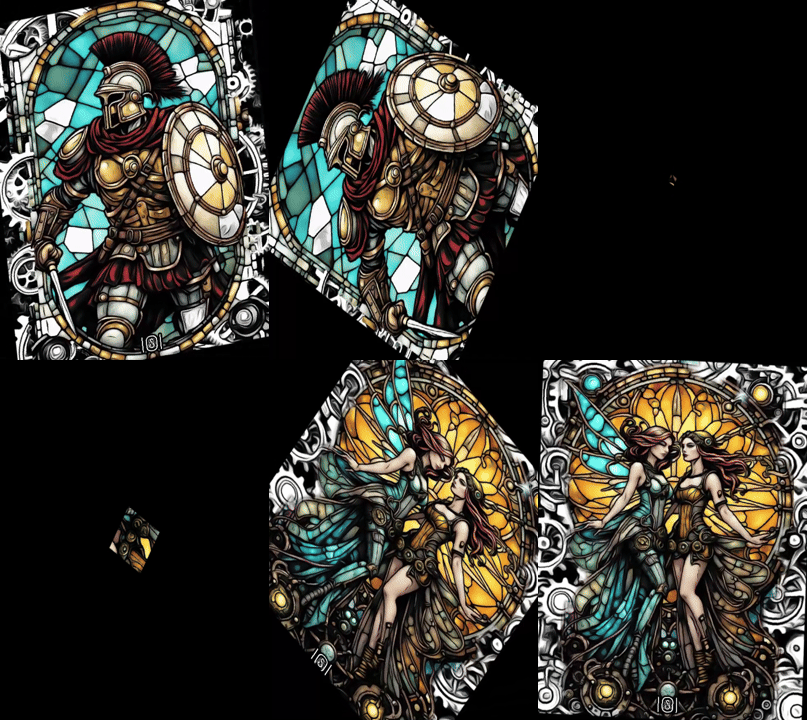
Learn how to create a rotated rectangle transition in Shadertoy using the GLSL programming language. Useful in video games and movies when changing scenes.
-
Circle screen transition Shadertoy tutorial
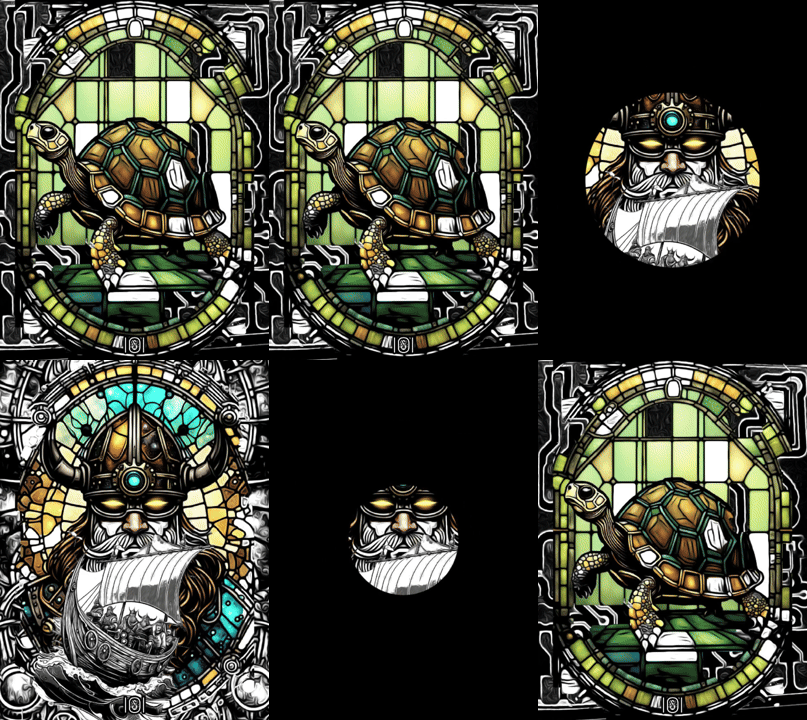
Learn how to create circle transition in Shadertoy using the GLSL programming language. Useful in video games and movies when changing scenes.
-
Push screen transition Shadertoy tutorial

Learn how to make a push screen transition in Shadertoy using the GLSL programming language. Push a texture outside of the screen using the fractional part of a number, signum and the mix function.
-
Fade to black screen transition in Shadertoy

Learn how to create a fade to black screen transition in Shadertoy using the GLSL programming language. Mix textures and use easing functions to create this classic screen transition effect.
-
Creating a circular gradient in Shadertoy

Learn how to create a circular gradient in Shadertoy, using the GLSL programming language.
-
Creating a rainbow gradient in Shadertoy
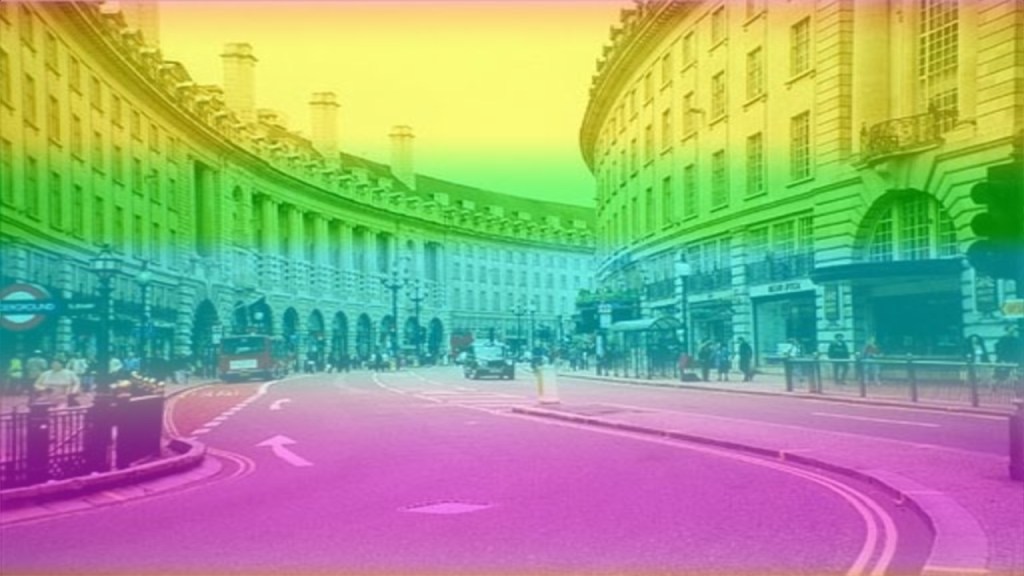
Learn how to create a rainbow gradient in Shadertoy using the GLSL programming language. Use the YIQ colour space to create different rainbow gradients by hue shifting.
-
Creating a four corner gradient in Shadertoy

Learn how to create a four corner gradient in Shadertoy using the GLSL programming language.
-
Creating a rotating gradient in Shadertoy

Learn how to create a rotating gradient in Shadertoy using the GLSL programming language. Transform the texture coordinates to create a gradient, use time, and mix with a texture to create a cool effect.
-
Creating a halftone shader part 2

Learn how to change the look of the halftone pattern shader with different blend modes. View the Shadertoy demo to see it in action, and change the options.
 Agate DRAGON Games