
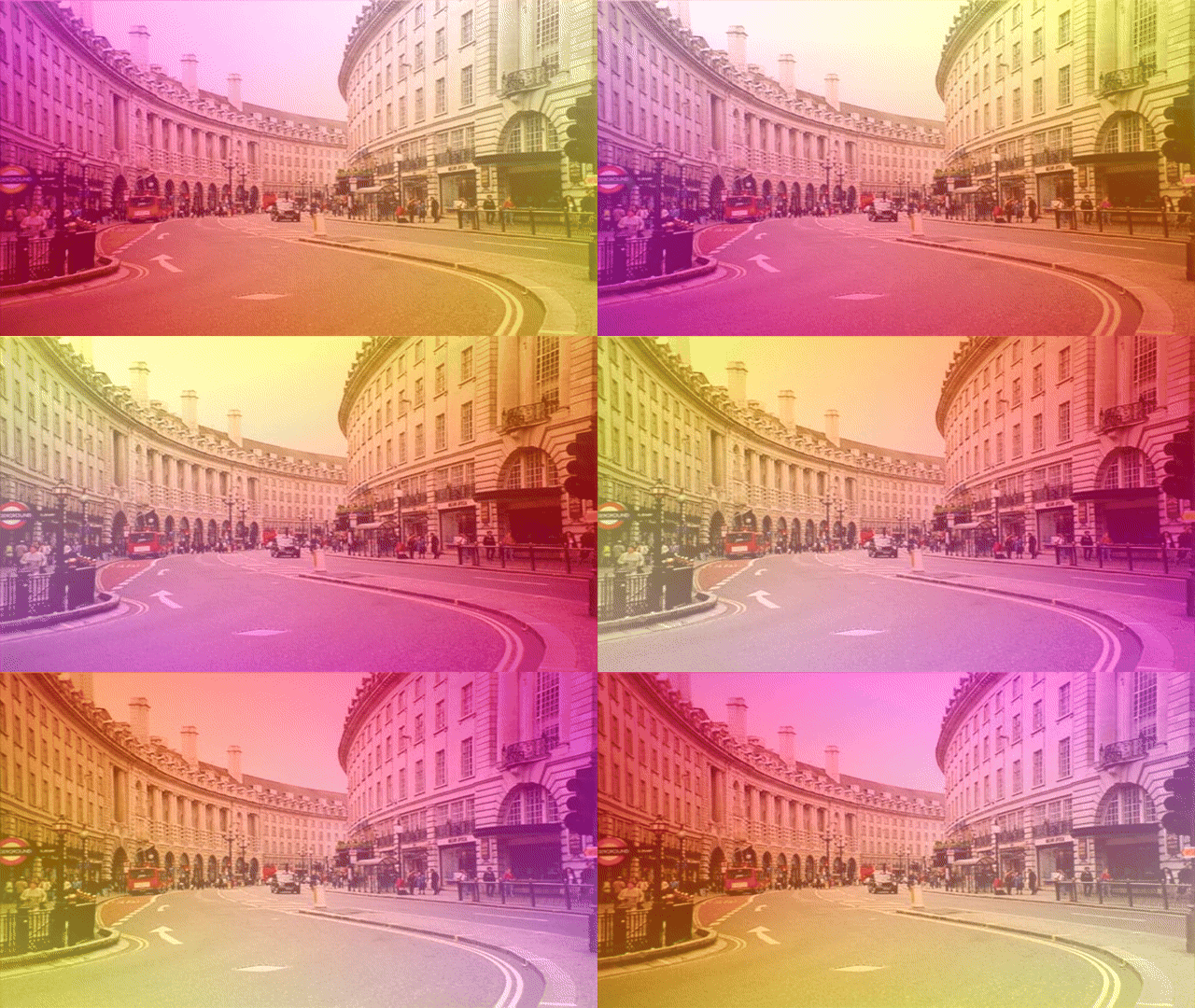
Learn how to create a rotating gradient in Shadertoy using the GLSL programming language. Transform the texture coordinates to create a gradient, use time, and mix with a texture to create a cool effect.
Rotation
First create a rotation function which will rotate the UV coordinates.
vec2 RotateUV(vec2 uv, float rotation)
{
    return vec2(
        cos(rotation) * uv.x + sin(rotation) * uv.y,
        cos(rotation) * uv.y - sin(rotation) * uv.x
    );
}
Texture coordinates
Calculate the texture UV coordinates inside of the main function.
// Normalised pixel coordinates (from 0 to 1)
vec2 uv = fragCoord / iResolution.xy;
Offset rotate
Offset to the centre, rotate, and offset back again to rotate the UV coordinates using the rotation function from earlier. The time value causes the UV coordinates to rotate over time.
// Offset towards the centre, then rotate
vec2 pos = uv;
pos -= 0.5;
pos = RotateUV(pos, iTime);
pos += 0.5;
Gradient
You can output the gradient now, to see what it looks like.
fragColour.rgb = vec3(pos.x, pos.y, 1.0);
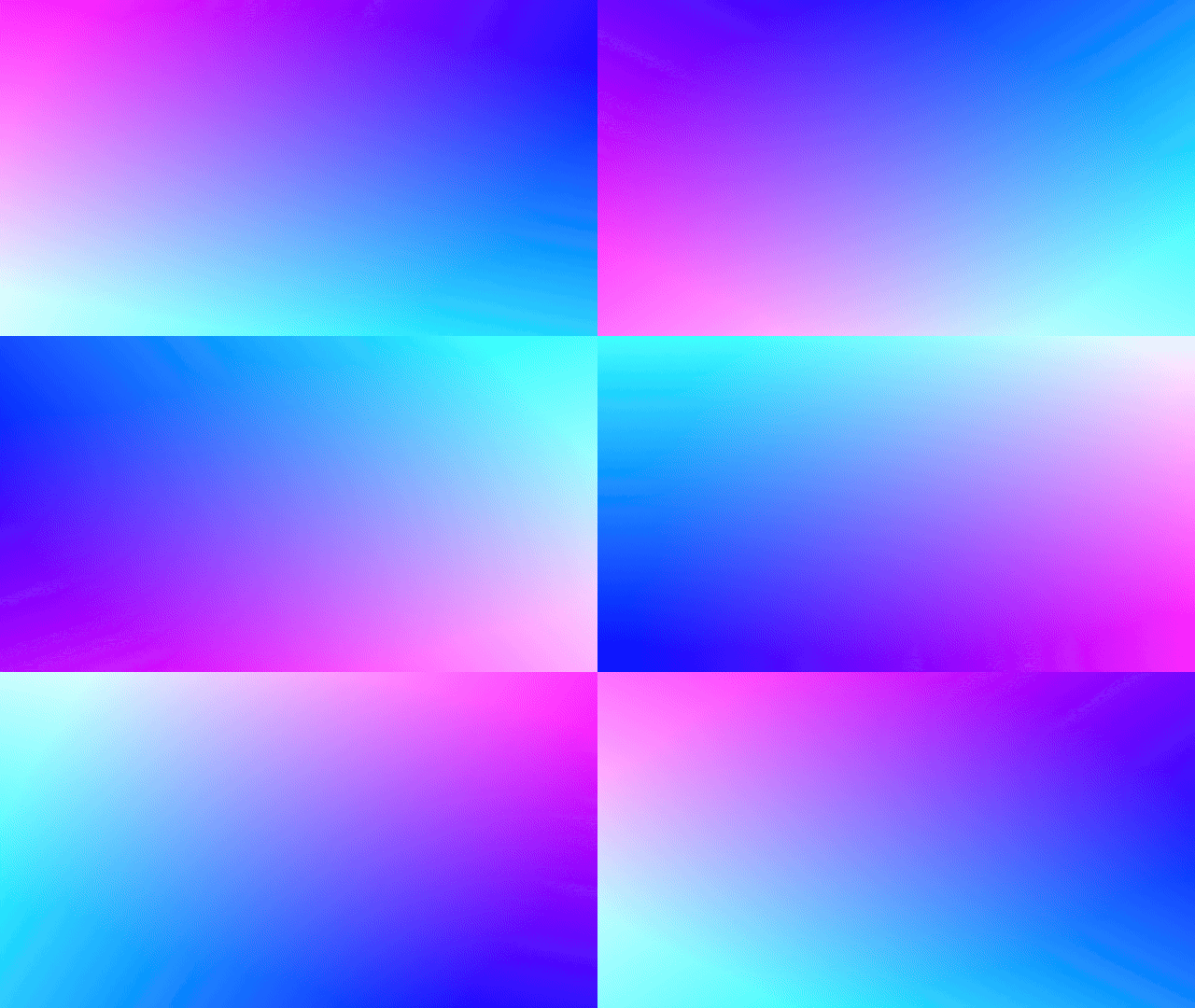
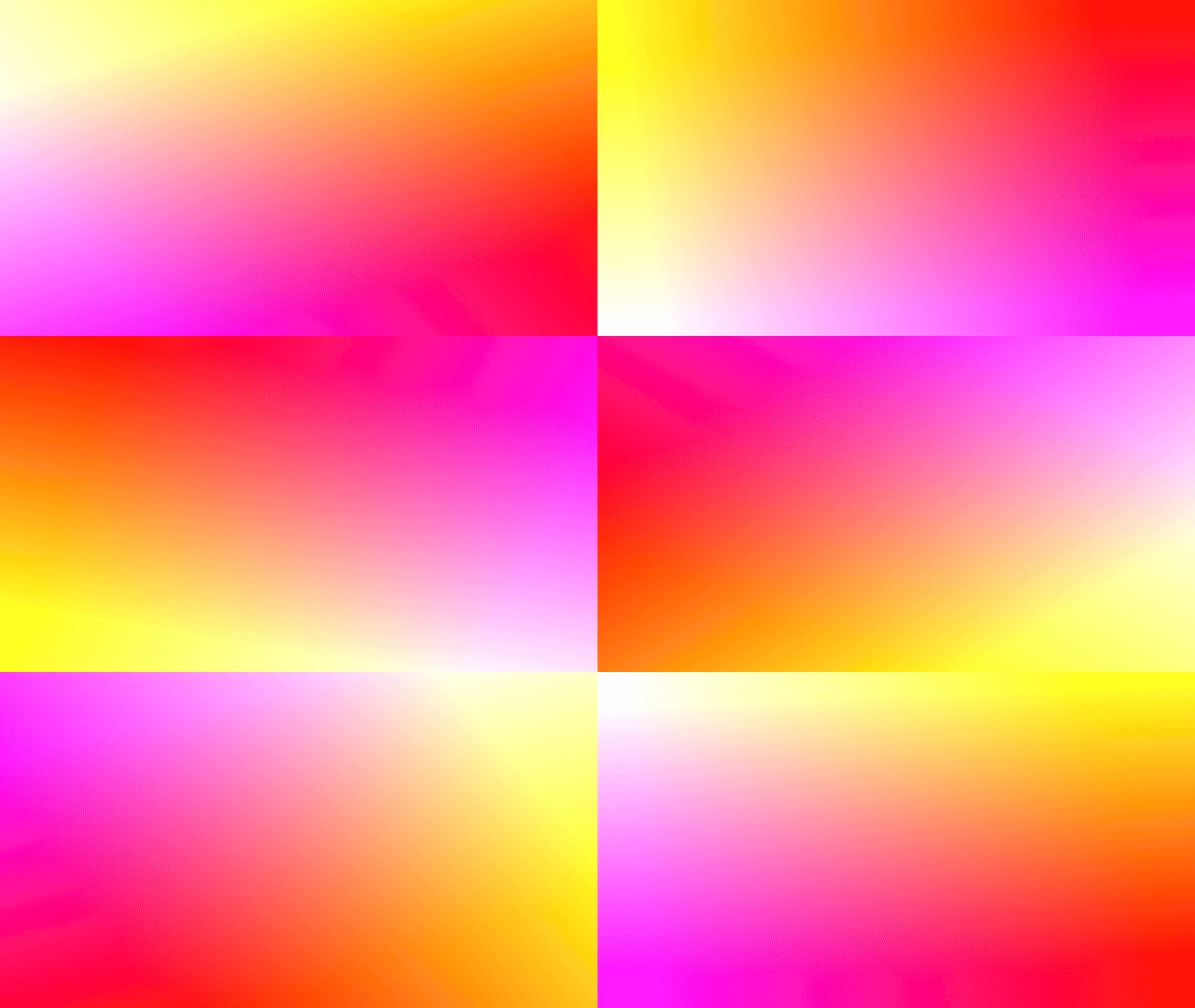
Feel free to play around with the values until you get something you like.
fragColour.rgb = vec3(1.0, pos.x, pos.y);
Texture colour
Get the texture colour.
vec4 tex = texture(iChannel0, uv);
Mix
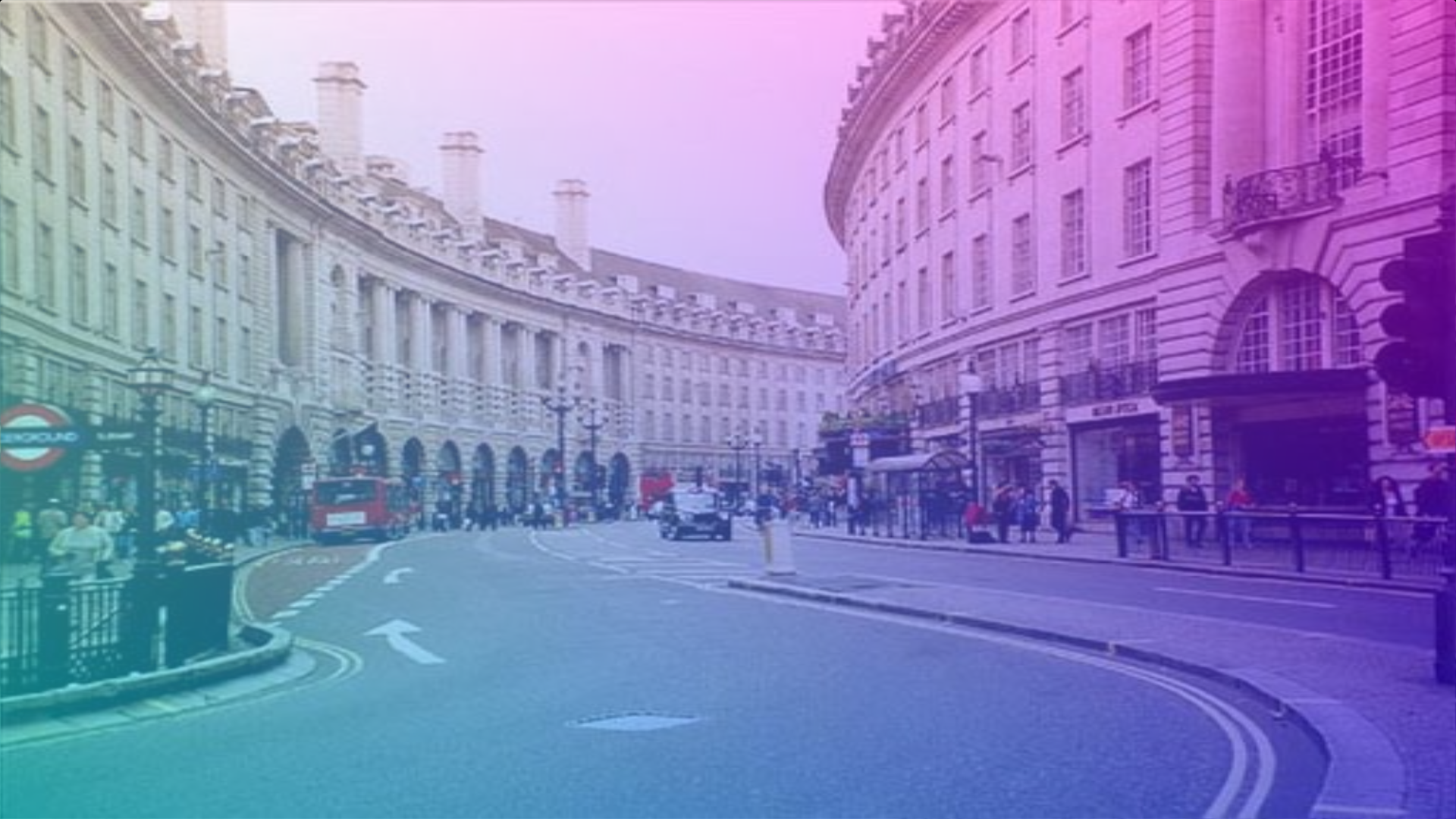
Mix the texture colour with the gradient colour.
vec3 col1 = tex.rgb;
vec3 col2 = vec3(pos.x, pos.y, 1.0);
fragColour.rgb = mix(col1, col2, 0.5);
Alpha
Lastly set the pixel alpha.
fragColour.a = tex.a;
Final result


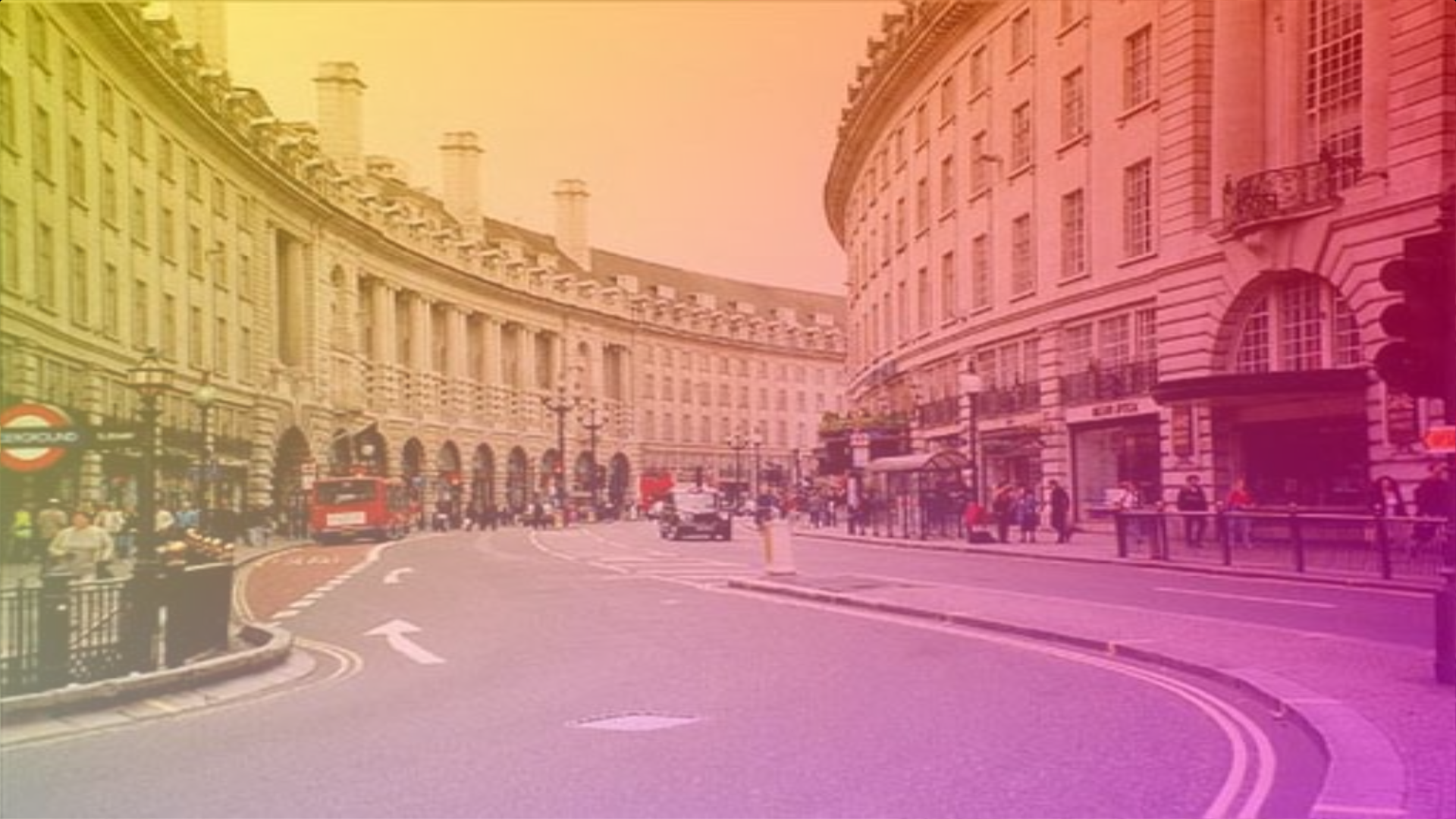
Shadertoy
Full Shadertoy code and demo available here.
Conclusion
Thank you for reading this tutorial. Let me know in the comments section if you enjoyed it, or have any questions!
For more gradient tutorials, check out this four corner gradient tutorial.
Or check out this rainbow gradient tutorial.


2 responses to “Creating a rotating gradient in Shadertoy”
Thanks for sharing this idea Anita
Thank you Anita 🙂