
Learn how to edit videos for free using ffmpeg in this tutorial series.
The free and open source ffmpeg project allows you to process video and audio files. You can create GIFs, compress videos, clip videos, combine videos, and do many other useful things.

Installing ffmpeg on Windows tutorial
This guide will show you how to install ffmpeg on the Windows operating system in three simple steps.
Compressing videos with ffmpeg
This guide will show you how easy it is to compress video files using ffmpeg.

Creating a GIF from a video file using ffmpeg
Learn how to use ffmpeg to create a GIF from a video file. You will learn how to change the resolution and frame rate, so you can decide on quality vs file size depending on your needs. You can also select a portion of the video using a start and end time.

Combining videos with ffmpeg tutorial
Learn how to quickly combine two or more videos together using ffmpeg.
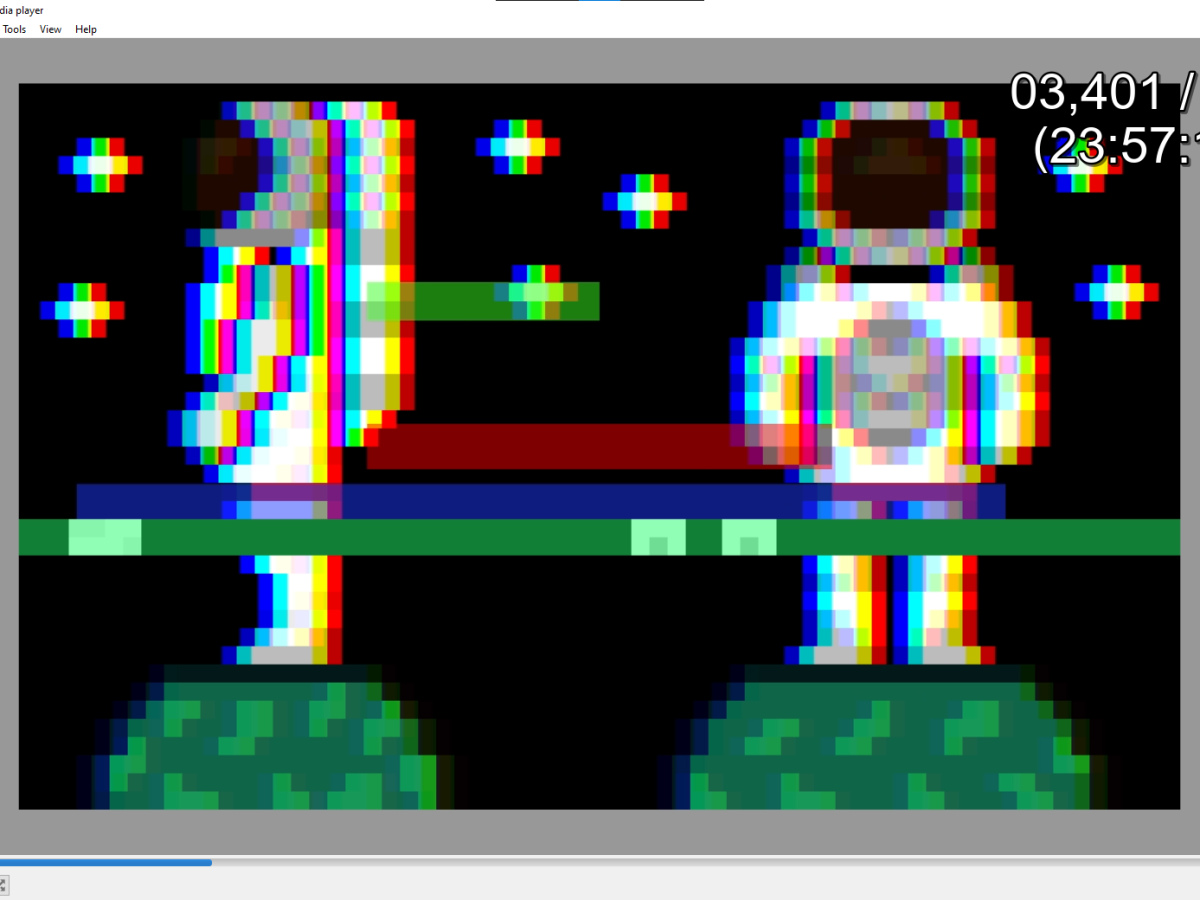
Viewing milliseconds in VLC media player
Learn how to view milliseconds or frames in VLC media player using a simple time extension.
 Agate DRAGON Games