
Tag: game-development
-
Drawing random shapes using probability in Processing
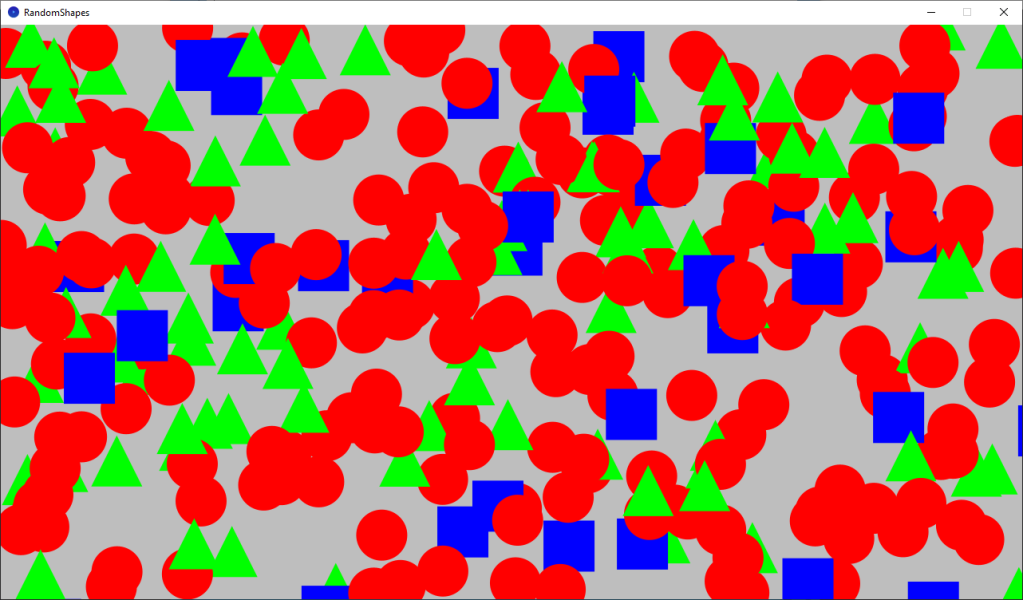
Learn how to use random numbers and probability to draw random shapes in Processing using the Java programming language.
-
Generating terrain in an infinite world
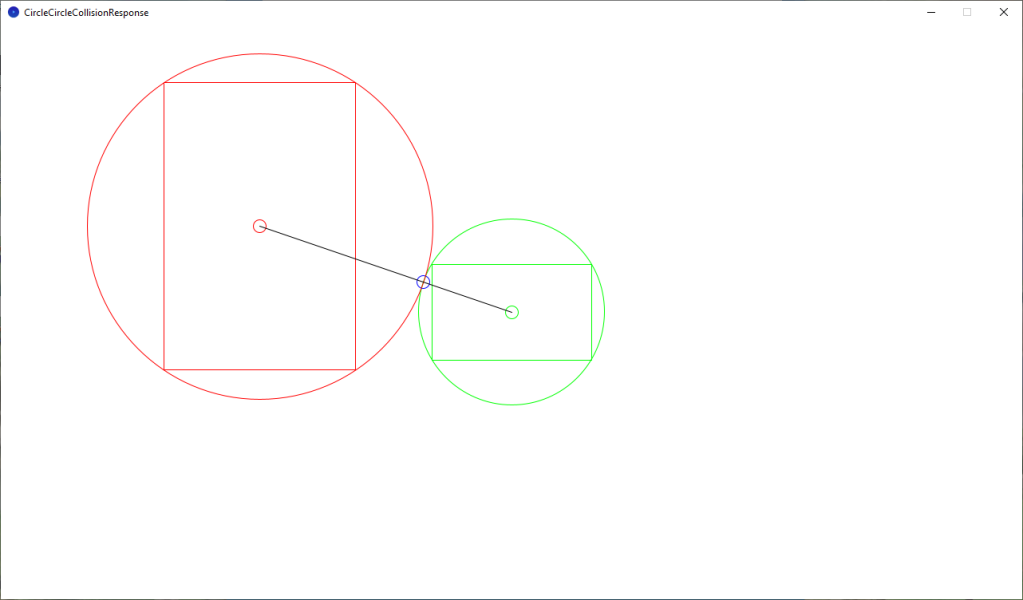
It would be impossible to hand craft an infinite world, so instead I generate a terrain sprite outside the camera viewport. I use the length of the camera and terrain rectangles, the direction the player is currently moving in and circles to position the terrain, so it is always just outside the viewport. Old terrain…
-
Snapping images to a grid in Processing
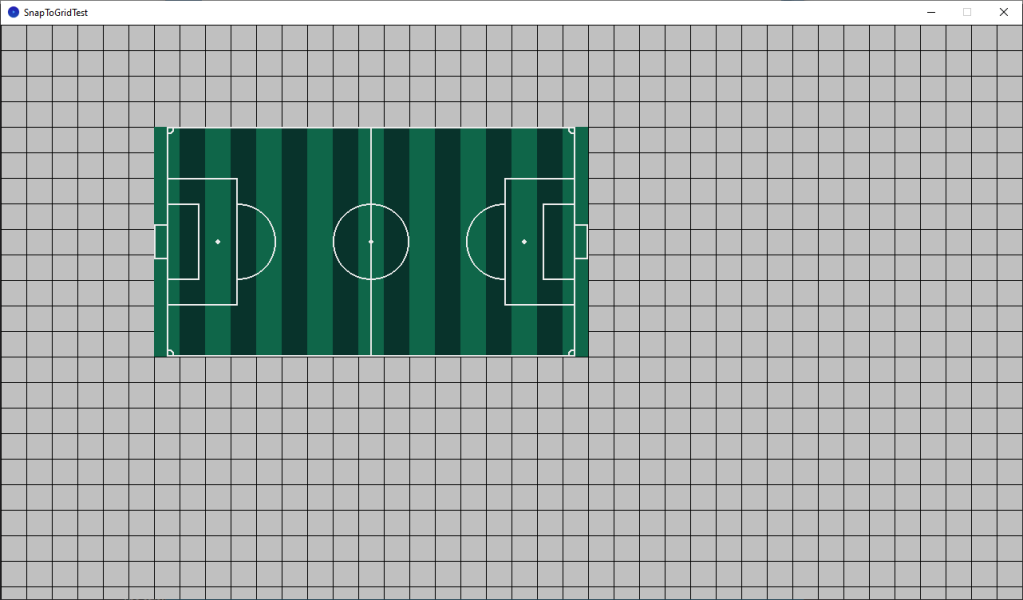
Learn how to draw a grid and snap images to the grid using Processing and Java. Easily portable to other programming languages.
-
Creating a GIF from a video file using ffmpeg
Learn how to use ffmpeg to create a GIF from a video file. You will learn how to change the resolution and frame rate, so you can decide on quality vs file size depending on your needs. You can also select a portion of the video using a start and end time.
-
Heart regen animation

I created these heart regeneration animations using a mixture of coding and pixel art. The heart fills up and particles constantly spawn. When the heart is full it scales up in size, using the scale and barrel distortion. It also gets brighter, before returning to normal size.
-
Creating a simple noise effect in Shadertoy

Learn how to create a simple animated noise effect in Shadertoy, and mix it with a texture to create an old, damaged footage look.
-
Combining scanlines with a texture in Shadertoy

Learn how to combine the scanlines we created in the last tutorial, with a texture in Shadertoy using GLSL. We will use mix, multiply and gradients to create some interesting scanlines.
-
Creating a scanline effect in Shadertoy

Learn how to create a scanline shader in Shadertoy using floor and modulus. Use it to give your images a old CRT television or computer monitor look, or create cool backgrounds.
-
Processing game: cat and mouse part 2

In this tutorial we will make the game more challenging and fun by adding more cats at random positions and increasing the cat speed over time. You will learn how to organise and reuse your code by using tabs, lists and classes in Processing with Java.
-
Creating a cat and mouse game in Processing
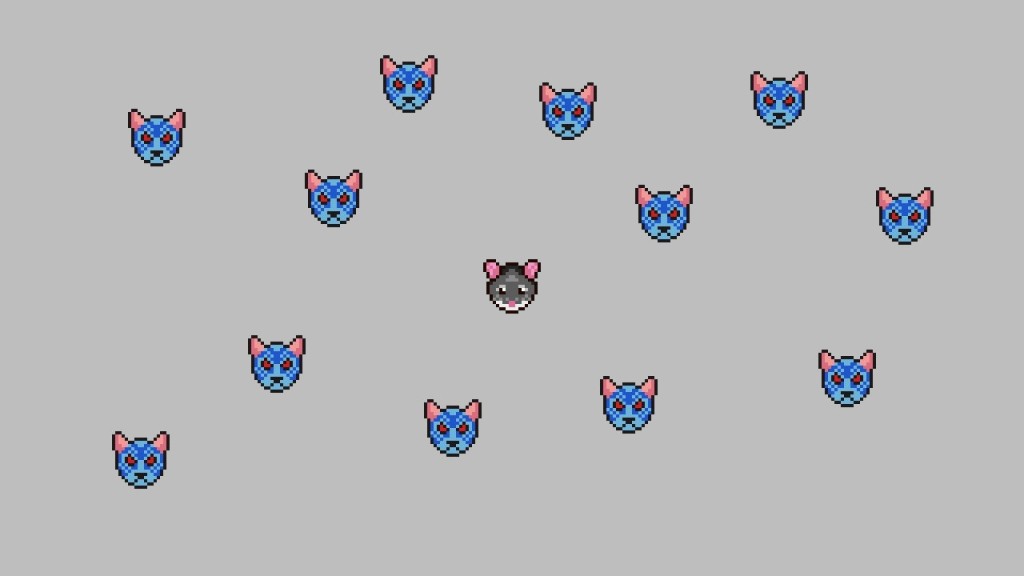
This tutorial will teach you how to create a cat and mouse game in Processing using Java. You will control the mouse, and try to survive against the hungry and angry cats! You will learn how to code the movement for a player and enemies in a game using vector math. We will use circles…
 Agate DRAGON Games