
Tag: Duotone
-
Creating a television effect in a shader

Learn how to create a animated television effect in a GLSL shader by combining various effects such as barrel distortion, scanlines, random noise, vignette, gradients and duotones.
-
Creating a duotone gradient in a GLSL shader
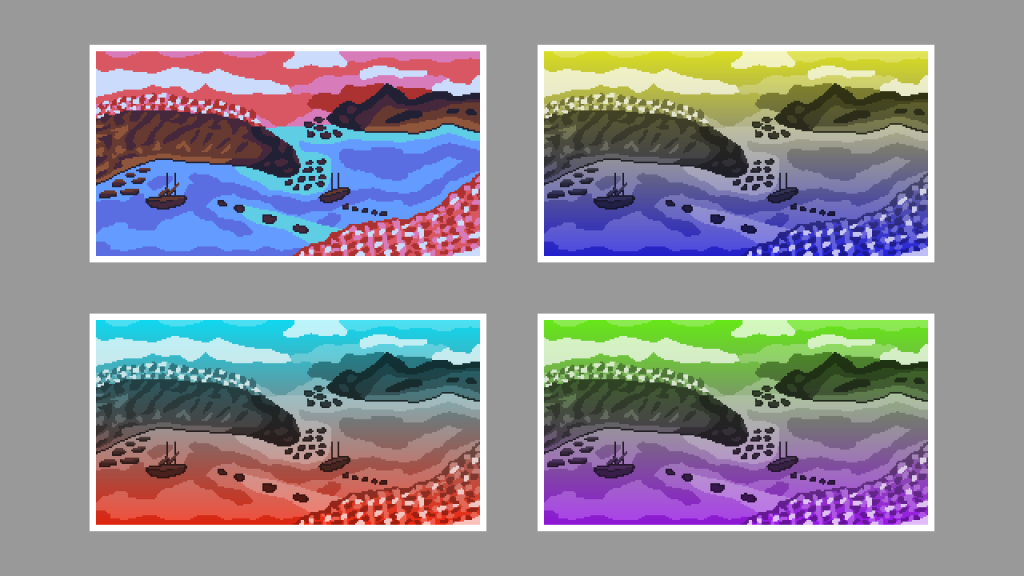
This tutorial guides you through creating a duotone gradient in a GLSL shader. Steps include converting to greyscale, creating a gradient, overlaying colours, and setting the output alpha. Experiment with colours and gradients to customise your sprite.
-
Creating a duotone gradient in GIMP
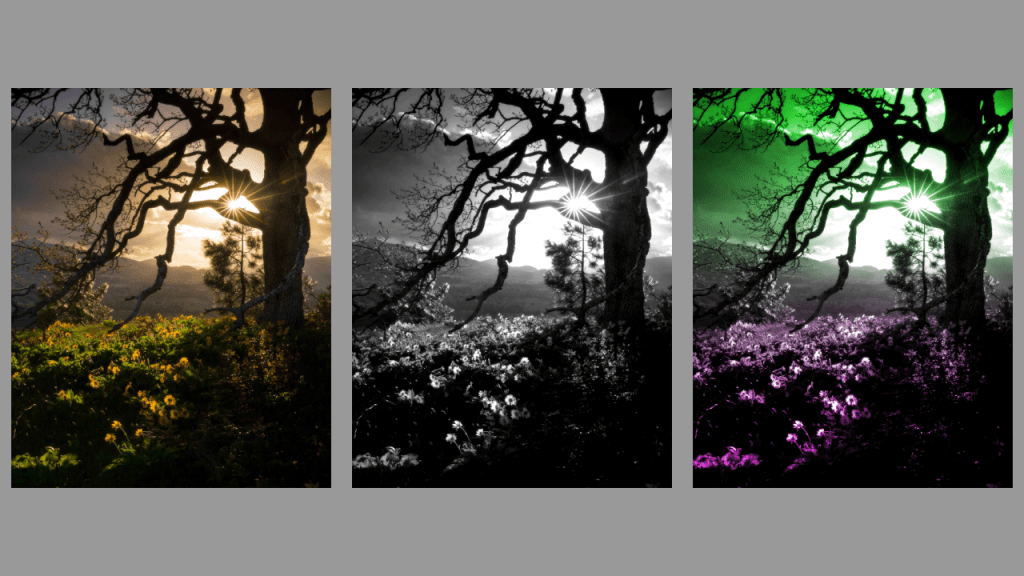
This tutorial demonstrates how to create a duotone gradient in GIMP, applicable to other image editors like Adobe Photoshop. Find an image, convert to greyscale, adjust contrast, create a gradient, and apply overlay blend mode to finish. Experiment with different gradients for unique effects. Happy editing!
-
Creating a duotone circle effect in a GLSL shader
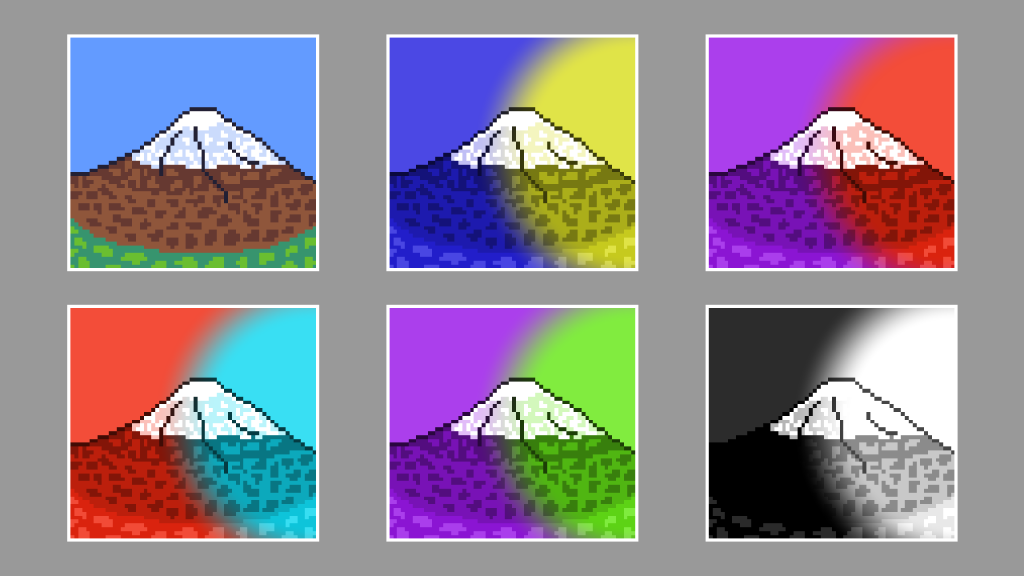
This tutorial demonstrates creating a duotone circle effect in a GLSL shader using a sprite of a mountain. By following the outlined steps, you can achieve a visually appealing result. The process involves details such as aspect ratio correction, creating a circle, converting to greyscale, overlaying colours, and setting the alpha channel. Experiment with different…
-
Creating a duotone circle effect in GIMP
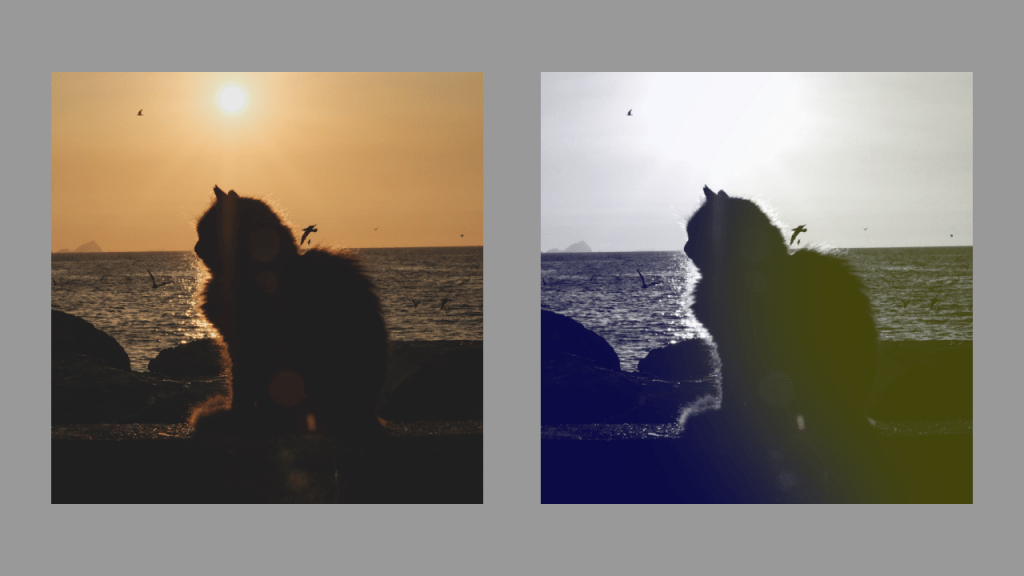
Learn how to create a stunning duotone circle effect using GIMP. Choose a suitable image, convert it to greyscale, select colours, create a circle, apply Gaussian blur, and adjust the layer opacity. Experiment with different colours and contrasts for a unique result. Enjoy enhancing your images with this creative technique!
-
Creating a duotone effect in a GLSL shader
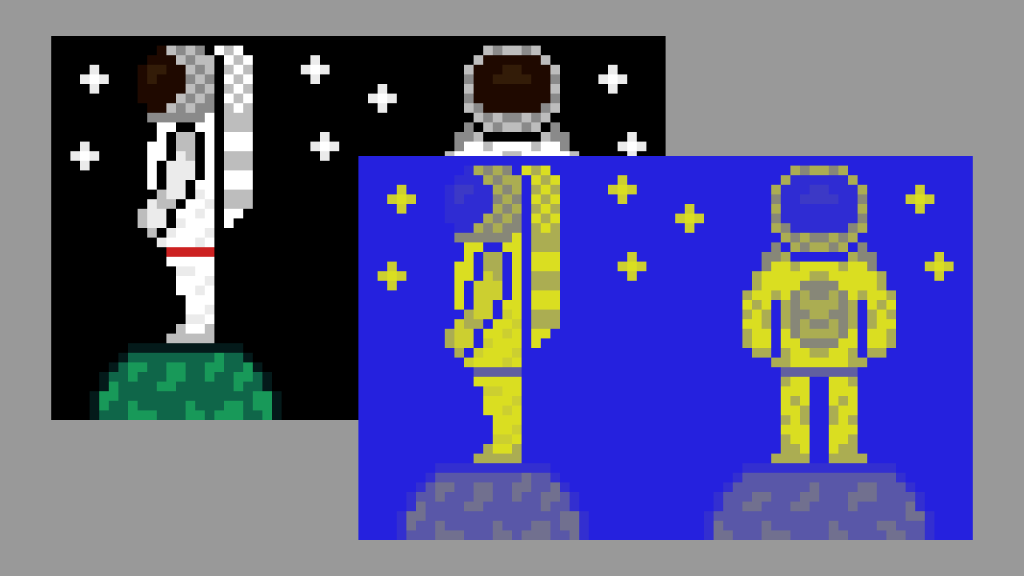
This tutorial demonstrates how to create a duotone effect in a GLSL shader using an astronaut sprite. The process involves converting pixel colours to greyscale, determining pixel brightness in HSV format, mixing shadow and highlight colours, and adjusting effect intensity. The final step ensures transparency functions correctly. Explore the full tutorial for complete guidance.
-
Creating a duotone effect in GIMP
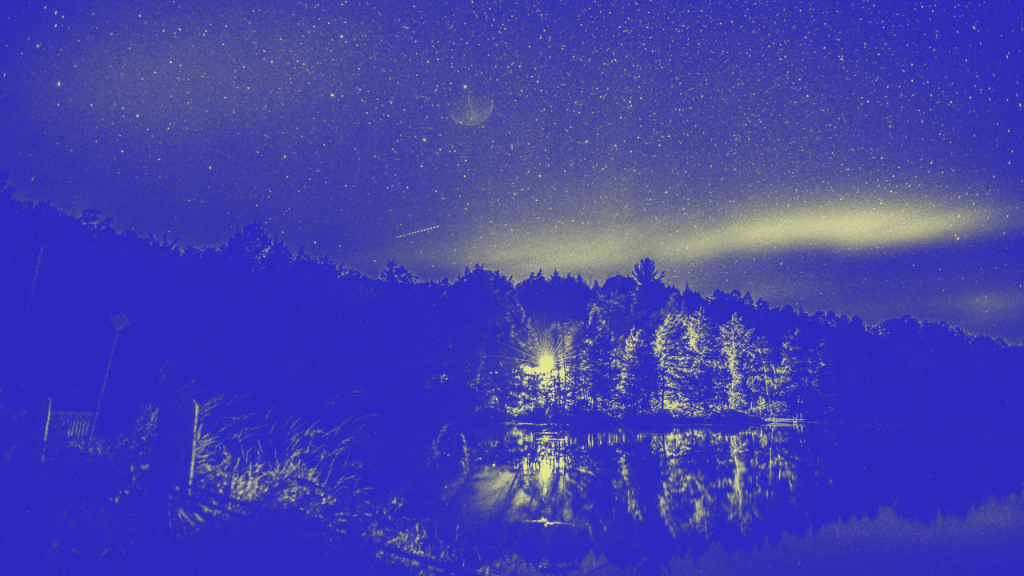
Learn how to create a stunning duotone effect in GIMP or any other image editor with this tutorial. Find an image with contrasting highlights and shadows, convert it to greyscale, then add layer masks and select two colors. Experiment with opacity to achieve the perfect result. Enjoy exploring this creative process!
 Agate DRAGON Games