
Category: Pixel Art
-
Aseprite tutorial: Creating a bouncing ball animation with squash and stretch

Learn how to create a bouncing ball animation in Aseprite with squash and stretch in this step-by-step pixel art tutorial.
-
Aseprite Pixel Art Tutorial: How to Create a Ruined Wall

Learn how to easily create a ruined wall in this pixel art tutorial using Aseprite.
-
Creating a seamless brick texture in Aseprite

Learn how to easily create a seamless brick tile texture in Aseprite by using tiled in both axes.
-
Four simple ways to create arches in Aseprite

This tutorial will show you four simple and fast ways to create arches in Aseprite using different tools. Read on to find your favourite method.
-
Adding a blurred outline in Aseprite

Learn how to add a blurred outline to a sprite quickly in Aseprite. The blurred outline blends nicely with the background and helps the image stand out.
-
Blurred stripe background in Aseprite

Learn how to create a blurred stripe background in Aseprite. Use it to make your digital art scene backgrounds more interesting.
-
Fast lava tile in Aseprite
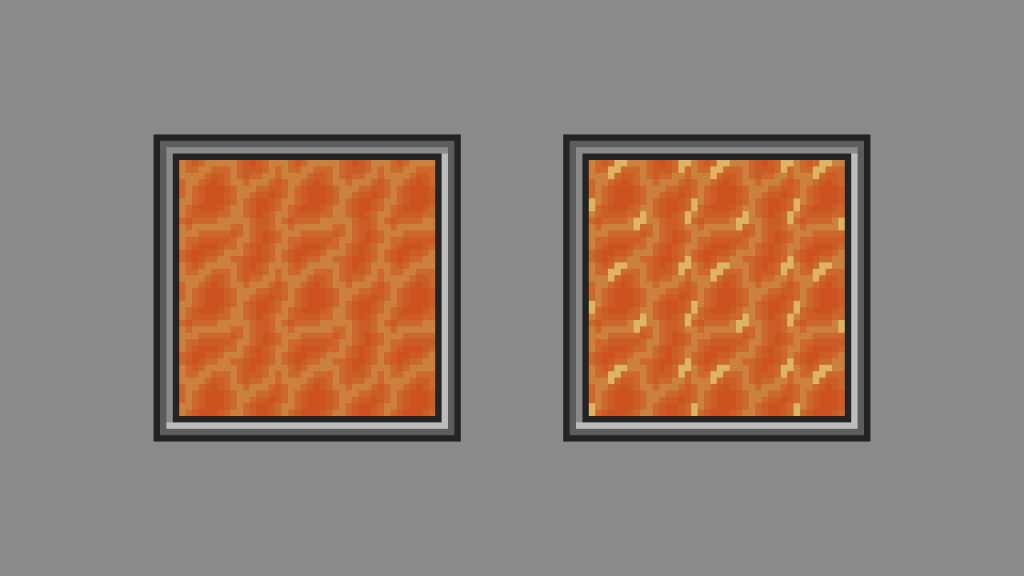
Learn how to create a seamless lava tile quickly in Aseprite. Use it to heat up your digital art scene or video game.
-
Creating monochrome pixel art in Aseprite
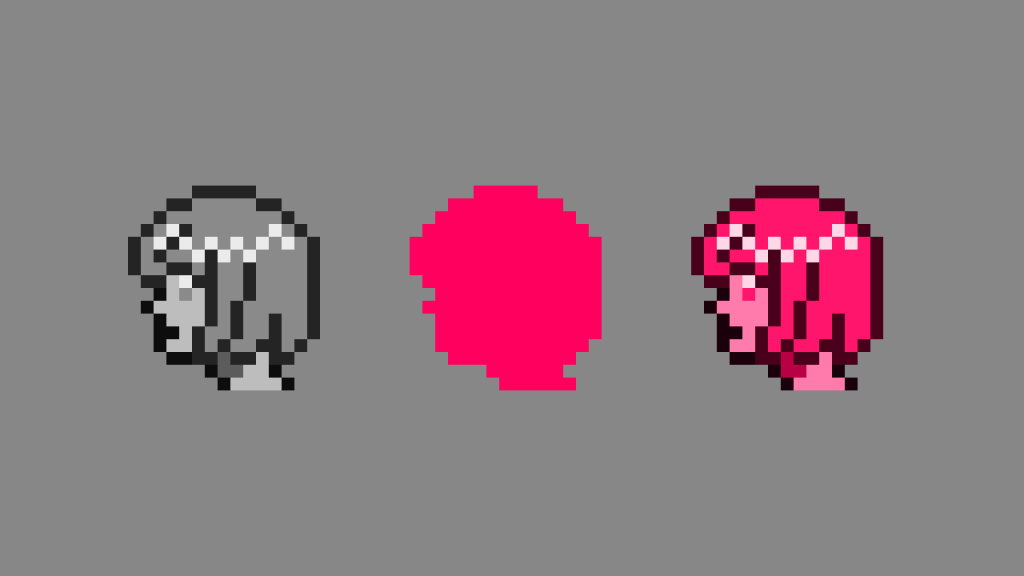
This tutorial will show you a fun way of creating monochrome pixel art in Aseprite by using a greyscale image and blend modes.
-
Happy year of the dragon!
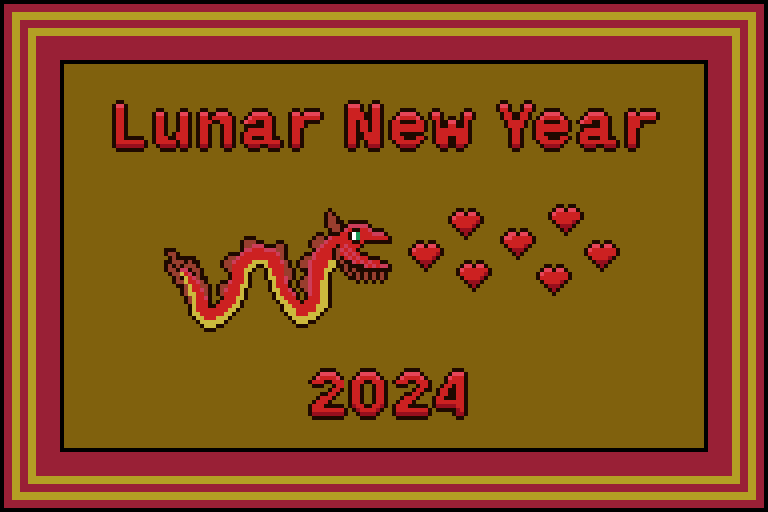
I decided to combine the year of the dragon with the hearts of valentine’s day. My idea was to draw a dragon which fires hearts out of it’s mouth. So I started with the dragon, then drew the hearts. I then added the text, and finally the frame. The sprite is made up of 13…
-
Heart regen animation

I created these heart regeneration animations using a mixture of coding and pixel art. The heart fills up and particles constantly spawn. When the heart is full it scales up in size, using the scale and barrel distortion. It also gets brighter, before returning to normal size.
 Agate DRAGON Games