
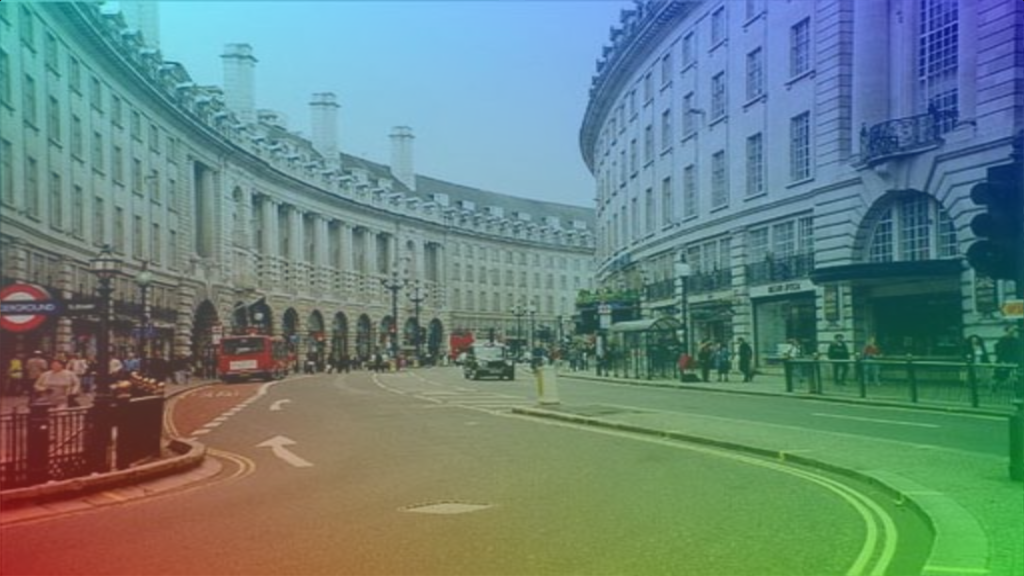
Learn how to create a four corner gradient in Shadertoy using the GLSL programming language.
Colour
Define the colours you wish to use for the gradient outside of the main function.
const vec3 COL1 = vec3(1.0, 0.0, 0.0);
const vec3 COL2 = vec3(0.0, 1.0, 0.0);
const vec3 COL3 = vec3(0.0, 1.0, 1.0);
const vec3 COL4 = vec3(0.0, 0.0, 1.0);
Gradient
Create a function to calculate the four corner gradient.
vec3 FourCornerGradient(vec2 uv)
{
    vec3 c1 = mix(COL1, COL2, uv.x);
    vec3 c2 = mix(COL3, COL4, uv.x);
    return mix(c1, c2, uv.y);
}
Mix the first and second colour using the horizontal UV coordinate, and store the result. Then mix the third and fourth colour using the horizontal UV coordinate, and store the result. Finally mix both colours using the vertical UV coordinate, and return the result.
Texture coordinates
Calculate the texture coordinates, inside the main function.
// Normalised pixel coordinates (from 0 to 1)
vec2 uv = fragCoord/iResolution.xy;
Create gradient
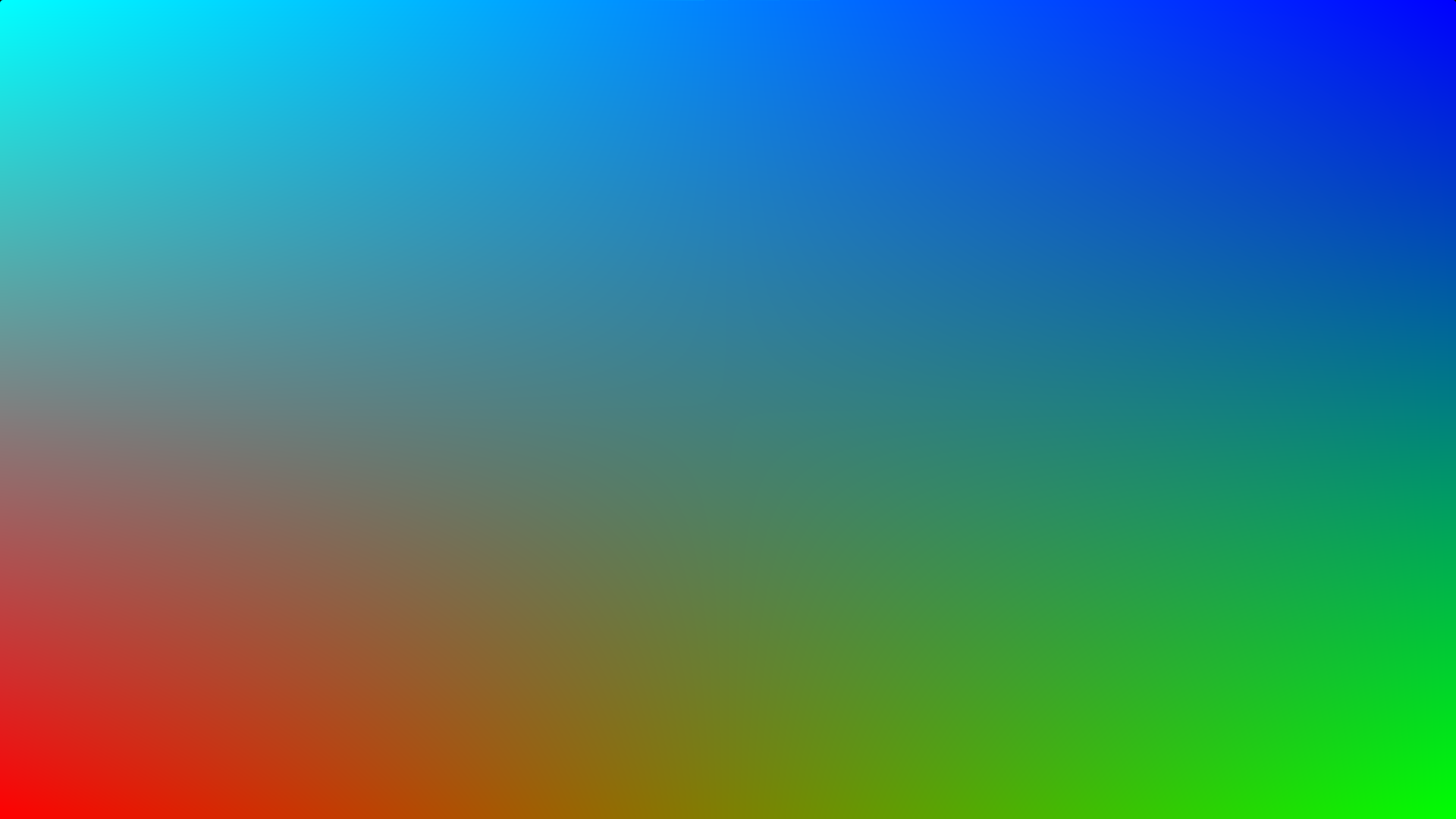
Call the four corner gradient function. Pass in the UV coordinates and set the output fragment to the return colour.
fragColour.rgb = FourCornerGradient(uv);
Mix
Optionally mix the gradient with a texture.
fragColour.rgb = mix(fragColour.rgb, texture(iChannel0, uv).rgb, 0.5);

Alpha
Remember to set the alpha of the output fragment.
fragColour.a = 1.0;
Shadertoy
Full Shadertoy code and demo available here.
Conclusion
Thank you for reading this tutorial. Let me know in the comments section if you enjoyed it, or have any questions!
For more gradient tutorials, check out this rotating gradient tutorial.
Or check out this rainbow gradient tutorial.
 Agate DRAGON Games