
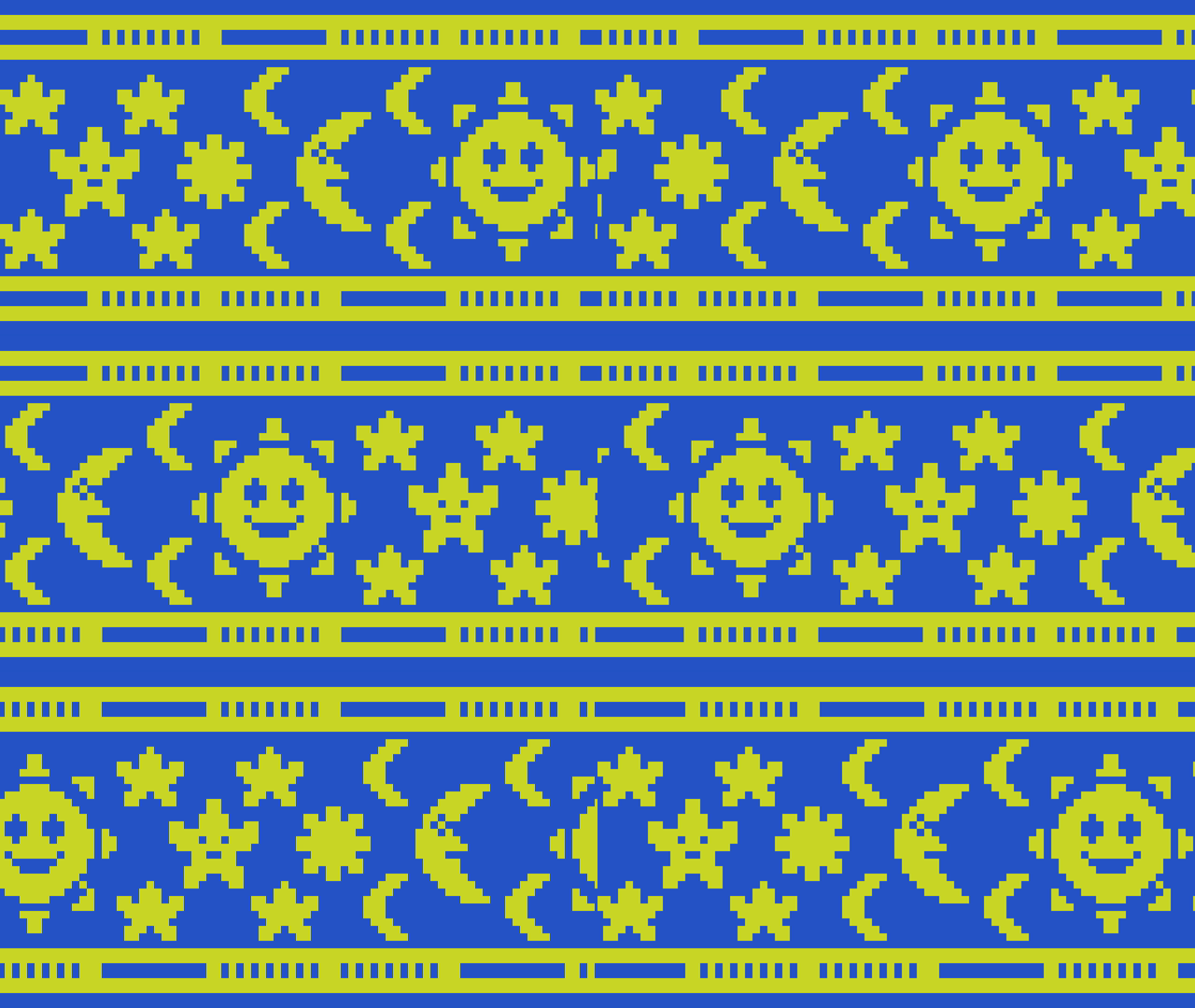
Learn how to create a scrolling background in Shadertoy using a texture by offsetting the UV coordinates using the fractional part of time and a speed value. The effect can be useful for many things such as top down and sidescroller video games, animated wallpapers and video backgrounds.
UV coordinates
Inside the main shader function, calculate the UV coordinates.
vec2 uv = fragCoord / iResolution.xy;
Scroll
Define a speed value, then multiply the current time by the speed value. This controls how fast the background texture moves. Pass this value into the fract function and add it to the x coordinate of the UV. The fract function returns the fractional part of a number. Which makes the value loop in the 0 to 1 range.
float speed = 0.1;
float f = iTime * speed;
uv.x += fract(f);
Output
Get the texture pixel colour using the modified UV coordinates.
fragColor = texture(iChannel0, uv);
Texture
Pick a texture for iChannel0. You will want to use a texture which is seamless to avoid seams, and you will want to use repeat for the wrap mode. The wrap mode should be repeat by default.
Shadertoy
Full Shadertoy code and demo available here.
Conclusion
Thank you for reading this tutorial. Let me know in the comments section if you enjoyed it, or have any questions!
 Agate DRAGON Games
7 responses to “Creating a scrolling background in Shadertoy”
I don’t think I can’t use it properly 😁
Anyone can use it, the knowledge is free! 🙂
☺️🙏
Hello blogger, I enjoyed reading your post. I subscribed. See you often. Have a happy and bright day. ^^*
Welcome, and thank you for subscribing. Have a wonderful day 🙂
Pardon me, How would I go about adding multiple images to this shader?
Thanks
Hi, this shader doesn’t work with multiple images.
However, this push screen transition shader does work with multiple images:
Push screen transition Shadertoy tutorial – Agate DRAGON Games