
Tag: Shader
-
Creating a circle pattern in Shadertoy Part 2
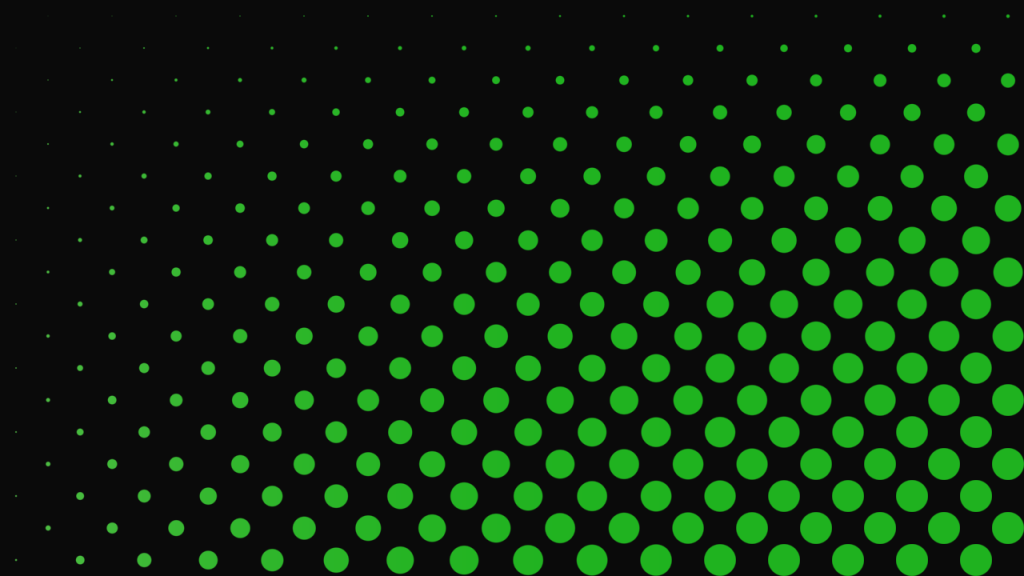
Learn how to create a circle pattern in Shadertoy using a checkerboard pattern and an easing function. The tutorial is written in the GLSL programming language.
-
Creating a circle pattern in Shadertoy

Learn how to create a circle pattern in Shadertoy using the GLSL programming language.
-
Creating a checkerboard pattern in Shadertoy
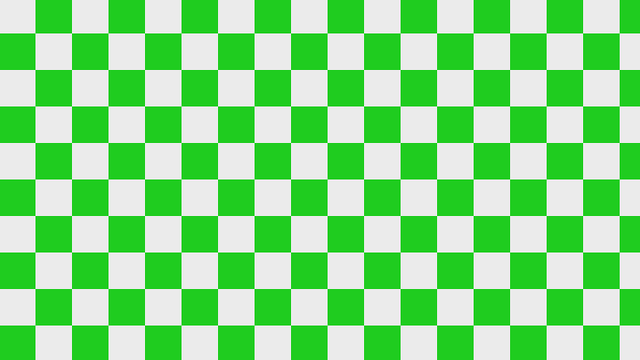
Learn how to create a checkerboard pattern in Shadertoy using the GLSL programming language.
-
Creating a 3D printer shader
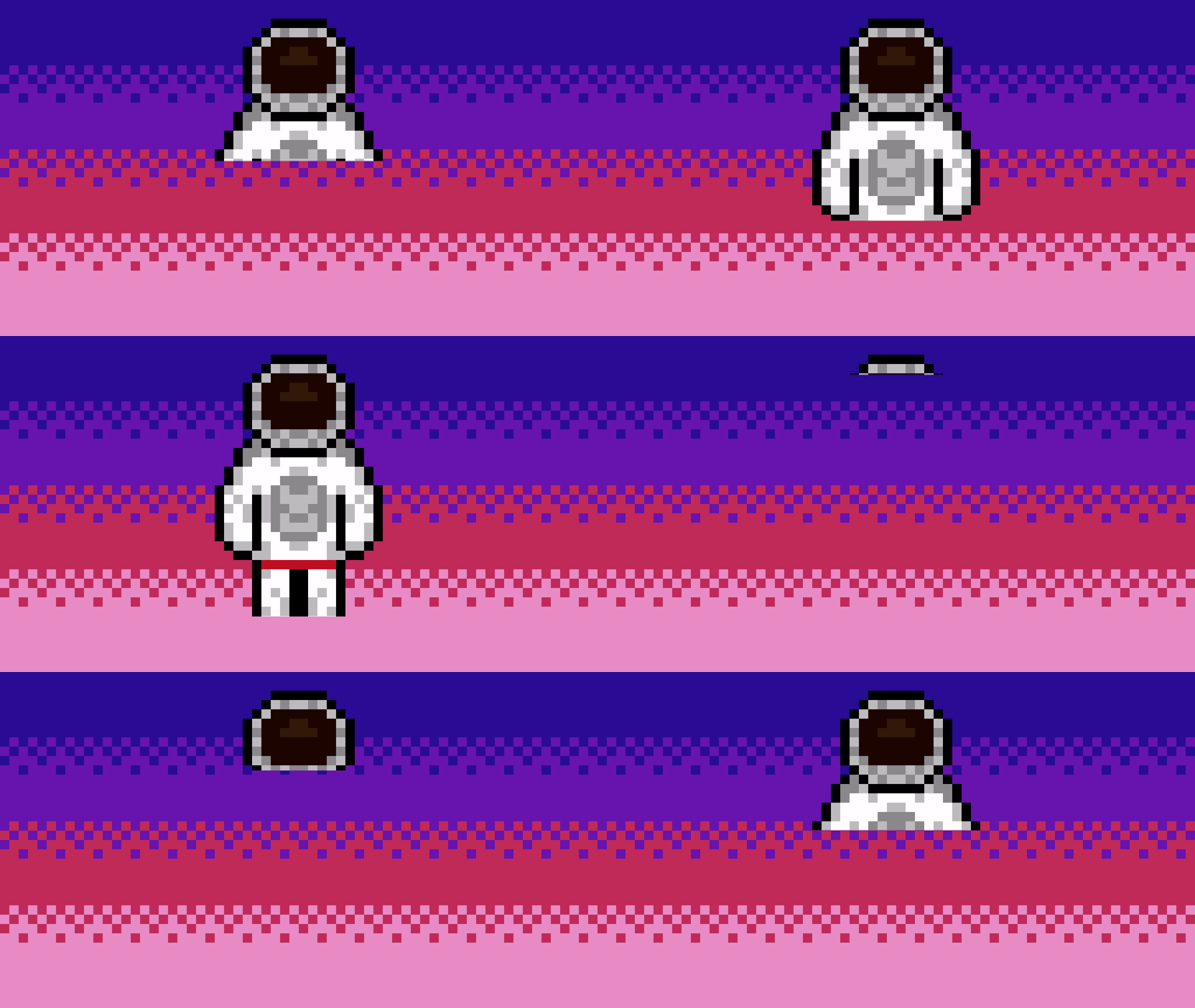
Learn how to create a 3D printer shader visual effect and watch as the texture appears line by line. Written in the GLSL programming language.
-
Creating a scrolling background in Shadertoy
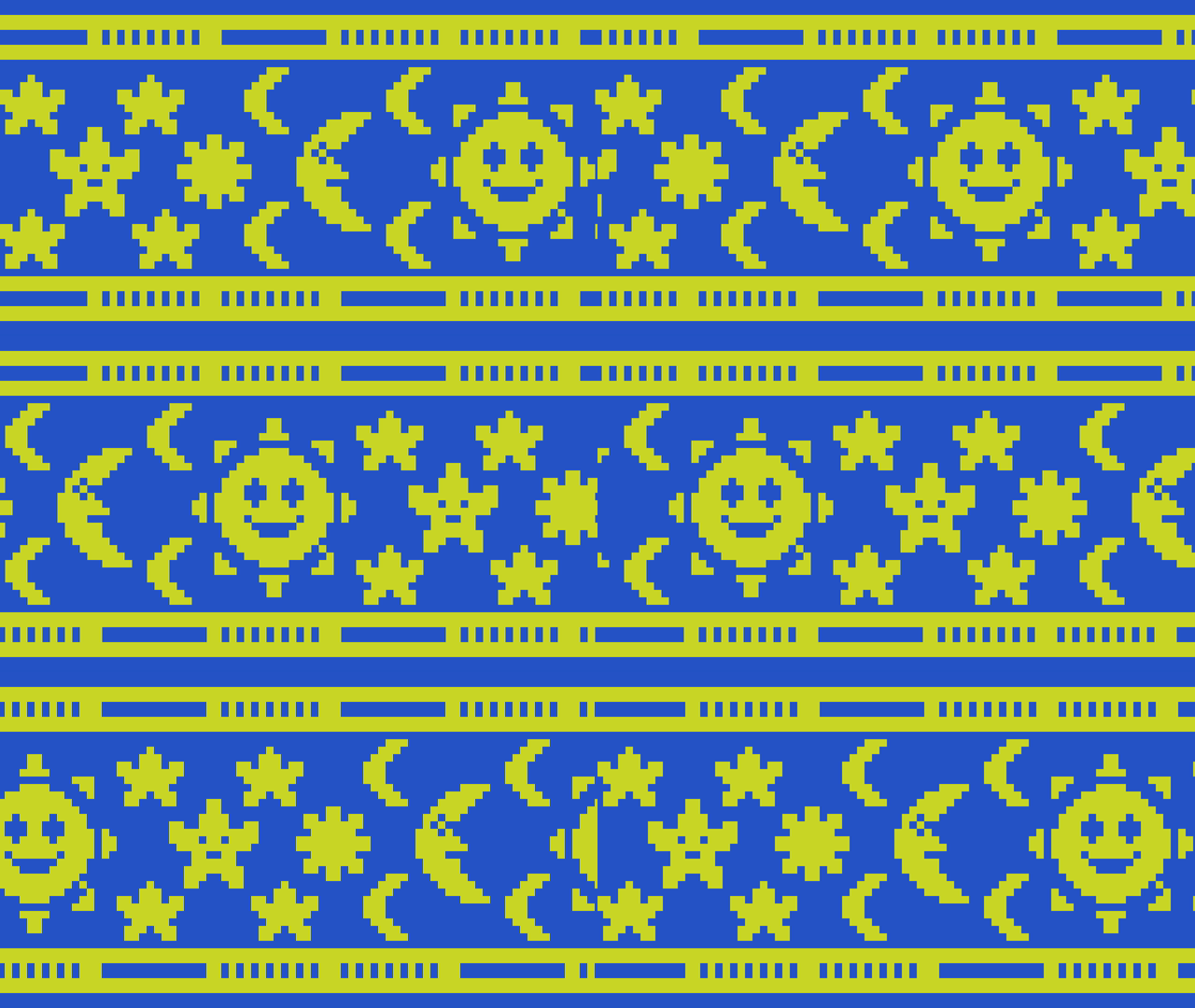
Learn how to create a scrolling background in Shadertoy using a texture by offsetting the UV coordinates using the fractional part of time and a speed value. The effect can be useful for many things such as top down and sidescroller video games, animated wallpapers and video backgrounds.
-
Creating a simple outline shader
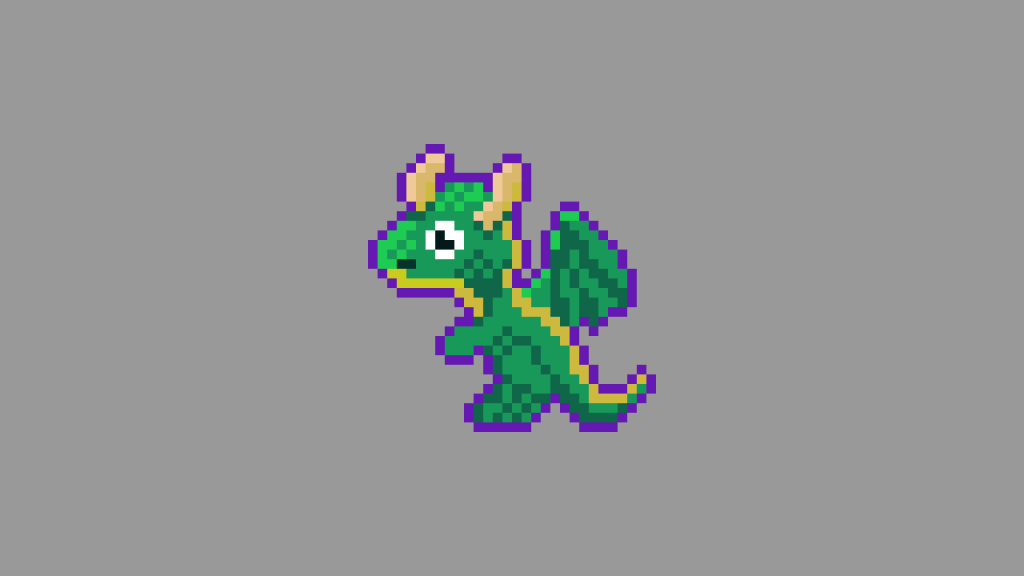
Learn how to create a simple outline around an image in a fragment shader using the GLSL programming language. Easily portable to other shader languages.
-
Heart regen animation

I created these heart regeneration animations using a mixture of coding and pixel art. The heart fills up and particles constantly spawn. When the heart is full it scales up in size, using the scale and barrel distortion. It also gets brighter, before returning to normal size.
-
Creating a television effect in a shader

Learn how to create a animated television effect in a GLSL shader by combining various effects such as barrel distortion, scanlines, random noise, vignette, gradients and duotones.
-
Creating a simple noise effect in Shadertoy
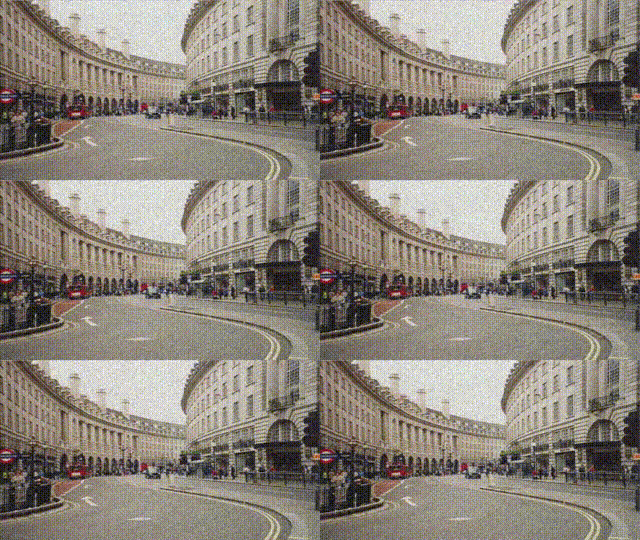
Learn how to create a simple animated noise effect in Shadertoy, and mix it with a texture to create an old, damaged footage look.
-
Combining scanlines with a texture in Shadertoy
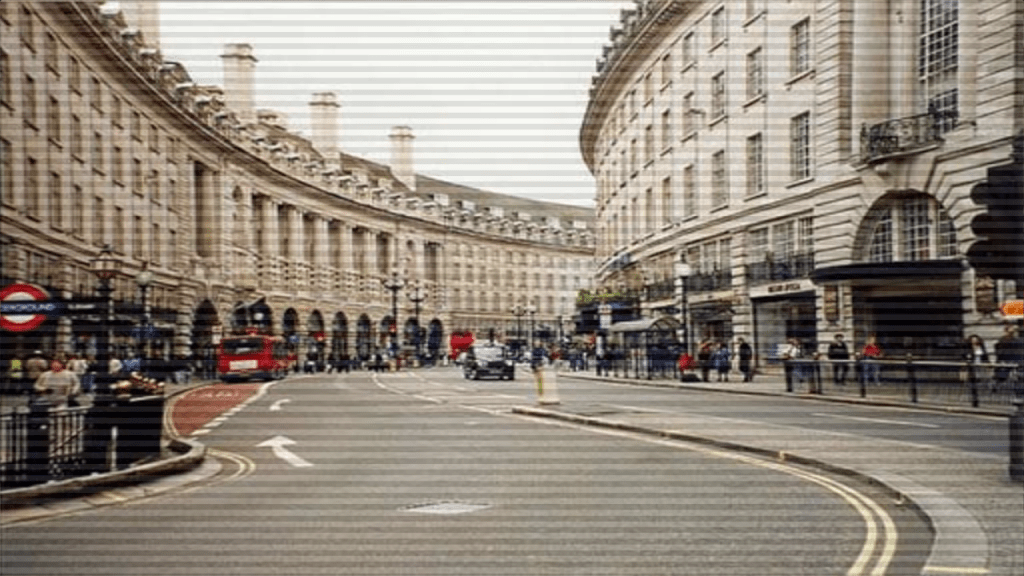
Learn how to combine the scanlines we created in the last tutorial, with a texture in Shadertoy using GLSL. We will use mix, multiply and gradients to create some interesting scanlines.
 Agate DRAGON Games