
Tag: Programming
-
Creating a scrolling background in Shadertoy
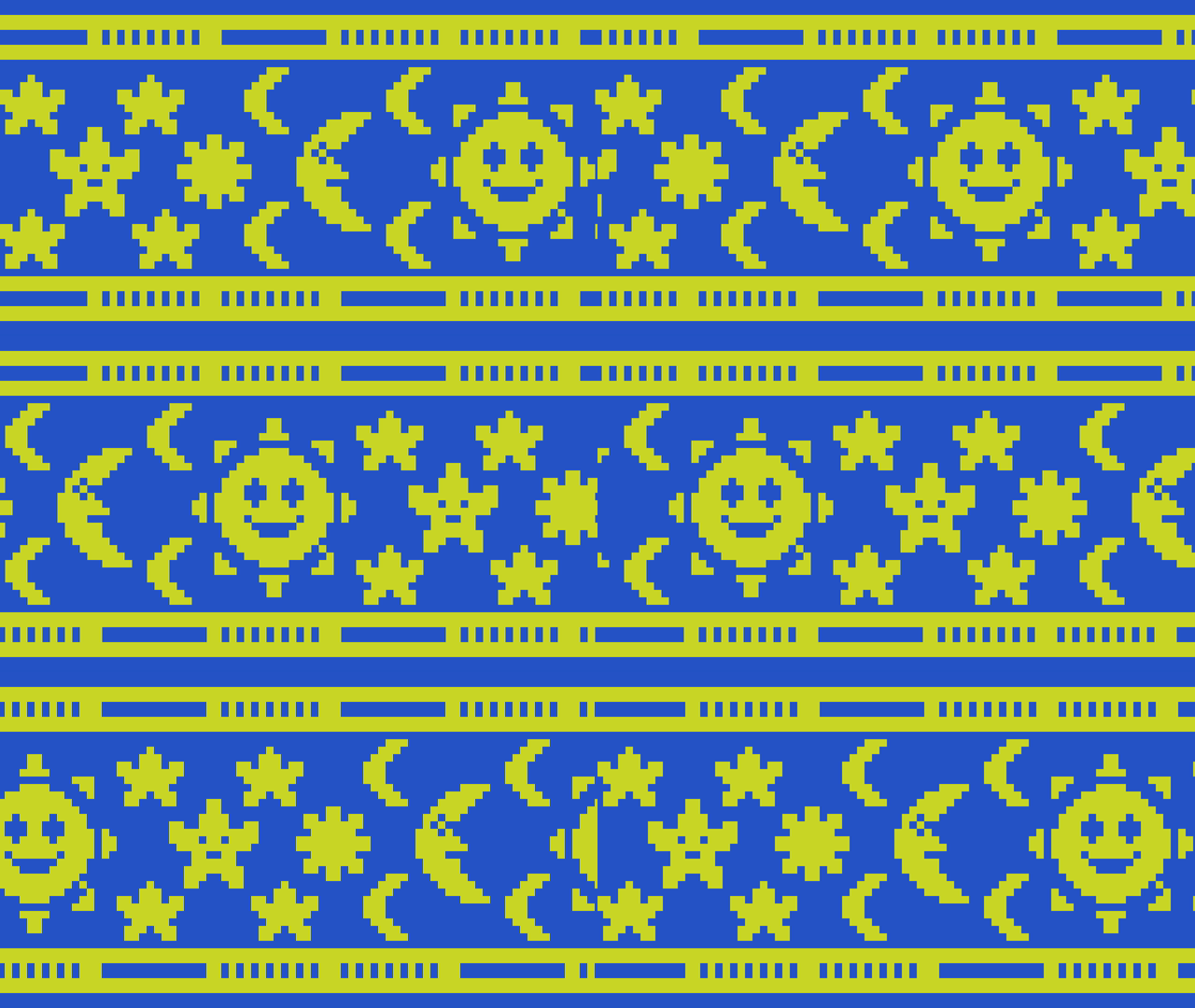
Learn how to create a scrolling background in Shadertoy using a texture by offsetting the UV coordinates using the fractional part of time and a speed value. The effect can be useful for many things such as top down and sidescroller video games, animated wallpapers and video backgrounds.
-
Combining scanlines with a texture in Shadertoy
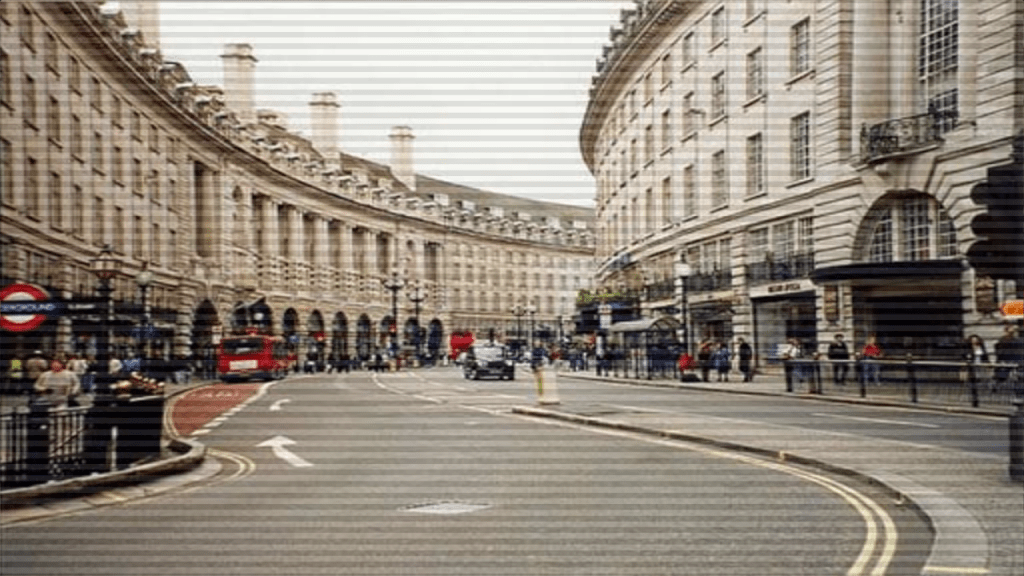
Learn how to combine the scanlines we created in the last tutorial, with a texture in Shadertoy using GLSL. We will use mix, multiply and gradients to create some interesting scanlines.
-
Creating a scanline effect in Shadertoy
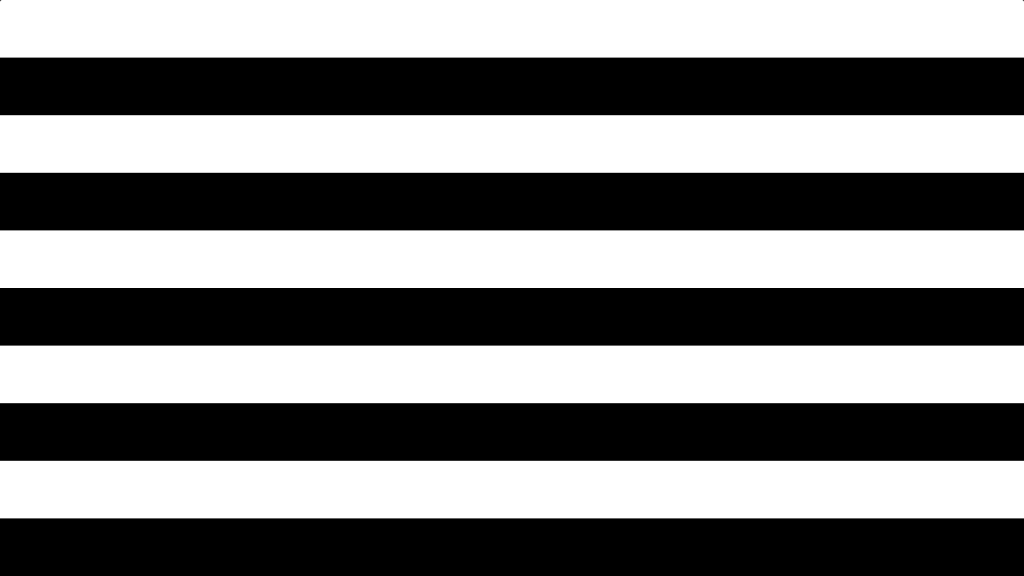
Learn how to create a scanline shader in Shadertoy using floor and modulus. Use it to give your images a old CRT television or computer monitor look, or create cool backgrounds.
-
Creating a spotlight effect in Shadertoy

This tutorial will show you how to create a animated spotlight effect in Shadertoy. You will learn how to animate the circle using time and a sine wave. So the circle moves back-and-forth across the screen.
-
Creating a simple vignette in Shadertoy

Creating a vignette shader effect in Shadertoy is easy and fun. You can learn to manipulate UV coordinates, create a circle function, and add ambient light to enhance the effect. Experiment with ambient light, circle position, radius, and smoothness to perfect your vignette. Start creating on Shadertoy and unleash your creativity!
-
How to invert an image in a shader

This tutorial demonstrates how to invert any or all of the image RGB channels using a GLSL shader. By following these simple steps, you can easily manipulate and invert specific colour channels in your images.
-
Simple sharpen shader using a kernel
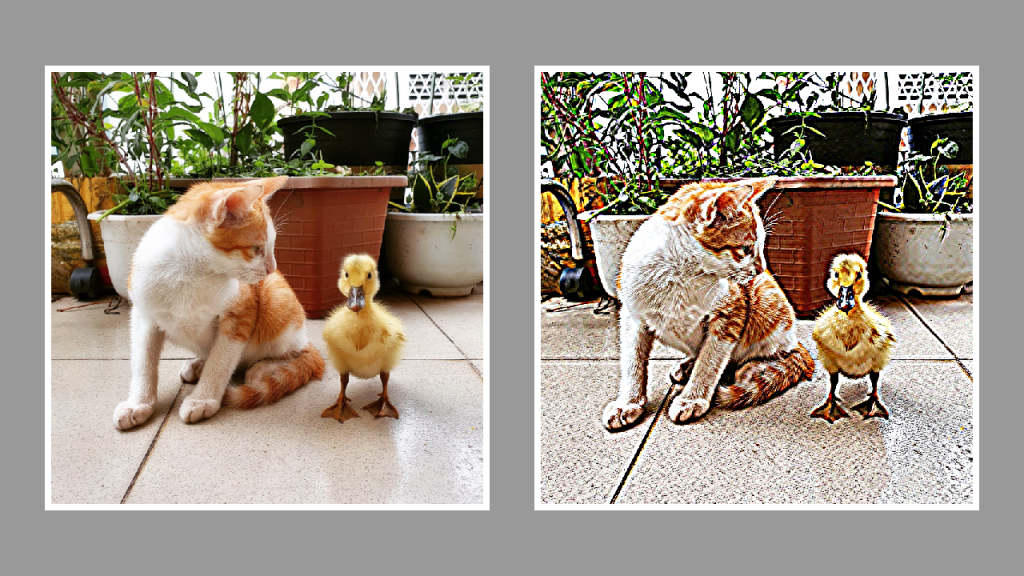
This tutorial will show you how to create a sharpen effect using a kernel in a GLSL shader. By modifying the gaussian blur shader from the last tutorial and replacing the code with a sharpen kernel, you will be able to create a sharpen effect. Happy coding!
-
Glitch shader effect using blocks (Part 2)
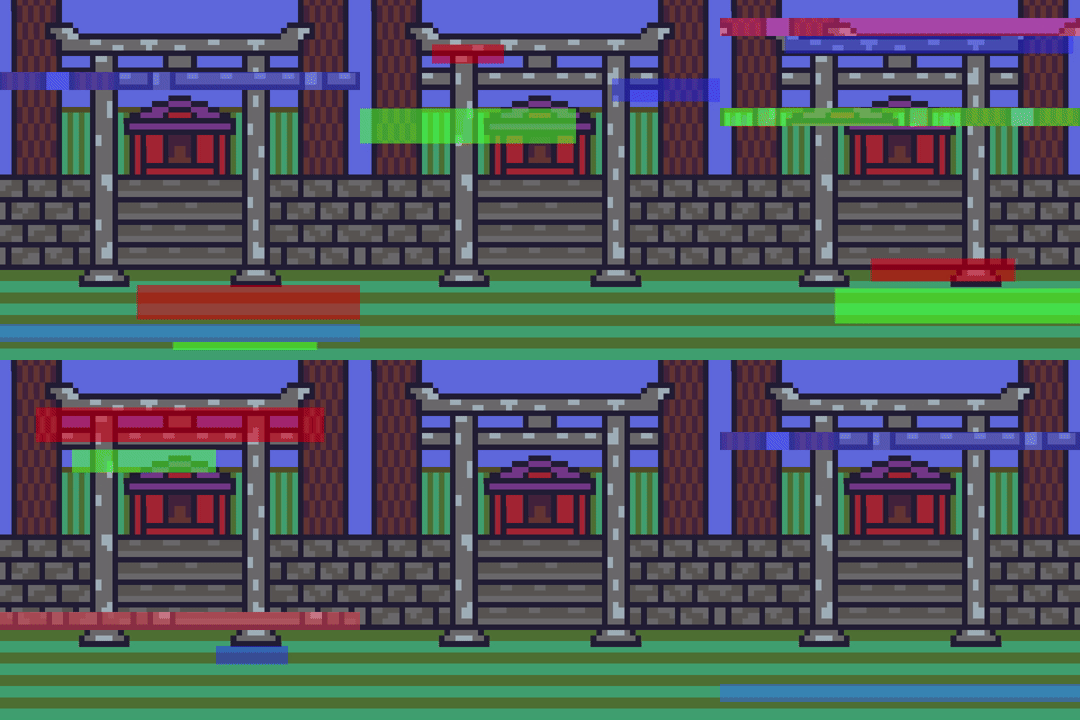
This tutorial leads on from the last tutorial about creating a glitch effect using displacement lines. The current tutorial will add blocks of different sizes and colours, at different time segments to enhance the glitch effect.
-
Glitch shader effect with displacement lines
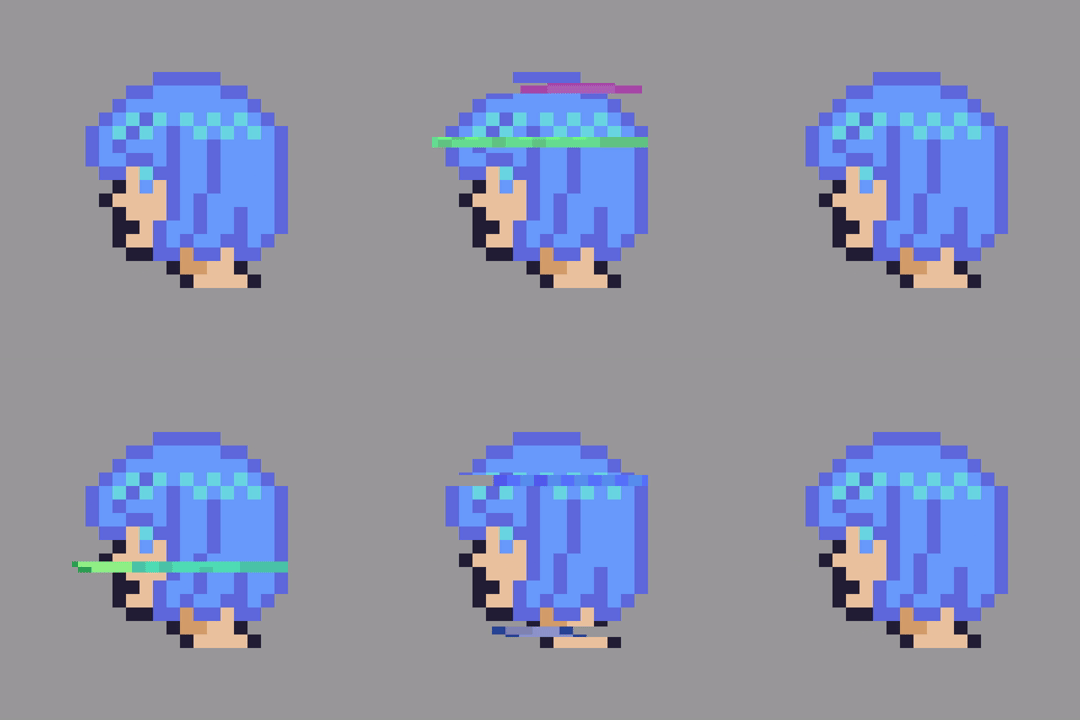
This tutorial will show you how to create a hand crafted glitch shader effect using horizontal displacement lines.
-
How to create a nova shader effect

This nova shader effect could be used as an attack in a top down video game on it’s own, or perhaps many of them could be used as a rain drop effect!
 Agate DRAGON Games