
Tag: Photography
-
Creating a drop shadow effect in GIMP
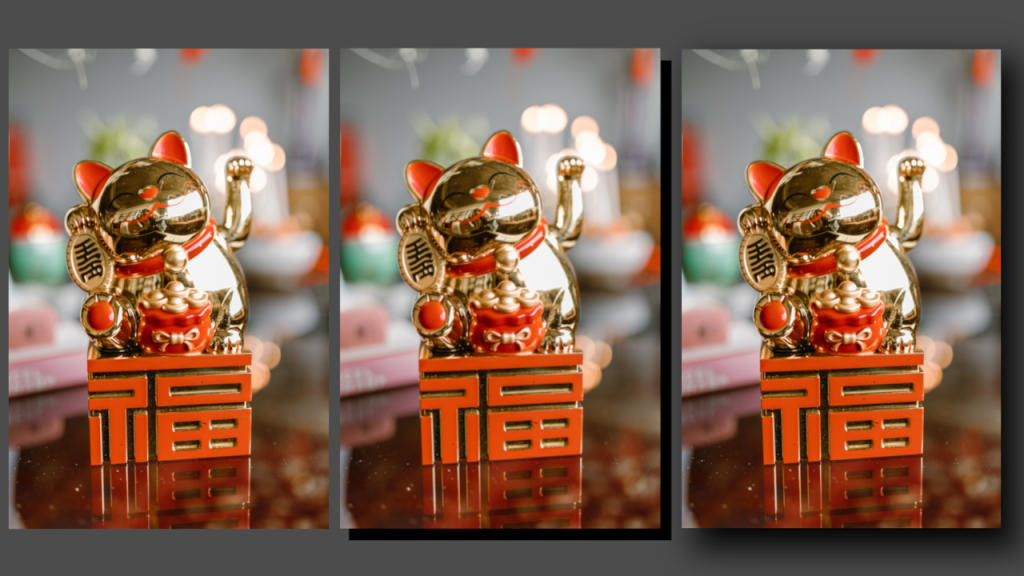
Learn how to apply a drop shadow effect to any image in the GIMP image editor by creating a shadow layer and applying gaussian blur. The process is similar for other image editors like Adobe Photoshop.
-
Creating a sepia vignette effect in GIMP
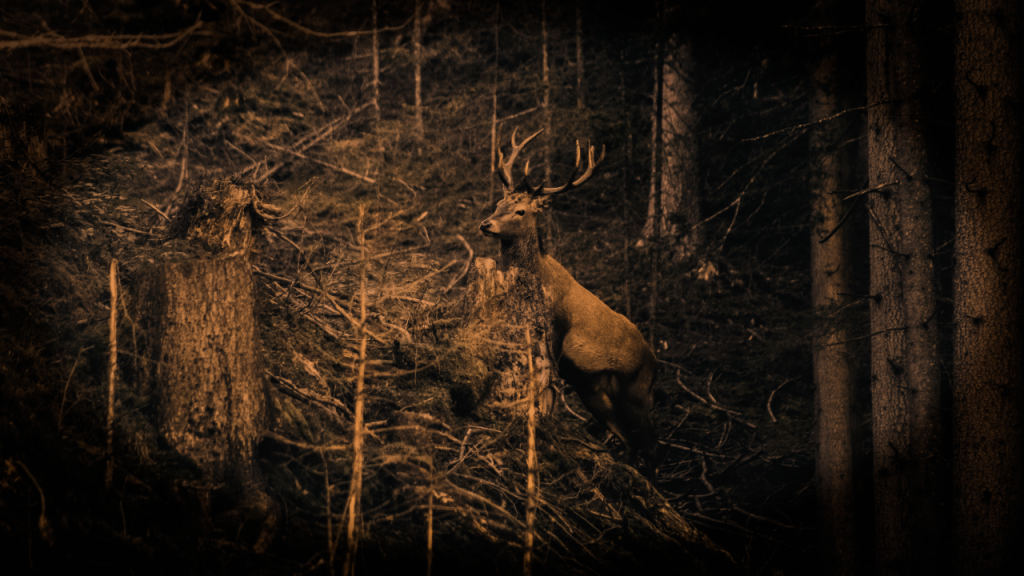
Learn how to create a sepia vignette effect in the GIMP image editor. The process should be similar for other image editors like Adobe Photoshop. You will adjust the contrast, convert to greyscale, colorize, and use an ellipse with gaussian blur to create a vignette.
-
Creating a duotone gradient in GIMP
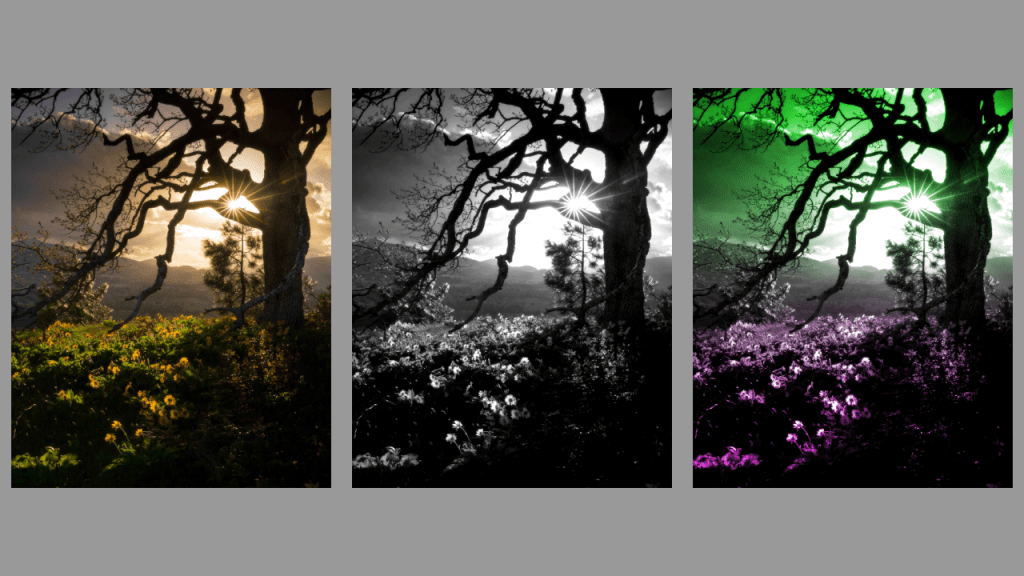
This tutorial demonstrates how to create a duotone gradient in GIMP, applicable to other image editors like Adobe Photoshop. Find an image, convert to greyscale, adjust contrast, create a gradient, and apply overlay blend mode to finish. Experiment with different gradients for unique effects. Happy editing!
-
Creating a duotone circle effect in GIMP
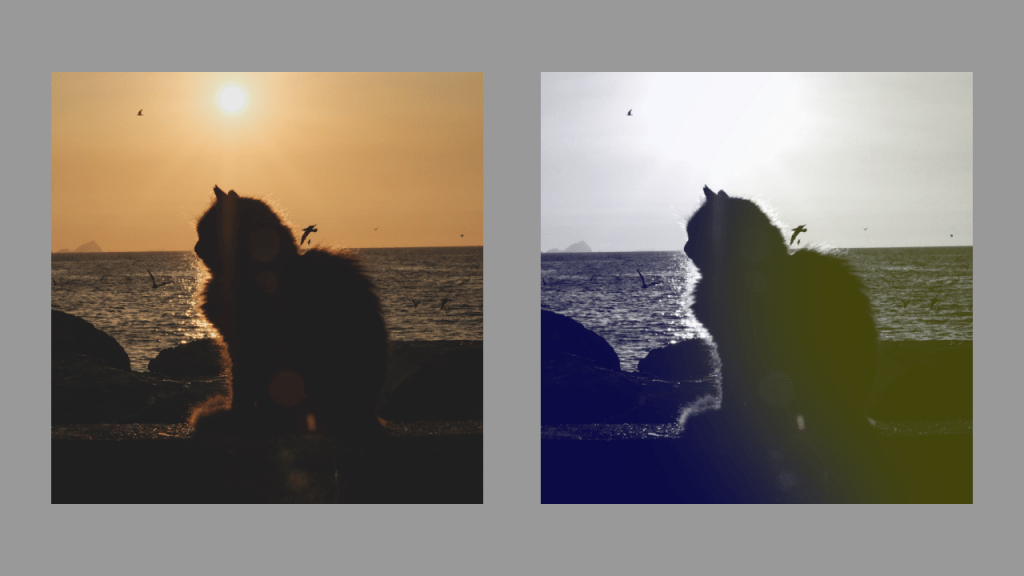
Learn how to create a stunning duotone circle effect using GIMP. Choose a suitable image, convert it to greyscale, select colours, create a circle, apply Gaussian blur, and adjust the layer opacity. Experiment with different colours and contrasts for a unique result. Enjoy enhancing your images with this creative technique!
-
Creating a duotone effect in GIMP
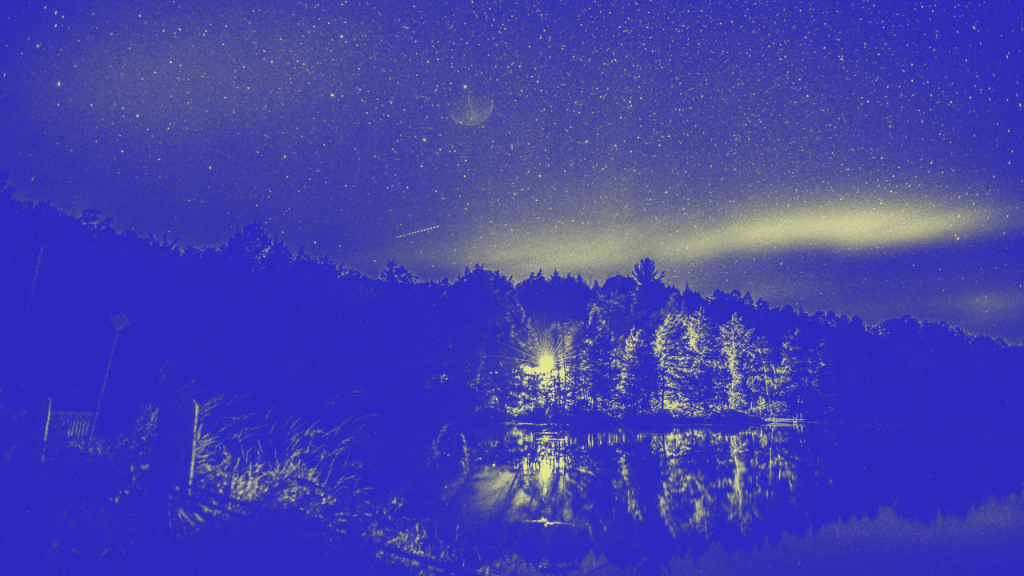
Learn how to create a stunning duotone effect in GIMP or any other image editor with this tutorial. Find an image with contrasting highlights and shadows, convert it to greyscale, then add layer masks and select two colors. Experiment with opacity to achieve the perfect result. Enjoy exploring this creative process!
 Agate DRAGON Games