
Tag: Painting
-
Processing paint program: Save an image
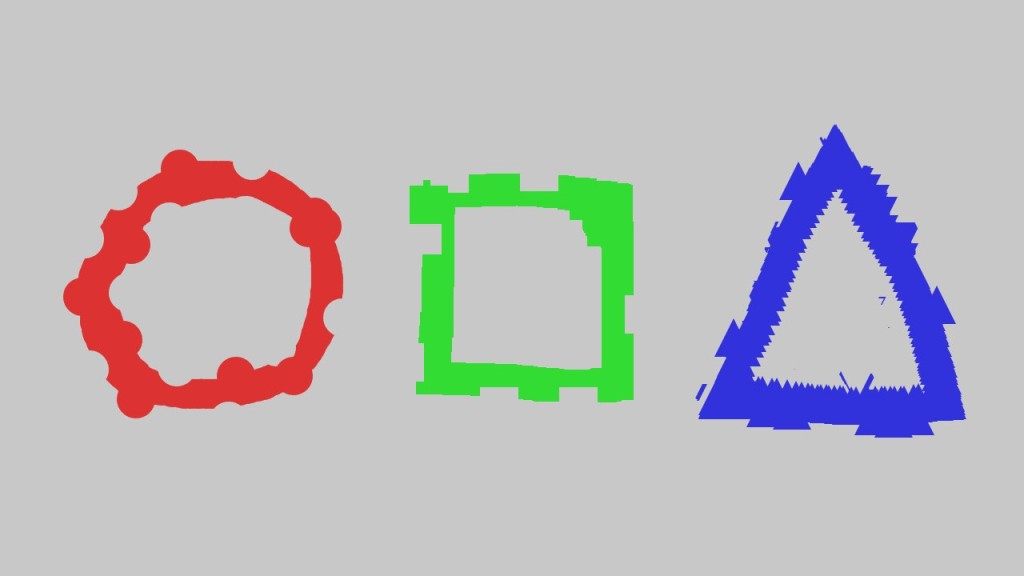
This tutorial leads on from the last tutorial about creating an eraser. We will add a save image function so we can save our masterpieces more easily! You will learn about characters and strings. Then how to give each saved image a unique name, so they don’t overwrite each other. We will also save each…
-
Processing paint program: Creating an eraser
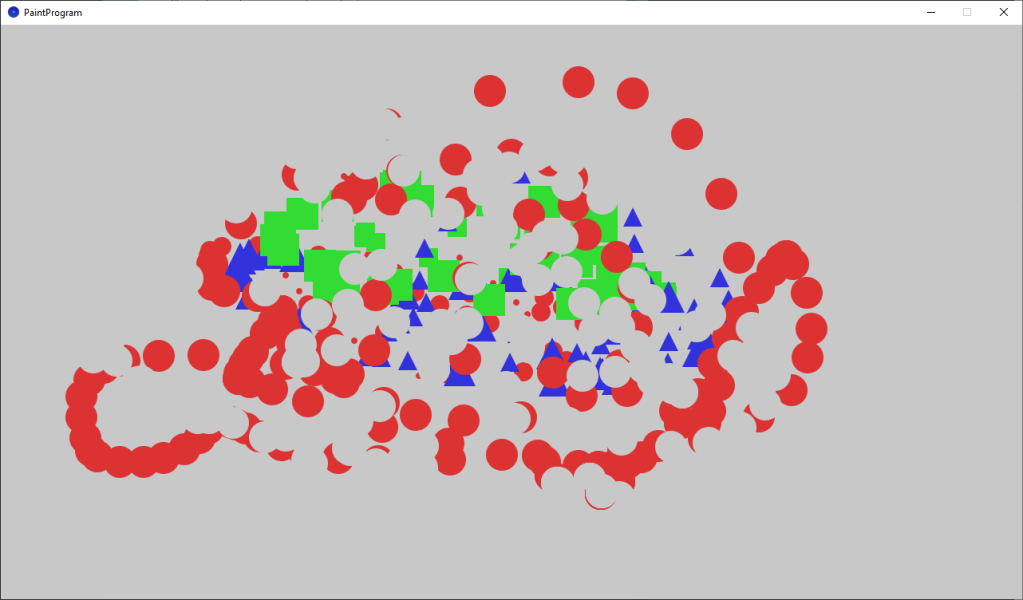
This tutorial teaches you how to add an eraser to the paint program, and follows on from the last tutorial about changing the brush size. We will also pick better colors, which aren’t so bright.
-
Processing paint program: Changing the brush size
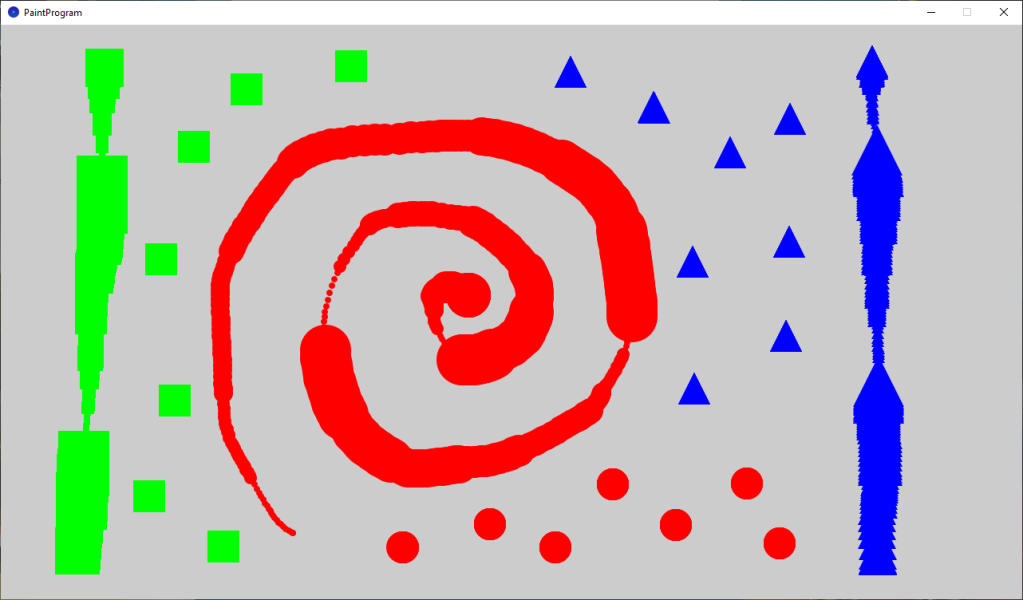
This tutorial leads on from the last tutorial, where we created a basic paint program. We are now going to improve our paint program by adding some new features. The user will be able to change the brush size and clear the screen.
-
Creating a painting program in Processing
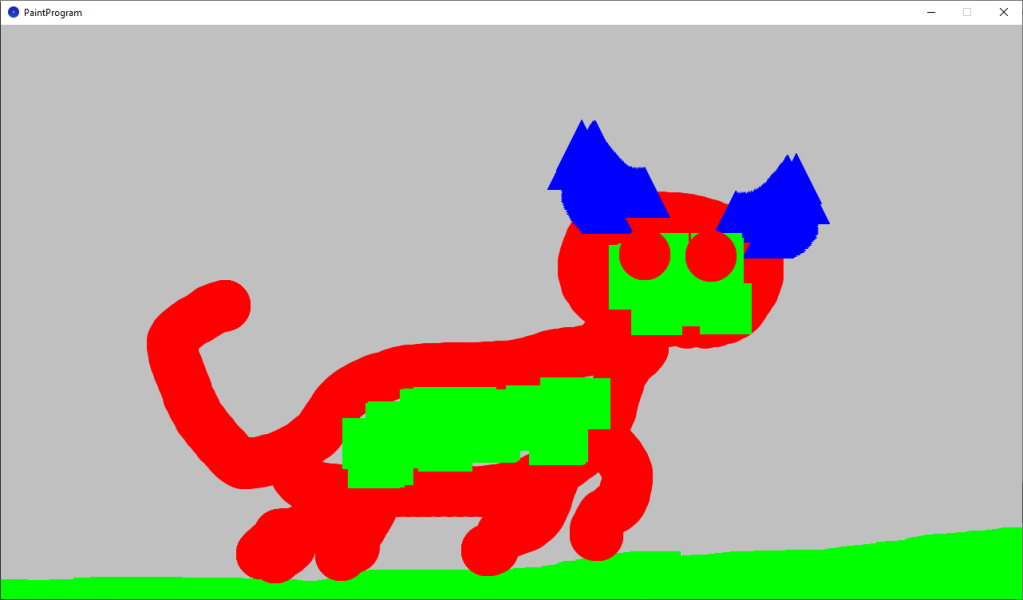
This tutorial will show you how to create a painting program in Processing. You will learn how to draw shapes using mouse input. You will use keyboard input to change the colour and the type of shape to draw. You will learn about if statements, how to create your own functions and how to create…
-
Creating a duotone effect in a GLSL shader
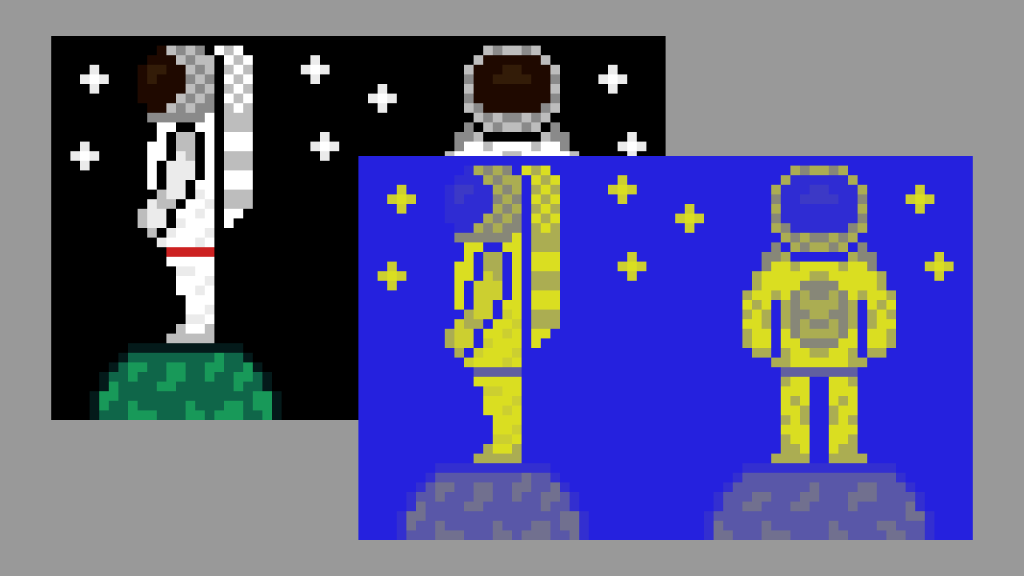
This tutorial demonstrates how to create a duotone effect in a GLSL shader using an astronaut sprite. The process involves converting pixel colours to greyscale, determining pixel brightness in HSV format, mixing shadow and highlight colours, and adjusting effect intensity. The final step ensures transparency functions correctly. Explore the full tutorial for complete guidance.
-
Tinting Shan Shui art with gemstone colours
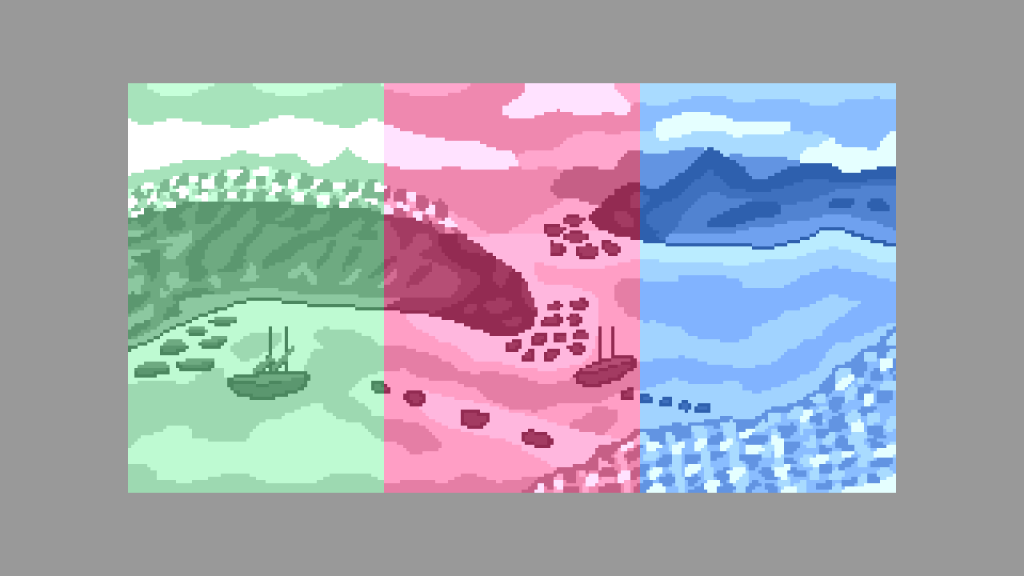
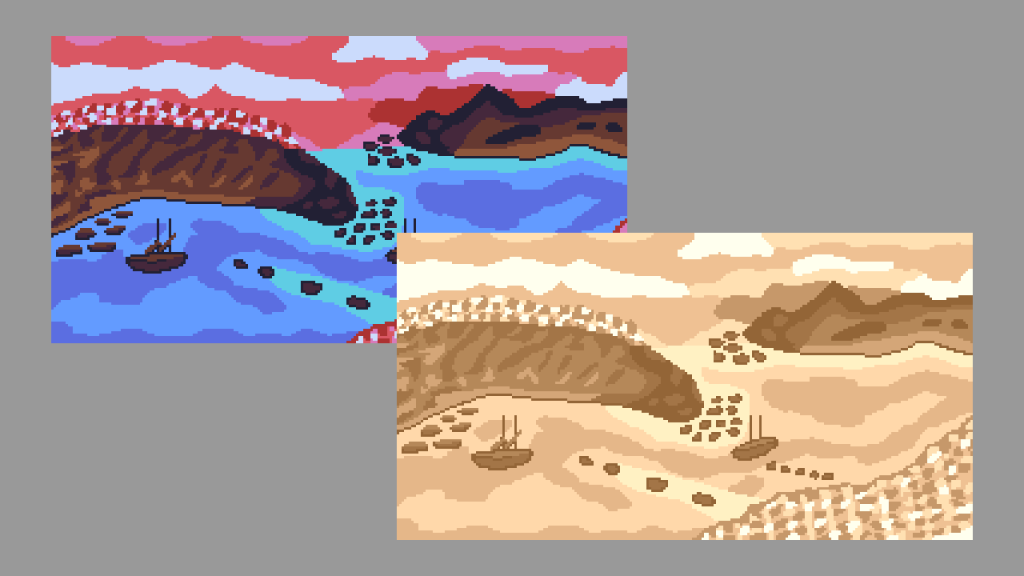
Following on from the sepia post, I replaced the sepia colour with gemstone colours. I used emerald, ruby and sapphire RGB values from Wikipedia. I lowered the brightness of the gemstone colours so they were not to bright when combined with the greyscale image.
 Agate DRAGON Games