
Tag: Inspiration
-
Creating a hue shift shader

Learn how to create a hue shift shader using the GLSL programming language and the YIQ colour space.
-
Creating a halftone shader
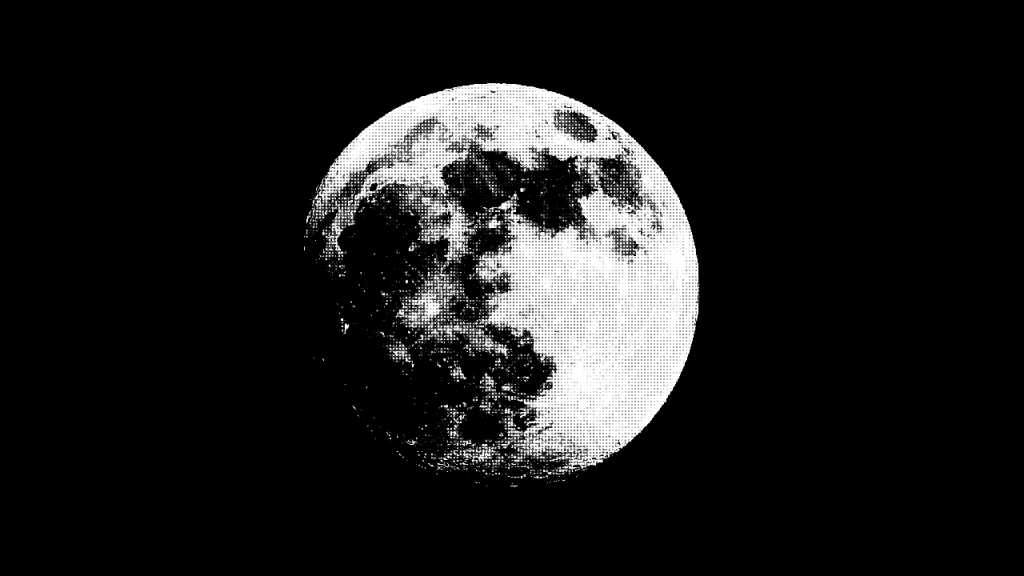
Learn how to create a halftone shader using the GLSL programming language. Create a halftone pattern using multiplication, aspect ratio correction, conversion to greyscale, smoothing and the distance to the centre of a circle.
-
Creating shape patterns with shaders
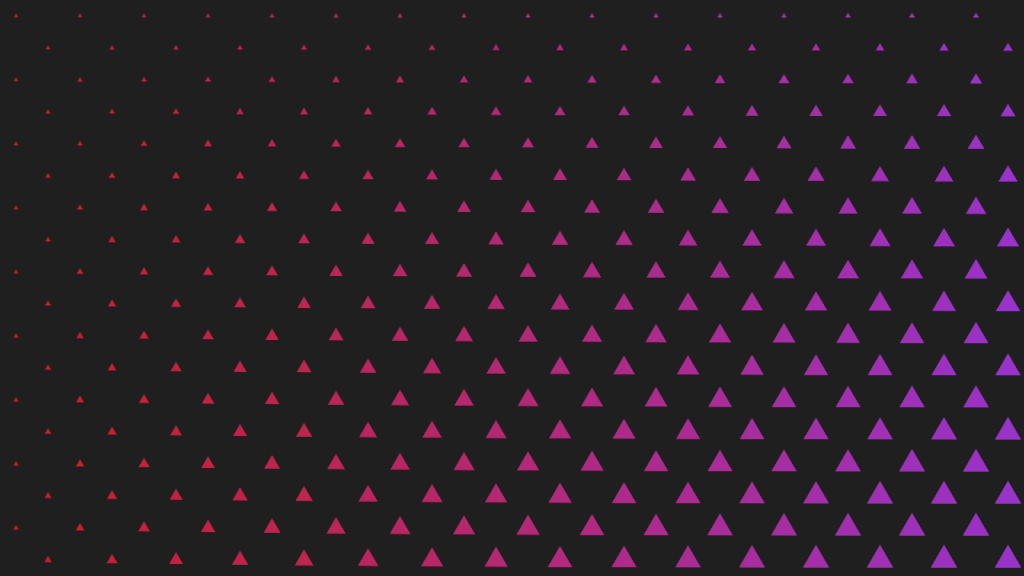
Learn how to create various shape patterns with shaders, using signed distance functions and the fractional part of a number.
-
Creating a metal texture in GIMP
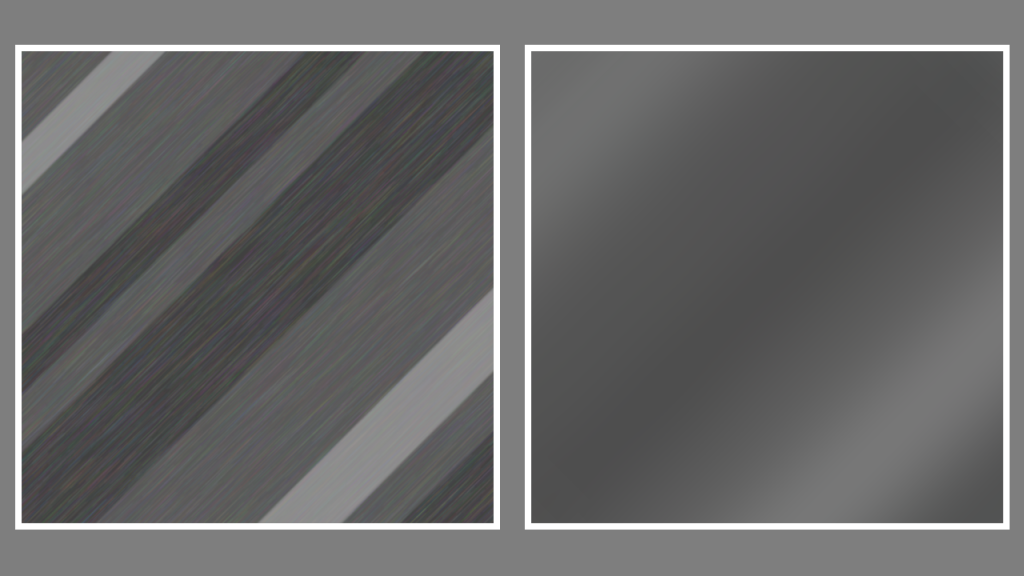
Learn how to create a metal texture in the GIMP image editor by drawing lines of varying sizes. Use noise, linear motion blur, gaussian blur and plasma to create a nice metal texture.
-
Creating a wood texture in GIMP
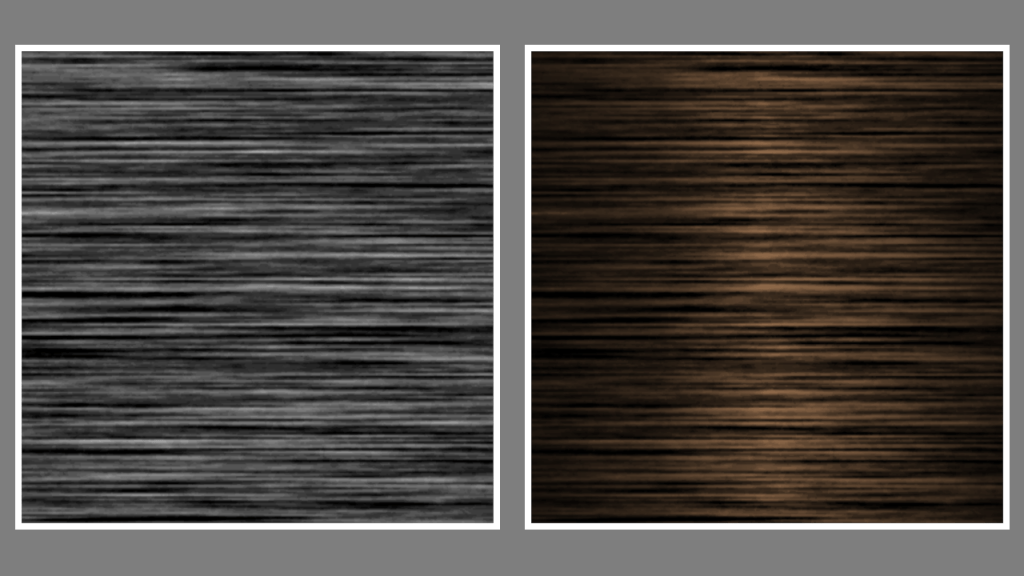
Learn how to create a wood texture in the GIMP image editor using noise, motion blur, levels and gradients. You can use the wood to texture 3D models for video games and other types of computer-generated imagery.
-
Creating a simple outline shader
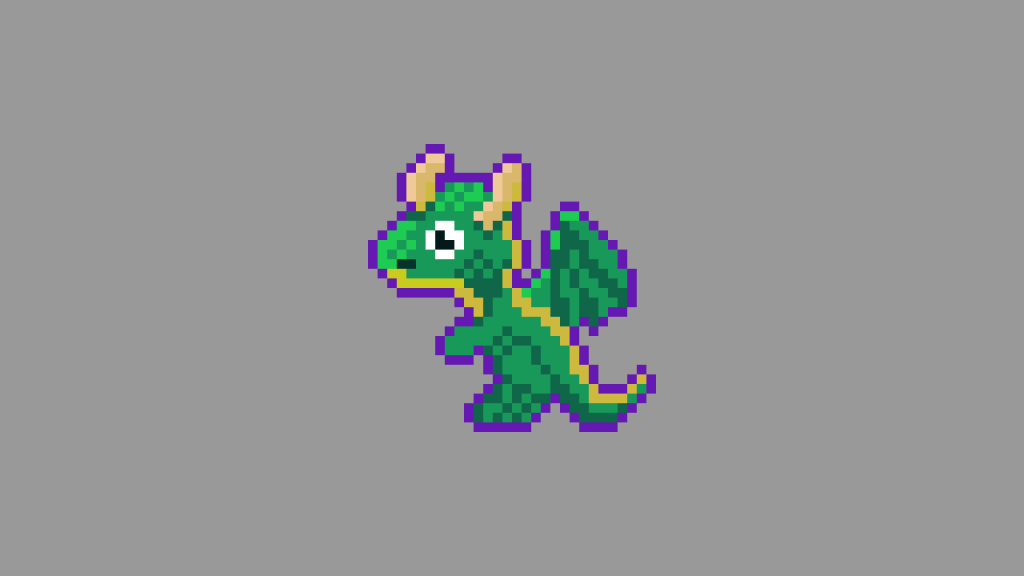
Learn how to create a simple outline around an image in a fragment shader using the GLSL programming language. Easily portable to other shader languages.
-
Creating a drop shadow effect in GIMP
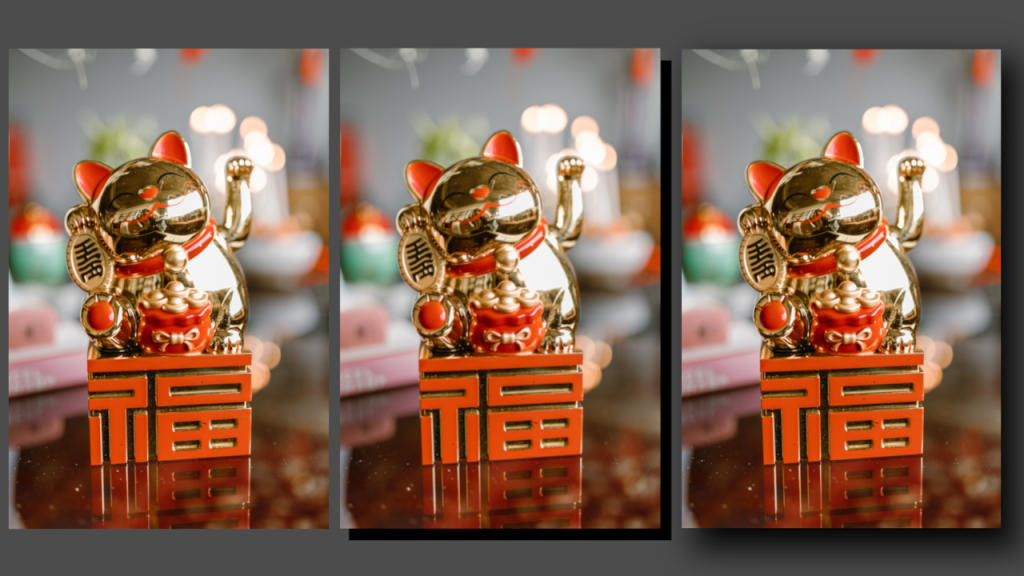
Learn how to apply a drop shadow effect to any image in the GIMP image editor by creating a shadow layer and applying gaussian blur. The process is similar for other image editors like Adobe Photoshop.
-
Drawing random shapes using probability in Processing
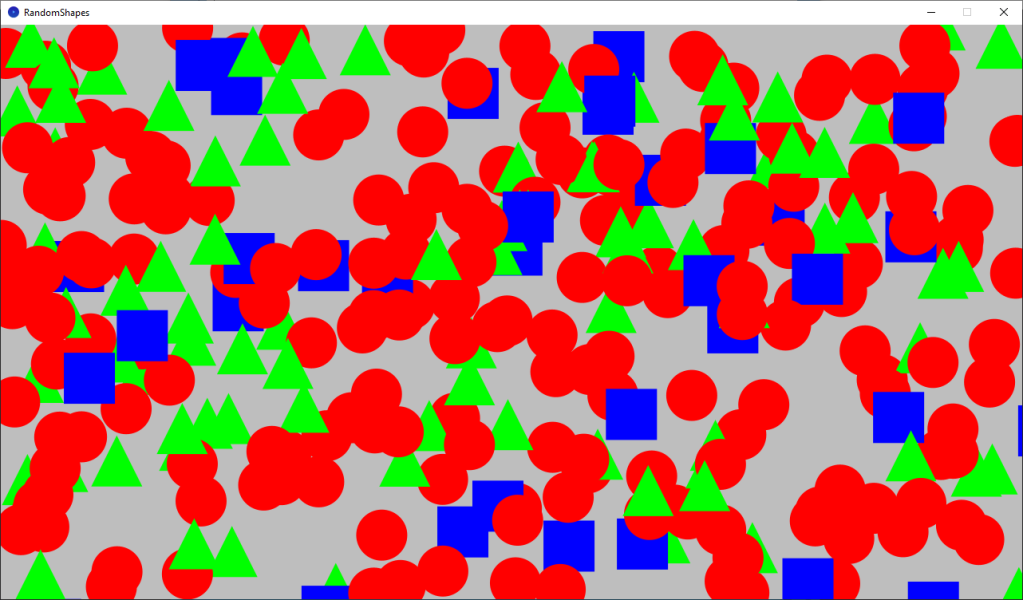
Learn how to use random numbers and probability to draw random shapes in Processing using the Java programming language.
-
Creating a simple noise effect in Shadertoy
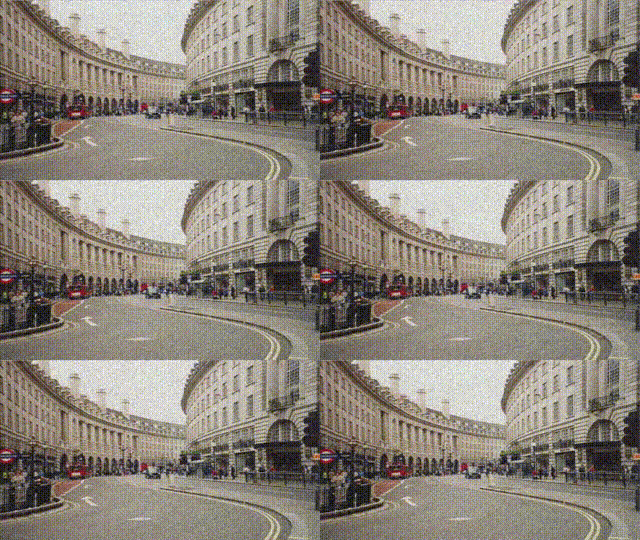
Learn how to create a simple animated noise effect in Shadertoy, and mix it with a texture to create an old, damaged footage look.
-
Combining scanlines with a texture in Shadertoy
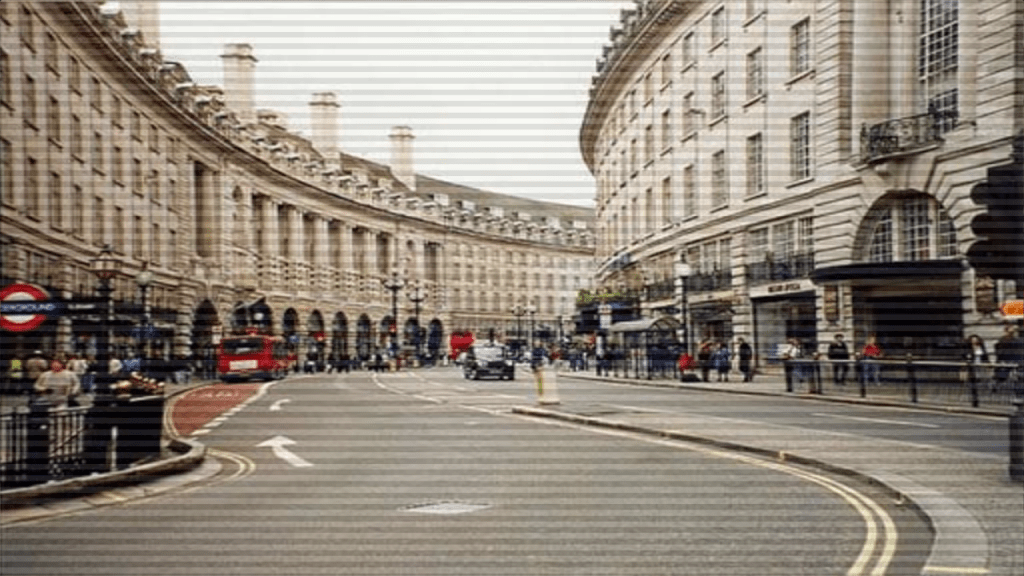
Learn how to combine the scanlines we created in the last tutorial, with a texture in Shadertoy using GLSL. We will use mix, multiply and gradients to create some interesting scanlines.
 Agate DRAGON Games