
Tag: GLSL
-
Creating a duotone effect in a GLSL shader
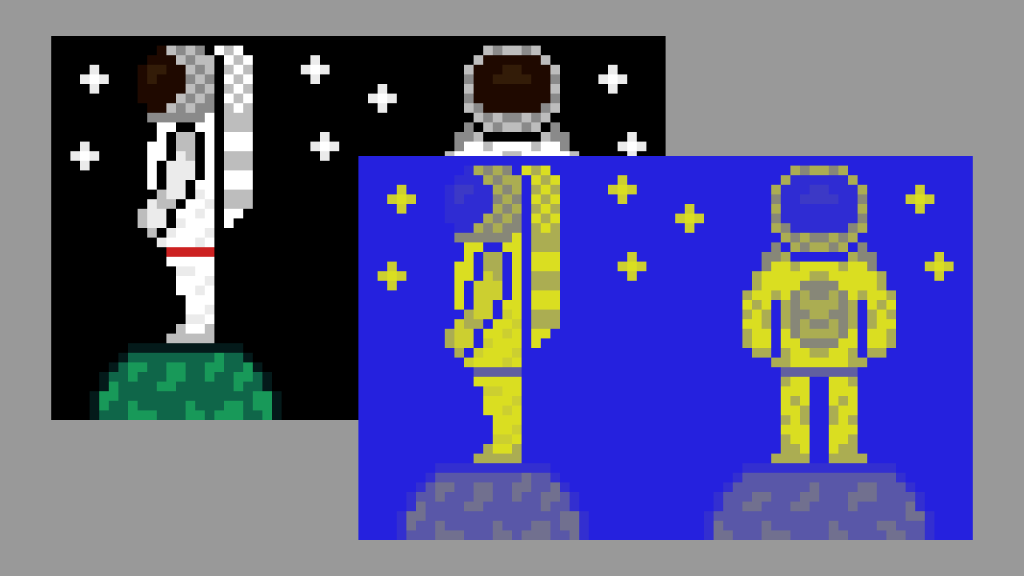
This tutorial demonstrates how to create a duotone effect in a GLSL shader using an astronaut sprite. The process involves converting pixel colours to greyscale, determining pixel brightness in HSV format, mixing shadow and highlight colours, and adjusting effect intensity. The final step ensures transparency functions correctly. Explore the full tutorial for complete guidance.
-
Tinting Shan Shui art with gemstone colours
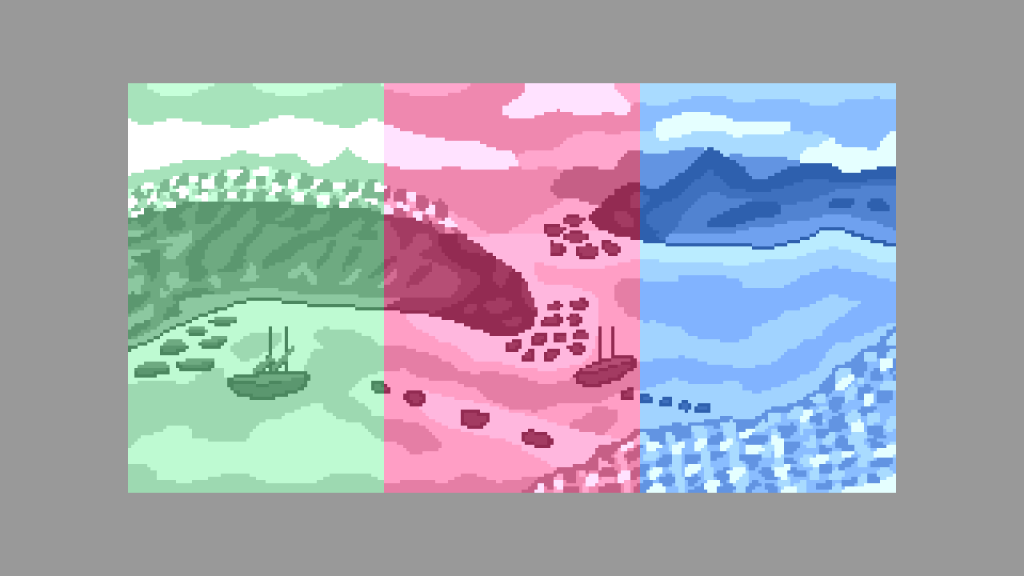
Following on from the sepia post, I replaced the sepia colour with gemstone colours. I used emerald, ruby and sapphire RGB values from Wikipedia. I lowered the brightness of the gemstone colours so they were not to bright when combined with the greyscale image.
-
Greyscale sprite shader
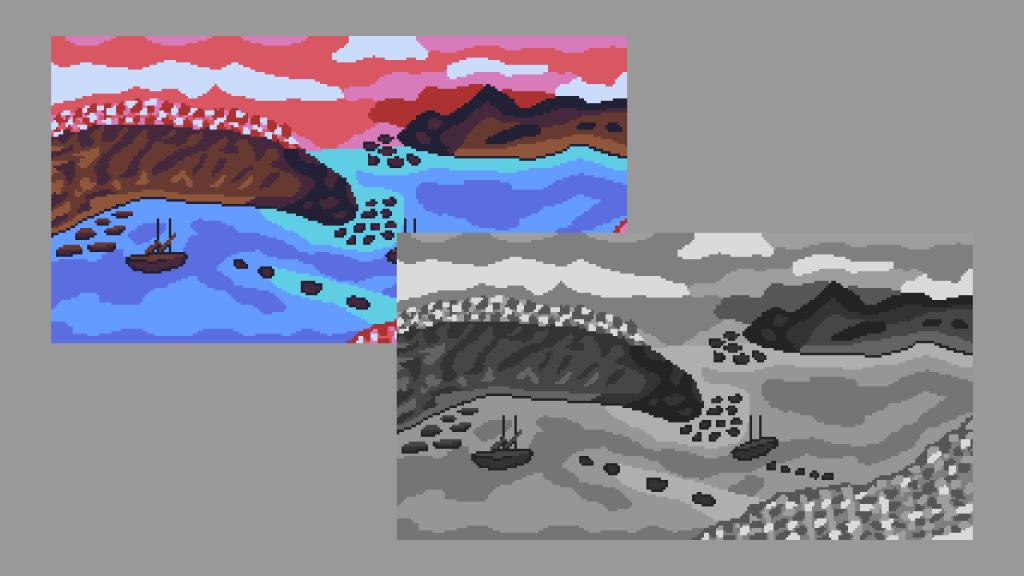
This tutorial shows you how to convert the RGB channels of a sprite to greyscale using weights in a shader. The tutorial is written in the GLSL programming language.
-
Tinting sprites using a shader
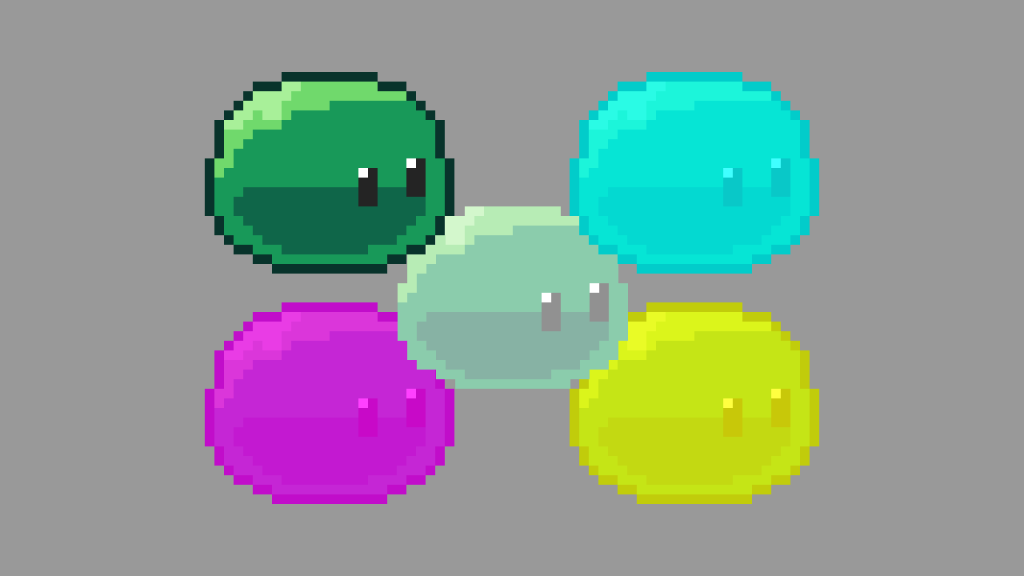
This tutorial will show you how to tint the pixels of a sprite in a shader.
-
Barrel Distortion Shader
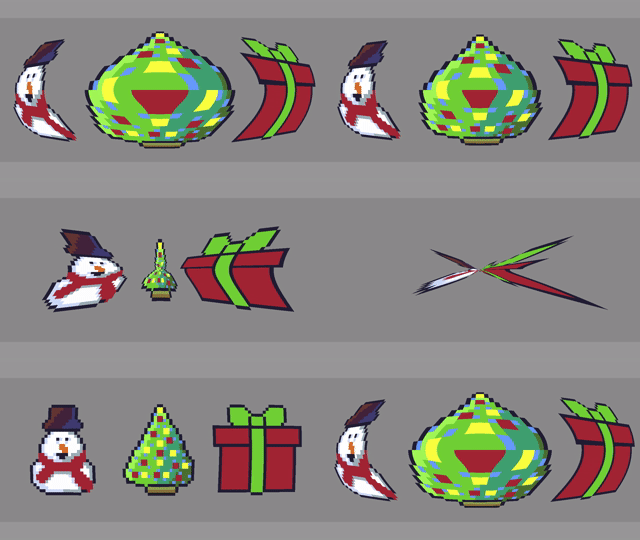
This tutorial will show you how to create a barrel distortion effect in a fragment shader. It can also be used to create a pincushion distortion effect.
-
Simple RGB Split Shader
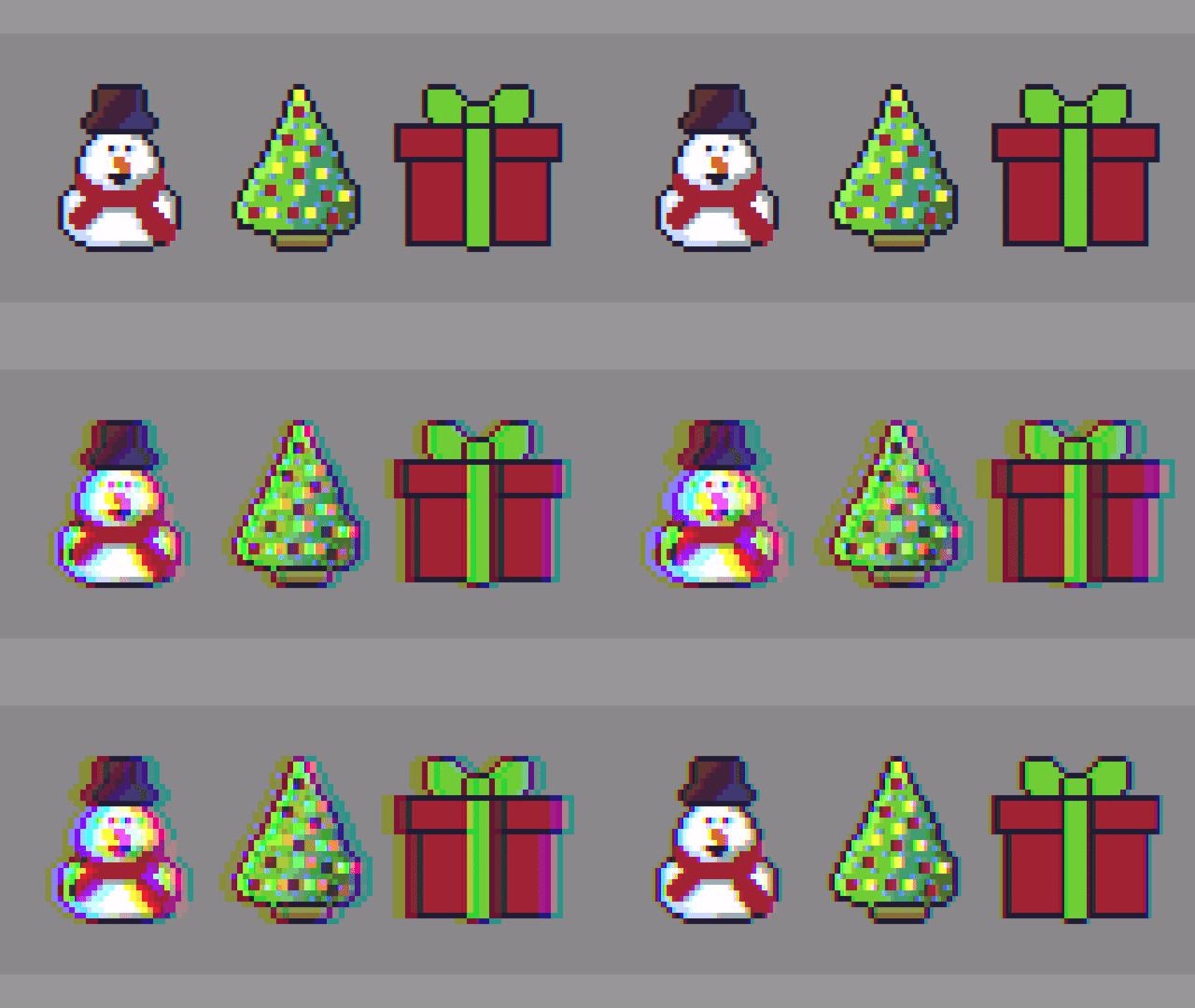
Hello, this tutorial will show you how to create a simple RGB Split shader effect. The effect is commonly used in image editing programs like Adobe Photoshop, video content and video games. It is also known as chromatic aberration.
-
Glitch shader effect using blocks (Part 2)
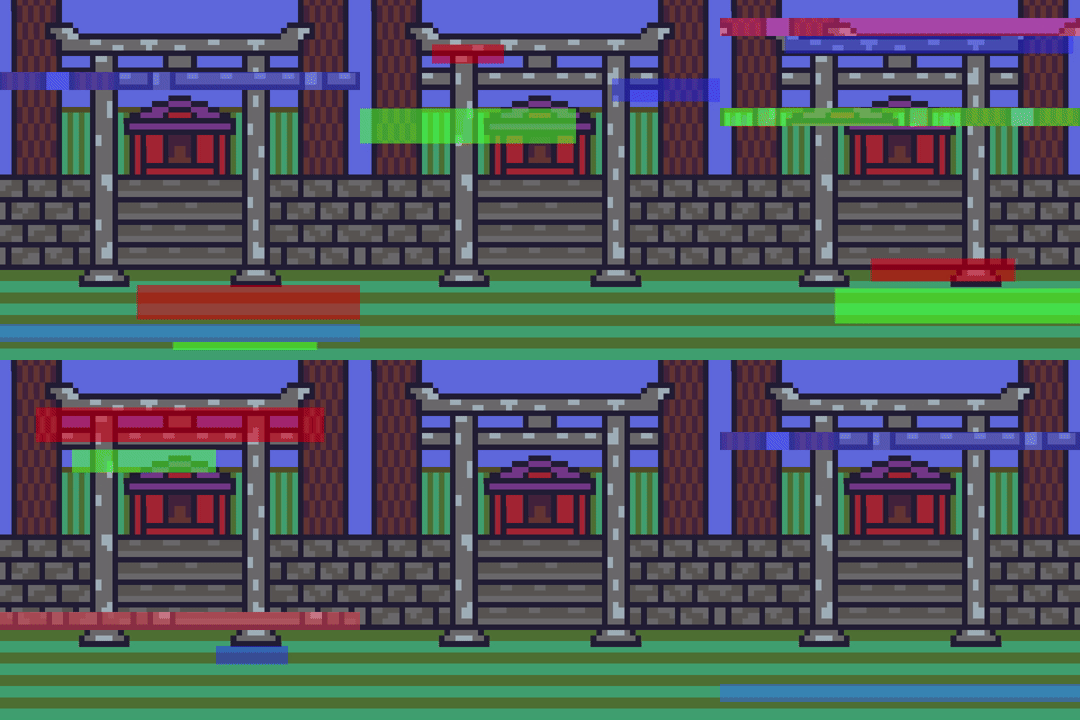
This tutorial leads on from the last tutorial about creating a glitch effect using displacement lines. The current tutorial will add blocks of different sizes and colours, at different time segments to enhance the glitch effect.
-
Glitch shader effect with displacement lines
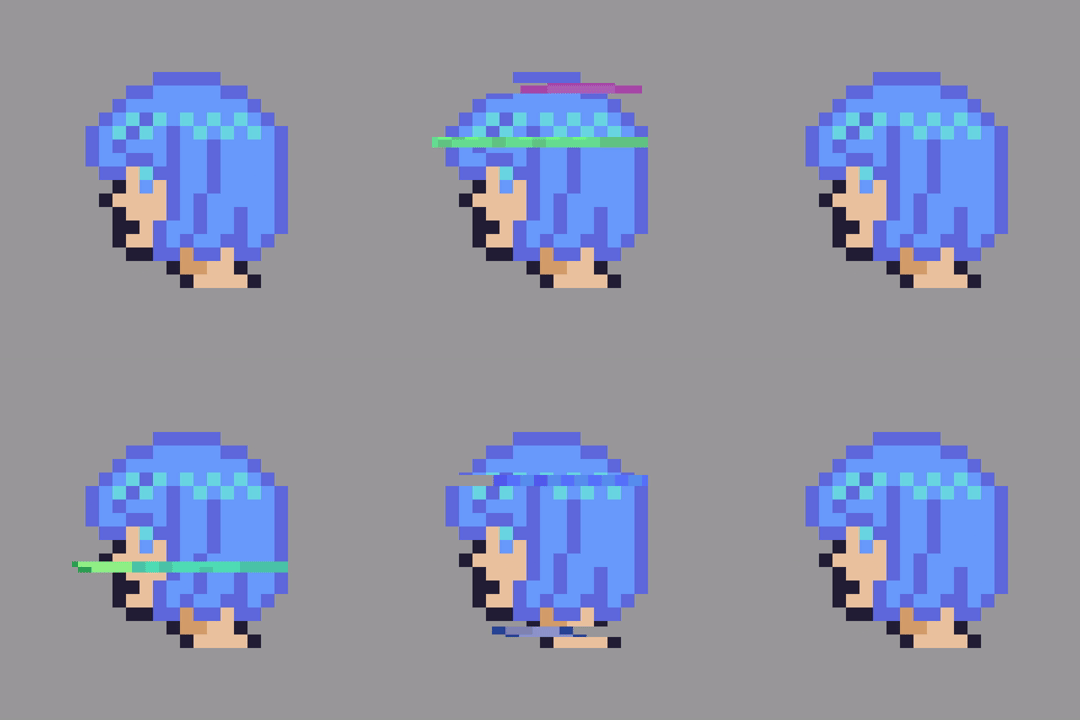
This tutorial will show you how to create a hand crafted glitch shader effect using horizontal displacement lines.

 Agate DRAGON Games