
Tag: GLSL
-
Creating a circle pattern in Shadertoy

Learn how to create a circle pattern in Shadertoy using the GLSL programming language.
-
Creating a checkerboard pattern in Shadertoy
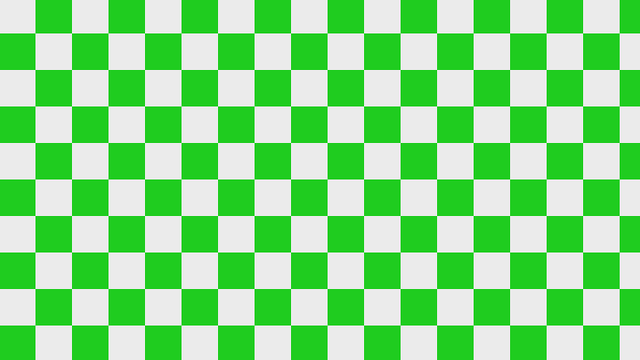
Learn how to create a checkerboard pattern in Shadertoy using the GLSL programming language.
-
Creating a 3D printer shader
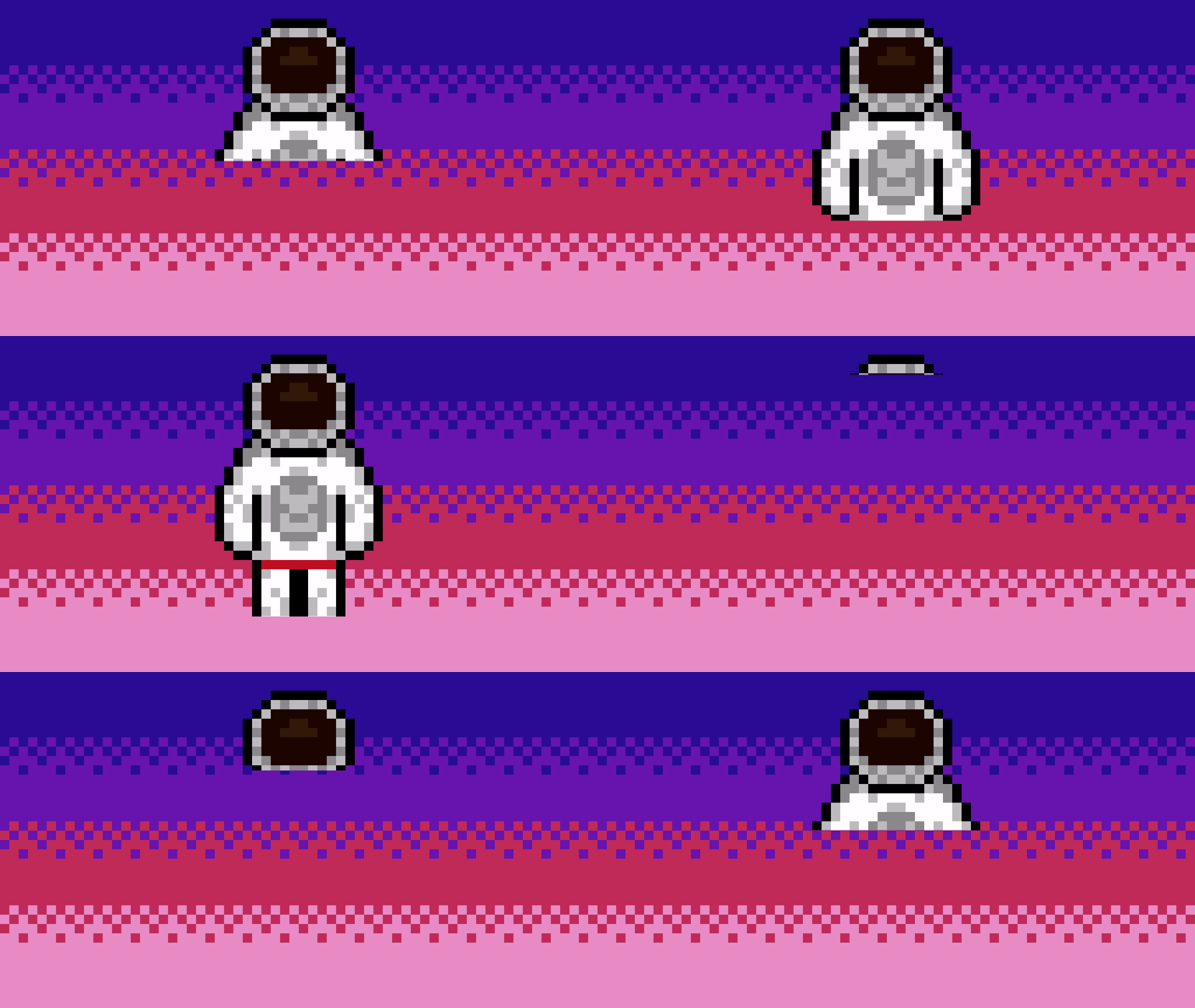
Learn how to create a 3D printer shader visual effect and watch as the texture appears line by line. Written in the GLSL programming language.
-
Creating a scrolling background in Shadertoy
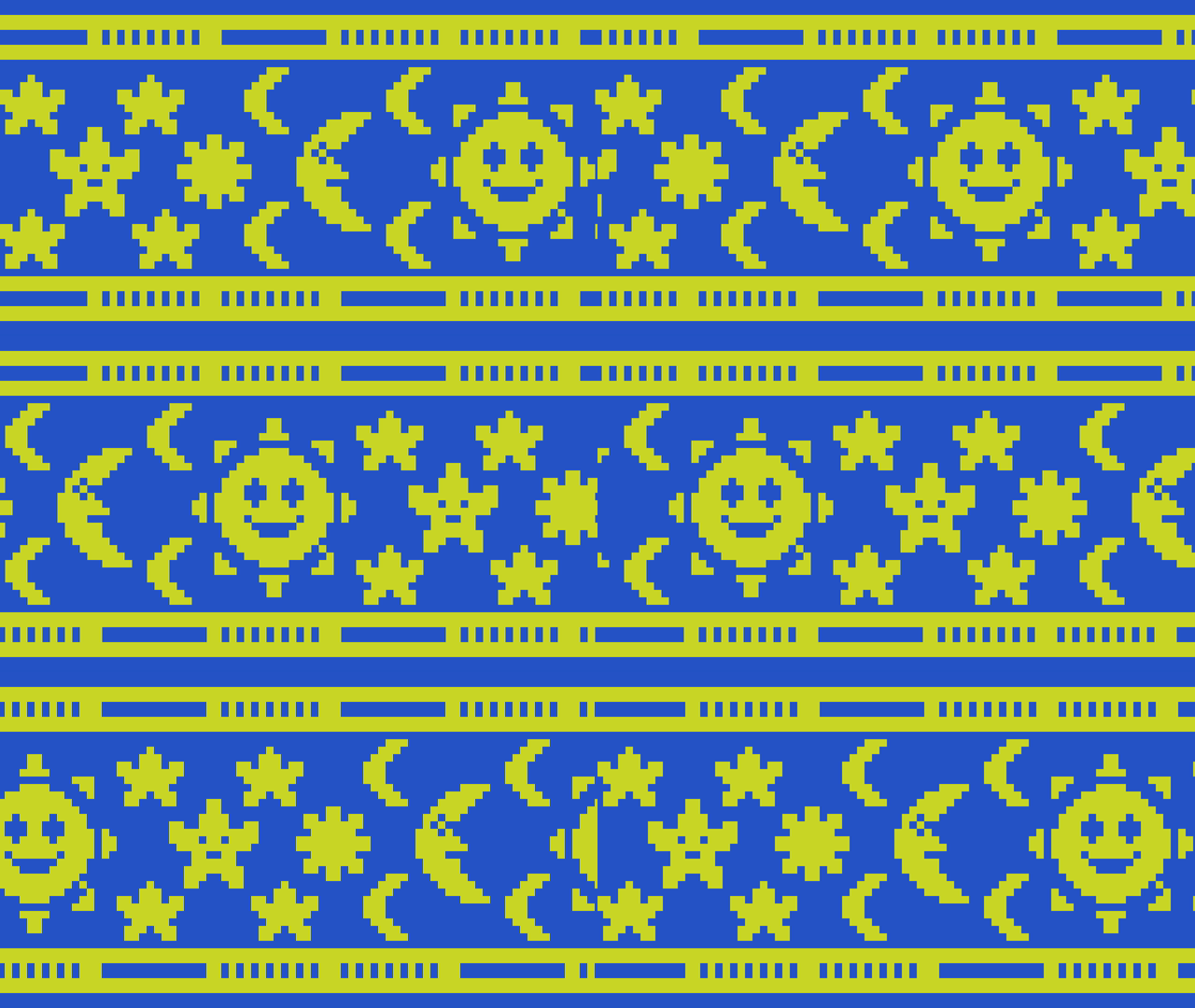
Learn how to create a scrolling background in Shadertoy using a texture by offsetting the UV coordinates using the fractional part of time and a speed value. The effect can be useful for many things such as top down and sidescroller video games, animated wallpapers and video backgrounds.
-
Creating a simple outline shader
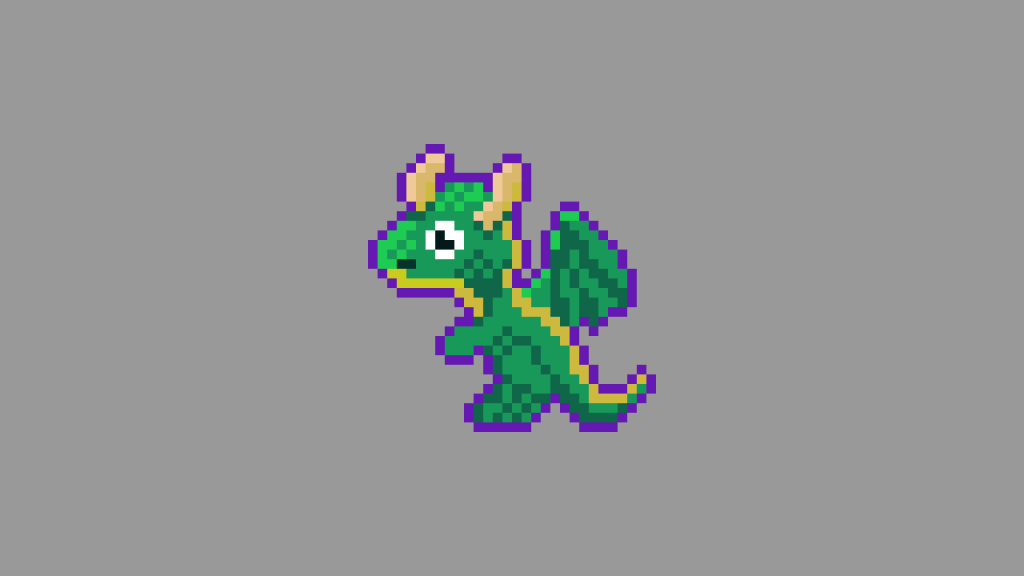
Learn how to create a simple outline around an image in a fragment shader using the GLSL programming language. Easily portable to other shader languages.
-
Creating a television effect in a shader

Learn how to create a animated television effect in a GLSL shader by combining various effects such as barrel distortion, scanlines, random noise, vignette, gradients and duotones.
-
Creating a simple noise effect in Shadertoy
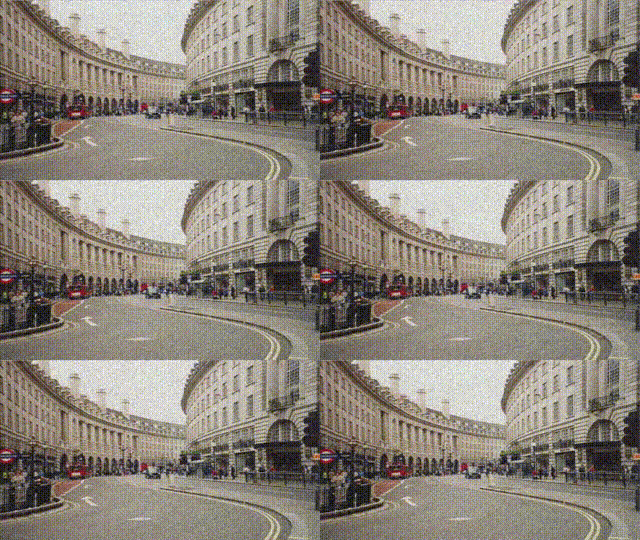
Learn how to create a simple animated noise effect in Shadertoy, and mix it with a texture to create an old, damaged footage look.
-
Combining scanlines with a texture in Shadertoy
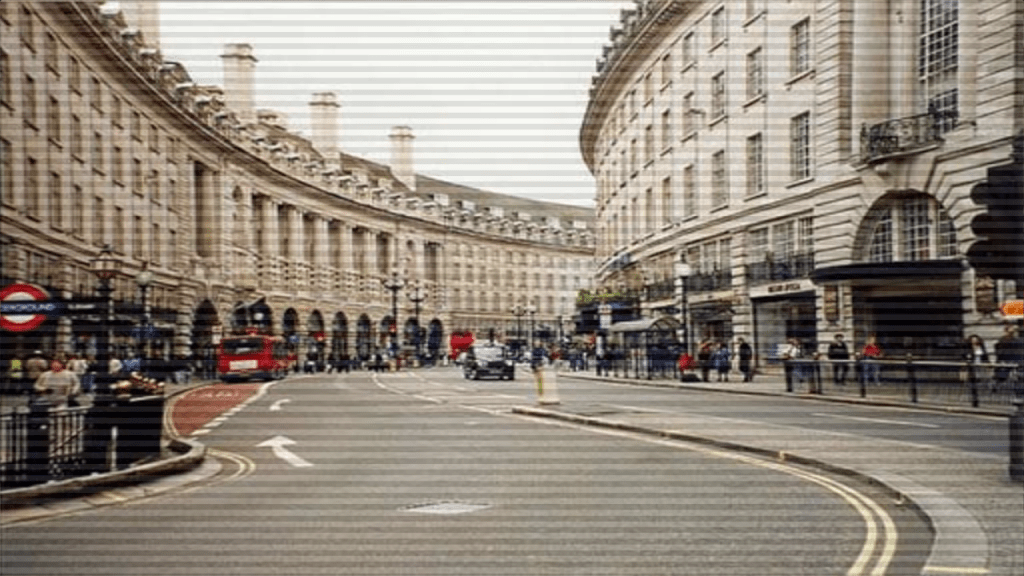
Learn how to combine the scanlines we created in the last tutorial, with a texture in Shadertoy using GLSL. We will use mix, multiply and gradients to create some interesting scanlines.
-
Creating a scanline effect in Shadertoy

Learn how to create a scanline shader in Shadertoy using floor and modulus. Use it to give your images a old CRT television or computer monitor look, or create cool backgrounds.
-
Creating a spotlight effect in Shadertoy

This tutorial will show you how to create a animated spotlight effect in Shadertoy. You will learn how to animate the circle using time and a sine wave. So the circle moves back-and-forth across the screen.
 Agate DRAGON Games