
Tag: Game Design
-
Creating an RGB Split Effect in Aseprite

Learn how to create an RGB split effect using Aseprite in this step-by-step pixel art tutorial. RGB split is also known as chromatic aberration, and is commonly found in glitch visual effects.
-
Rabbit and Carrot Finite State Machine

This post shows how the behaviour of a rabbit can be coded using a finite state machine, by breaking down the rabbit’s behaviour into different states. The rabbit’s goal is to wander around and eat carrots, whilst avoiding the deadly mouse cursor!
-
Aseprite tutorial: Creating a bouncing ball animation with squash and stretch

Learn how to create a bouncing ball animation in Aseprite with squash and stretch in this step-by-step pixel art tutorial.
-
Aseprite Pixel Art Tutorial: How to Create a Ruined Wall

Learn how to easily create a ruined wall in this pixel art tutorial using Aseprite.
-
Creating a seamless brick texture in Aseprite

Learn how to easily create a seamless brick tile texture in Aseprite by using tiled in both axes.
-
Four simple ways to create arches in Aseprite

This tutorial will show you four simple and fast ways to create arches in Aseprite using different tools. Read on to find your favourite method.
-
Adding a blurred outline in Aseprite

Learn how to add a blurred outline to a sprite quickly in Aseprite. The blurred outline blends nicely with the background and helps the image stand out.
-
Blurred stripe background in Aseprite

Learn how to create a blurred stripe background in Aseprite. Use it to make your digital art scene backgrounds more interesting.
-
Fast lava tile in Aseprite
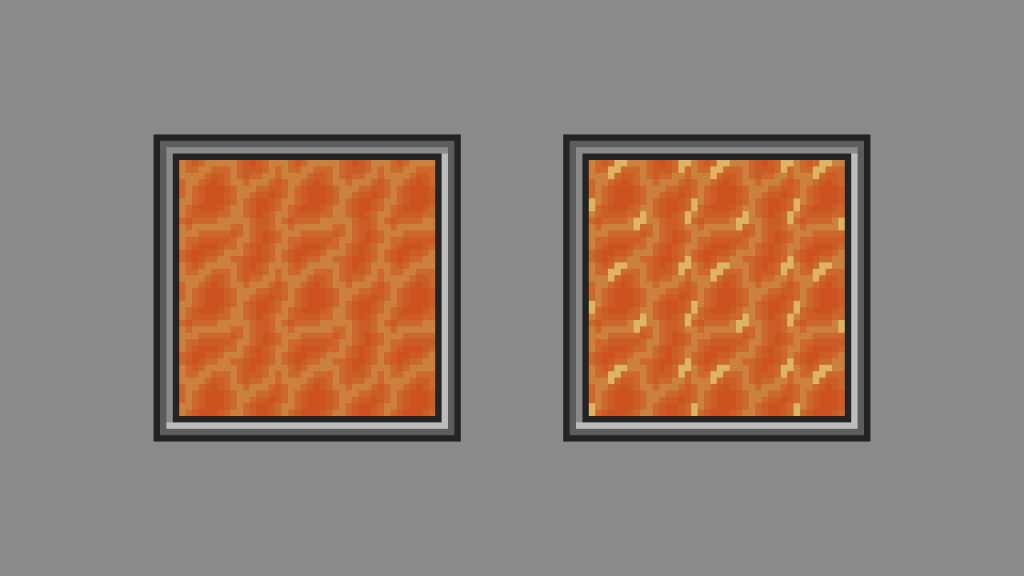
Learn how to create a seamless lava tile quickly in Aseprite. Use it to heat up your digital art scene or video game.
-
Creating a simple outline shader
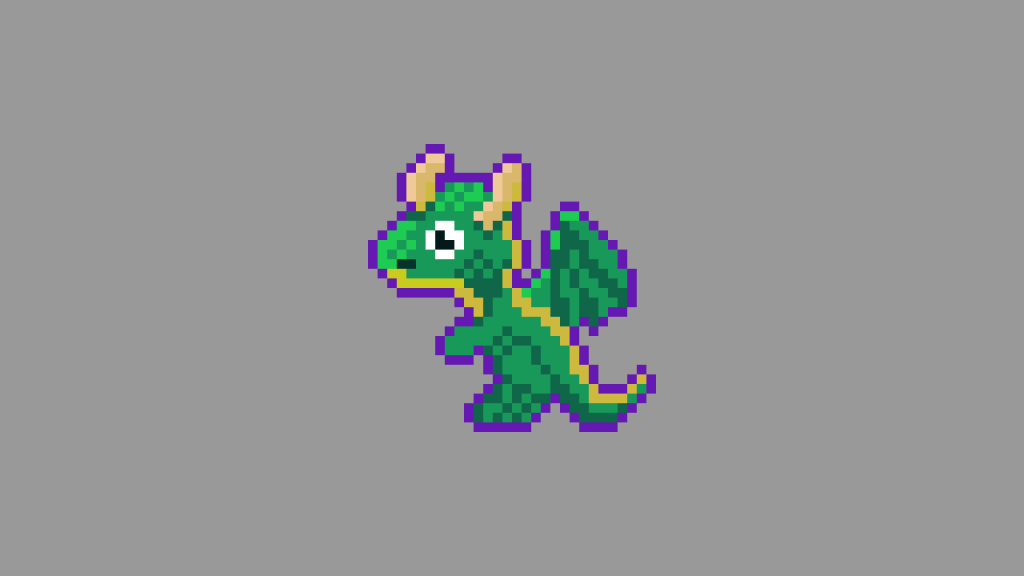
Learn how to create a simple outline around an image in a fragment shader using the GLSL programming language. Easily portable to other shader languages.
 Agate DRAGON Games