
Tag: Education
-
Creating a duotone gradient in a GLSL shader
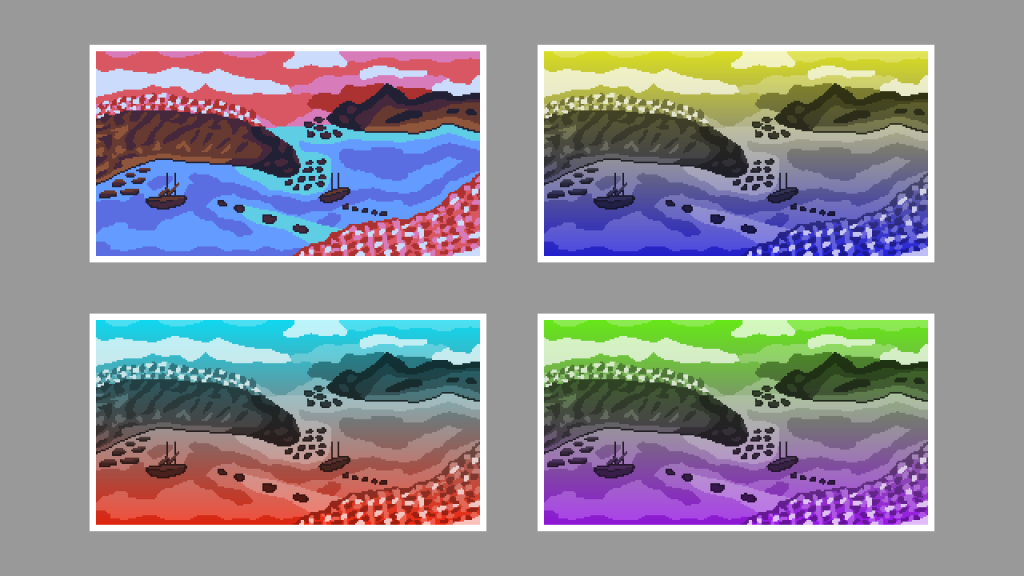
This tutorial guides you through creating a duotone gradient in a GLSL shader. Steps include converting to greyscale, creating a gradient, overlaying colours, and setting the output alpha. Experiment with colours and gradients to customise your sprite.
-
Creating a duotone gradient in GIMP
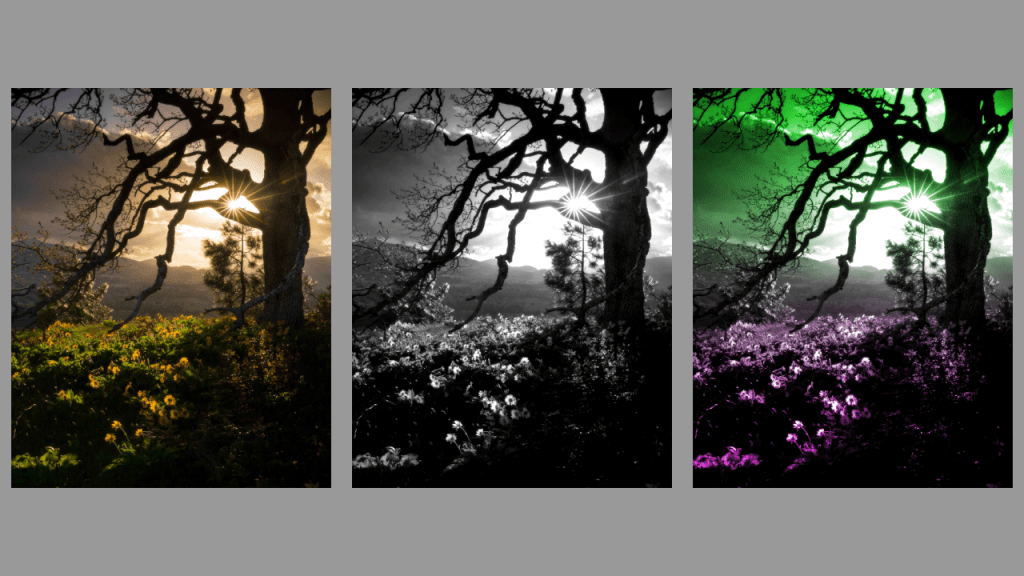
This tutorial demonstrates how to create a duotone gradient in GIMP, applicable to other image editors like Adobe Photoshop. Find an image, convert to greyscale, adjust contrast, create a gradient, and apply overlay blend mode to finish. Experiment with different gradients for unique effects. Happy editing!
-
Creating a duotone circle effect in a GLSL shader
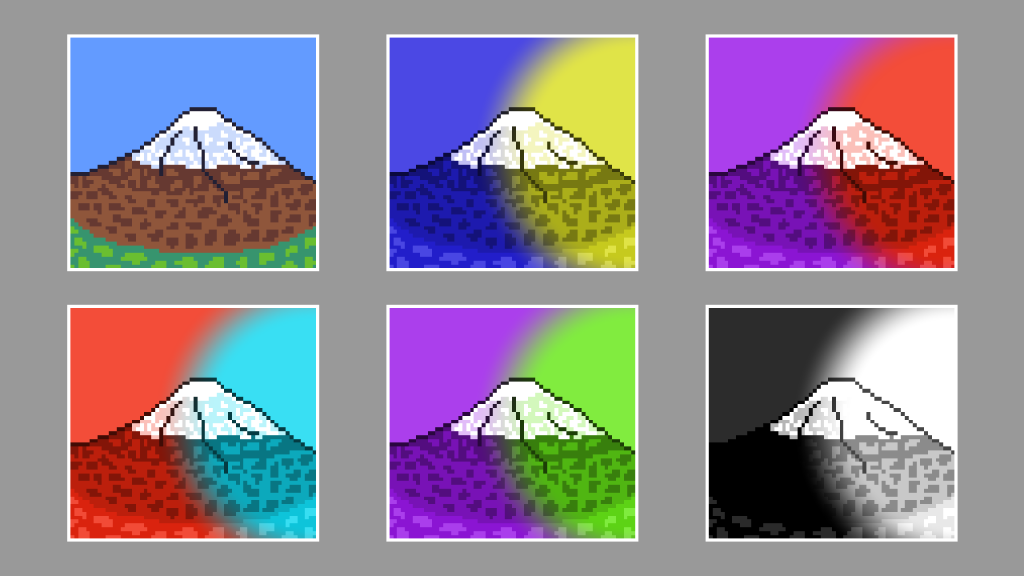
This tutorial demonstrates creating a duotone circle effect in a GLSL shader using a sprite of a mountain. By following the outlined steps, you can achieve a visually appealing result. The process involves details such as aspect ratio correction, creating a circle, converting to greyscale, overlaying colours, and setting the alpha channel. Experiment with different…
-
Creating a duotone circle effect in GIMP
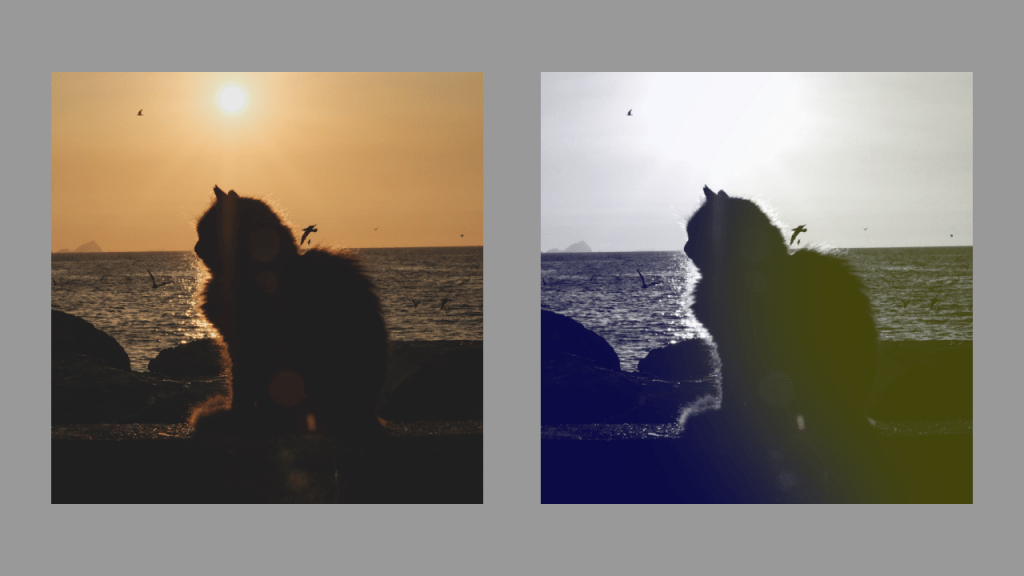
Learn how to create a stunning duotone circle effect using GIMP. Choose a suitable image, convert it to greyscale, select colours, create a circle, apply Gaussian blur, and adjust the layer opacity. Experiment with different colours and contrasts for a unique result. Enjoy enhancing your images with this creative technique!
-
Tinting sprites using a shader
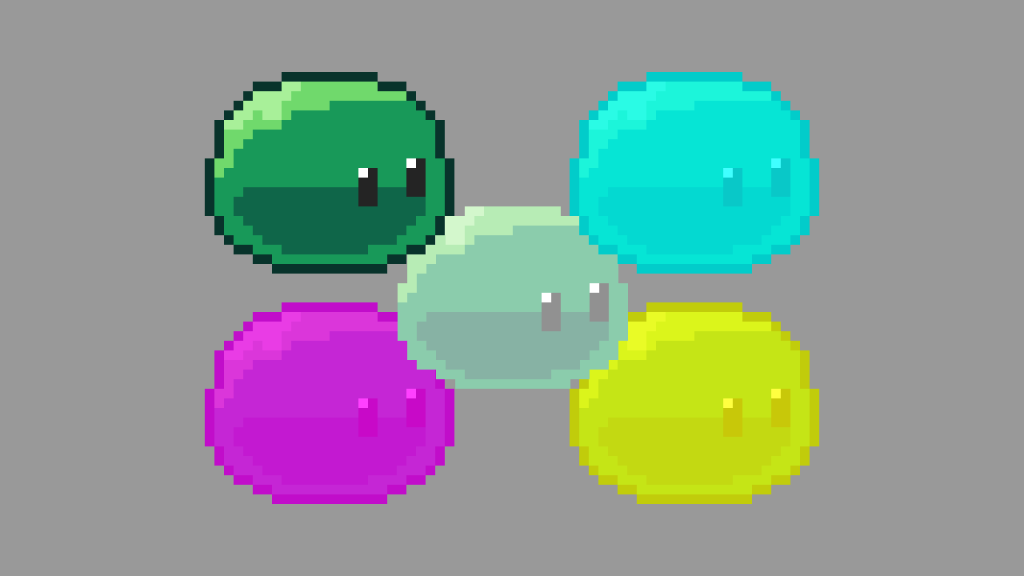
This tutorial will show you how to tint the pixels of a sprite in a shader.
-
Compressing videos with ffmpeg
This guide will show you how easy it is to compress video files using ffmpeg.
 Agate DRAGON Games