
Tag: Design
-
Fun and Crazy Circle Animation in Processing

I created this fun and crazy circle animation in Processing using the Java programming language. The effect is made using time, random functions and Perlin noise.
-
Creating a Blurred Circle Particle in GIMP: Step-by-Step Tutorial
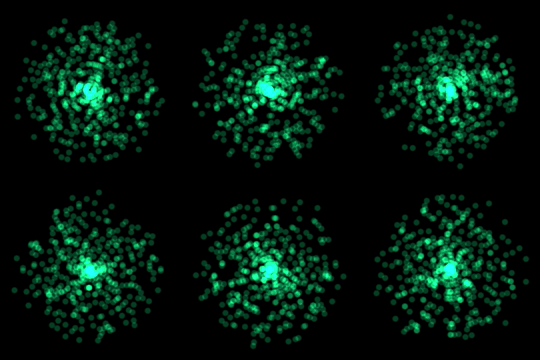
Learn how to create a circle particle in the GIMP image editor using gaussian blur. This type of image works great when used in a particle system as a visual effect for video games or films.
-
Creating a wood texture in GIMP
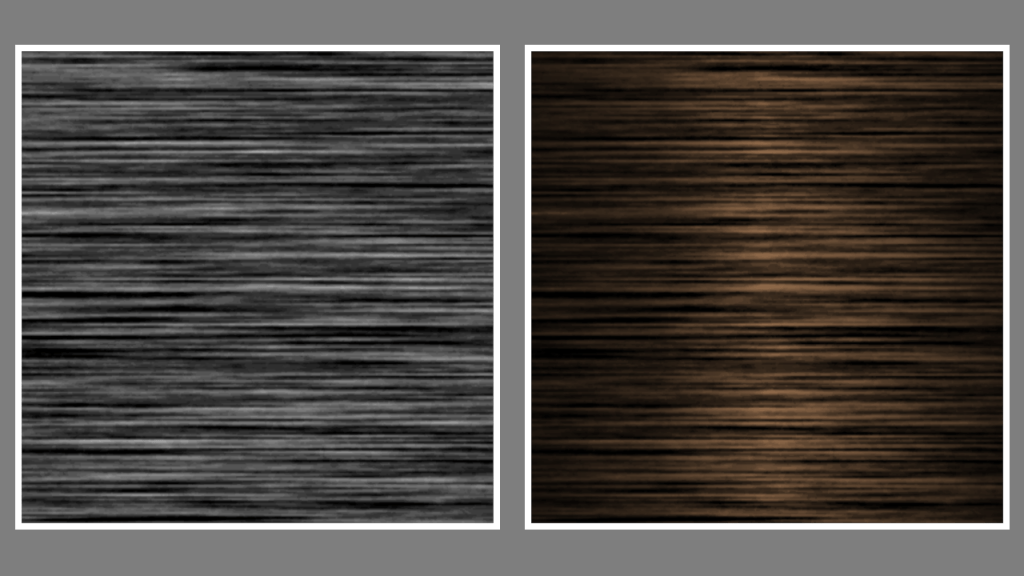
Learn how to create a wood texture in the GIMP image editor using noise, motion blur, levels and gradients. You can use the wood to texture 3D models for video games and other types of computer-generated imagery.
-
Creating a drop shadow effect in GIMP
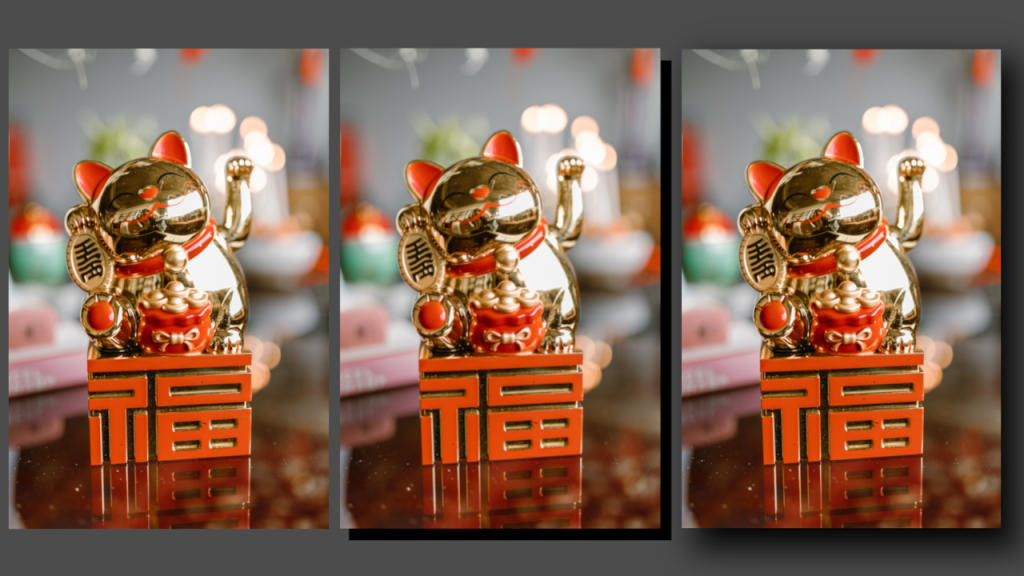
Learn how to apply a drop shadow effect to any image in the GIMP image editor by creating a shadow layer and applying gaussian blur. The process is similar for other image editors like Adobe Photoshop.
-
Creating a simple noise effect in Shadertoy
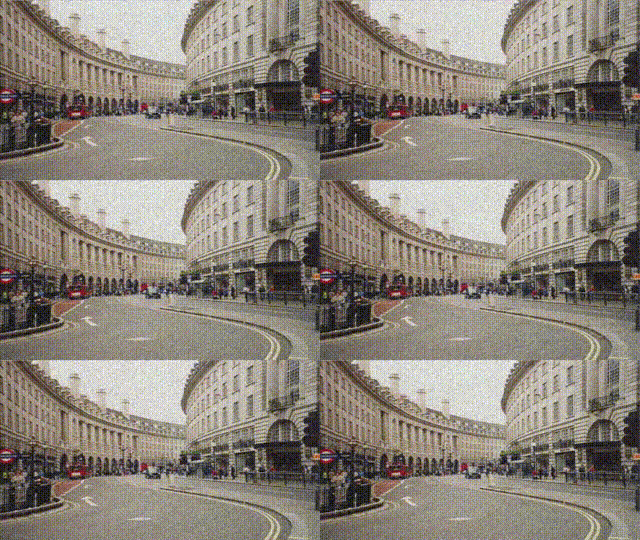
Learn how to create a simple animated noise effect in Shadertoy, and mix it with a texture to create an old, damaged footage look.
-
Combining scanlines with a texture in Shadertoy
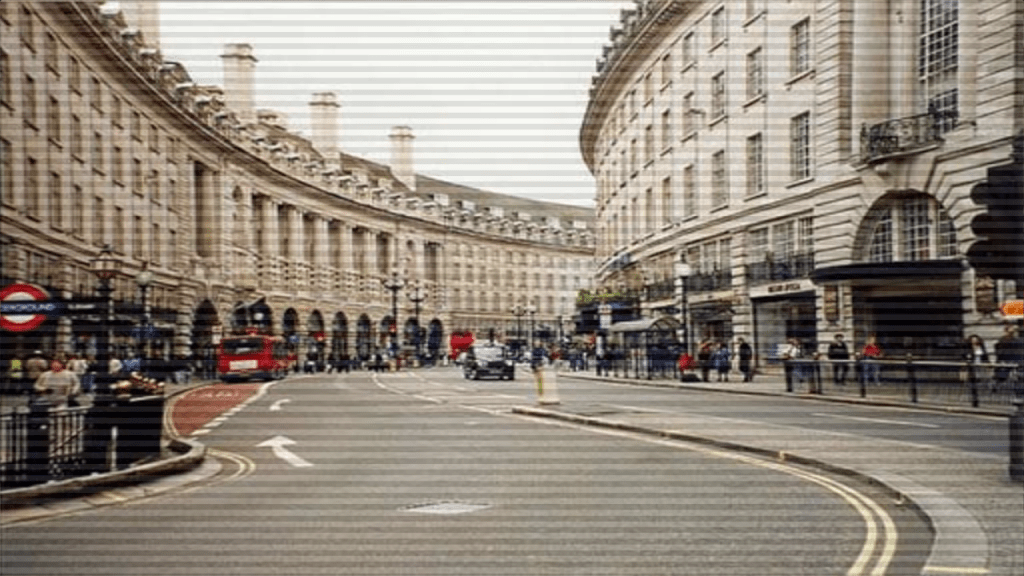
Learn how to combine the scanlines we created in the last tutorial, with a texture in Shadertoy using GLSL. We will use mix, multiply and gradients to create some interesting scanlines.
-
Creating a scanline effect in Shadertoy

Learn how to create a scanline shader in Shadertoy using floor and modulus. Use it to give your images a old CRT television or computer monitor look, or create cool backgrounds.
-
Processing game: cat and mouse part 2

In this tutorial we will make the game more challenging and fun by adding more cats at random positions and increasing the cat speed over time. You will learn how to organise and reuse your code by using tabs, lists and classes in Processing with Java.
-
Creating a cat and mouse game in Processing
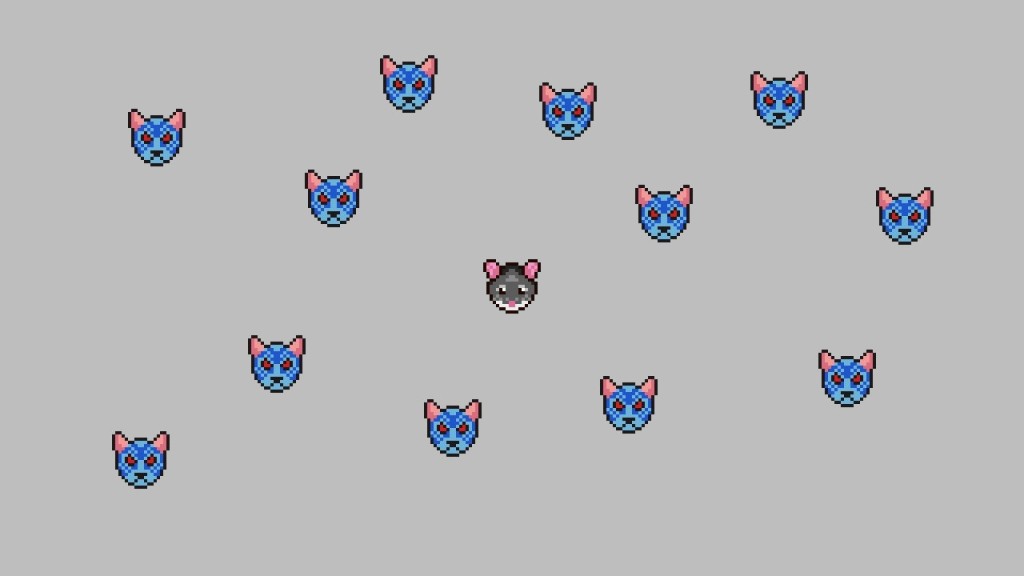
This tutorial will teach you how to create a cat and mouse game in Processing using Java. You will control the mouse, and try to survive against the hungry and angry cats! You will learn how to code the movement for a player and enemies in a game using vector math. We will use circles…
-
Processing paint program: Save an image
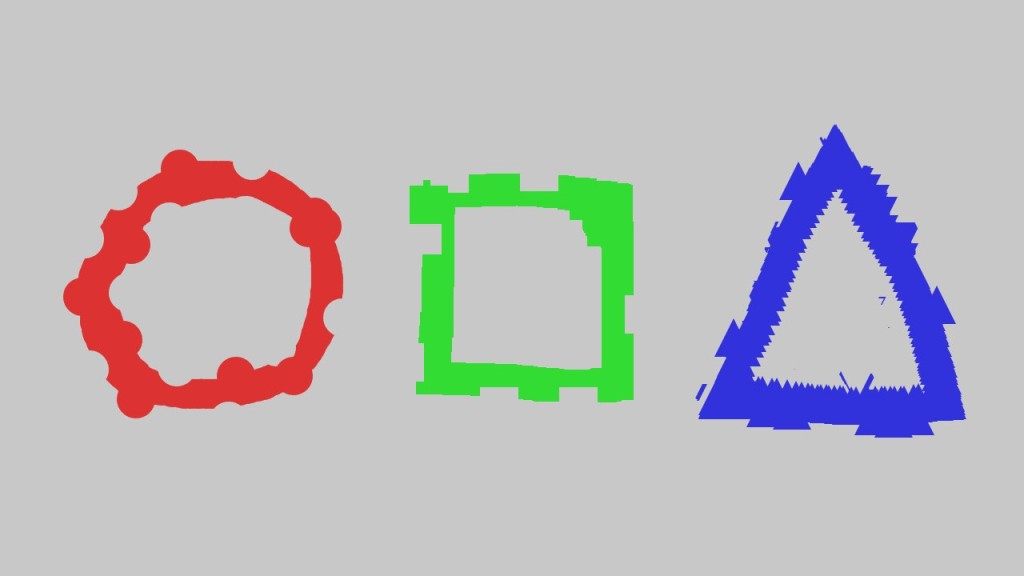
This tutorial leads on from the last tutorial about creating an eraser. We will add a save image function so we can save our masterpieces more easily! You will learn about characters and strings. Then how to give each saved image a unique name, so they don’t overwrite each other. We will also save each…
 Agate DRAGON Games