
Tag: Creativity
-
Creating a duotone effect in GIMP
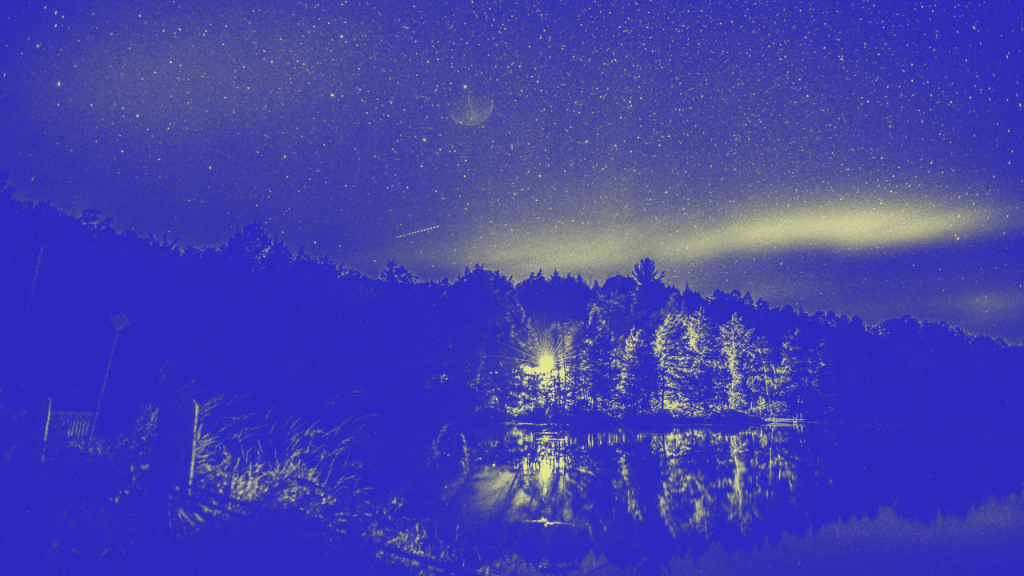
Learn how to create a stunning duotone effect in GIMP or any other image editor with this tutorial. Find an image with contrasting highlights and shadows, convert it to greyscale, then add layer masks and select two colors. Experiment with opacity to achieve the perfect result. Enjoy exploring this creative process!
-
Tinting Shan Shui art with gemstone colours
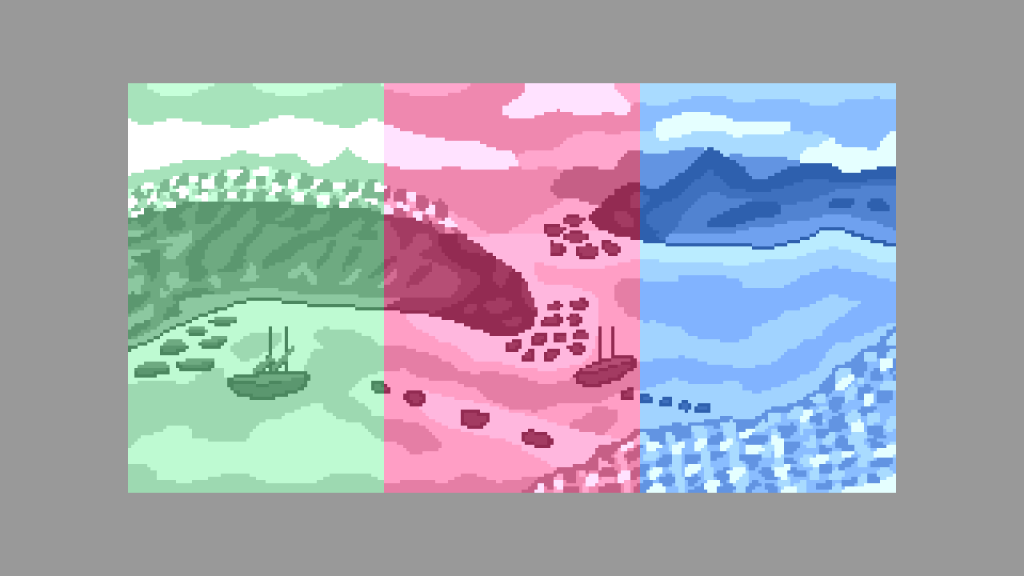
Following on from the sepia post, I replaced the sepia colour with gemstone colours. I used emerald, ruby and sapphire RGB values from Wikipedia. I lowered the brightness of the gemstone colours so they were not to bright when combined with the greyscale image.
-
Tinting sprites using a shader
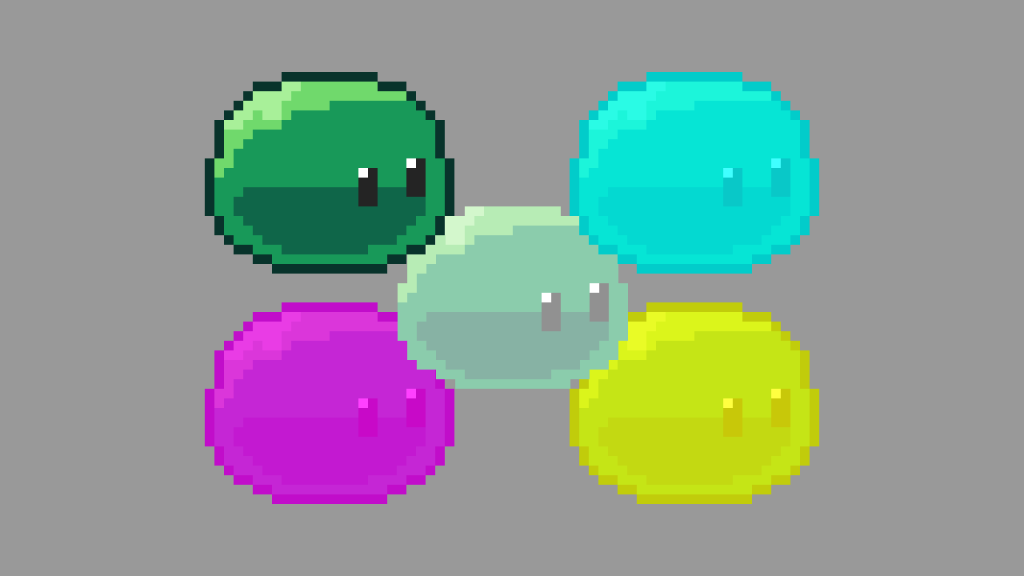
This tutorial will show you how to tint the pixels of a sprite in a shader.
 Agate DRAGON Games