
Tag: Blur
-
Creating a noisy polaroid frame in GIMP

Learn how to create a noisy polaroid frame in this GIMP image editor tutorial using spread noise and median blur.
-
Creating a planet in GIMP

Learn how to create a cool looking planet using the GIMP image editor. You will learn how to use noise, blur, gradients, lighting and blend modes to create beautiful art.
-
Aseprite pixel art tutorial: Noise texture background

Learn how to create a noise texture background in this step-by-step Aseprite pixel art tutorial. Create an image made up of many squares of varying sizes using two colours. Then make the image noisy using a convolution matrix. Use blend modes and gradients to add the finishing touches.
-
Creating a Blurred Circle Particle in GIMP: Step-by-Step Tutorial
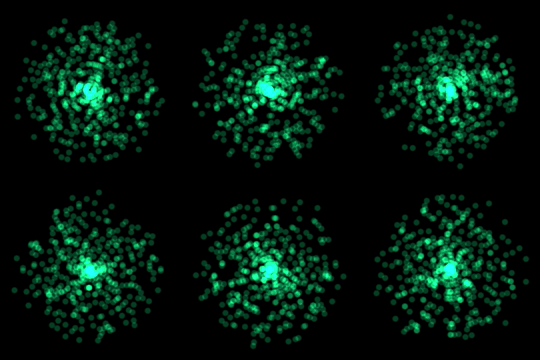
Learn how to create a circle particle in the GIMP image editor using gaussian blur. This type of image works great when used in a particle system as a visual effect for video games or films.
-
Adding a blurred outline in Aseprite

Learn how to add a blurred outline to a sprite quickly in Aseprite. The blurred outline blends nicely with the background and helps the image stand out.
-
Blurred stripe background in Aseprite

Learn how to create a blurred stripe background in Aseprite. Use it to make your digital art scene backgrounds more interesting.
-
Simple gaussian blur shader using a kernel
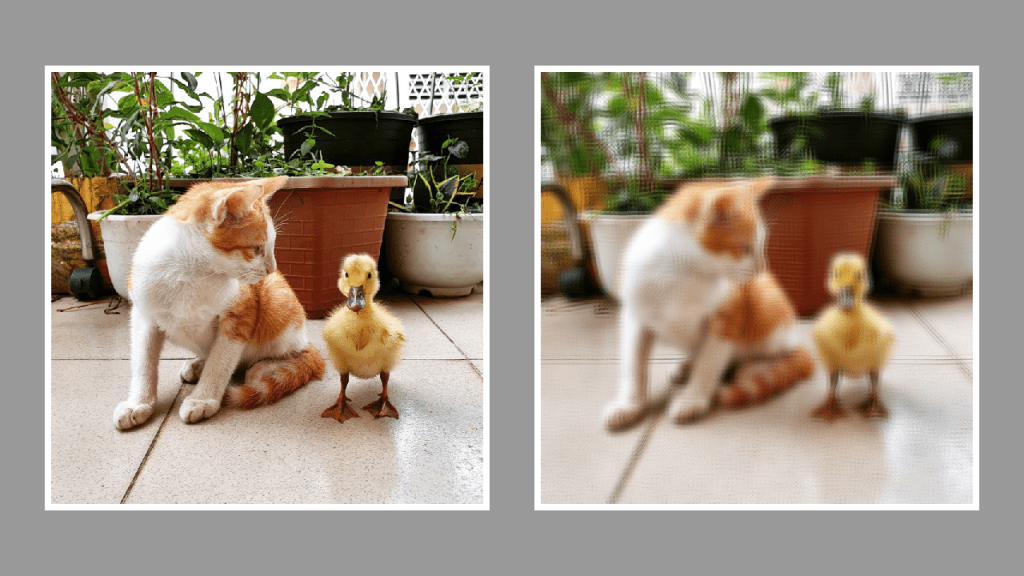
This tutorial demonstrates creating a gaussian blur shader using a kernel and the GLSL shader language. The process involves creating a kernel, defining a sample distance, applying blur, and setting the pixel alpha. Images with different sample distances are displayed for comparison. Thank you for reading this helpful guide!
 Agate DRAGON Games