
Tag: artwork
-
Creating a halftone shader
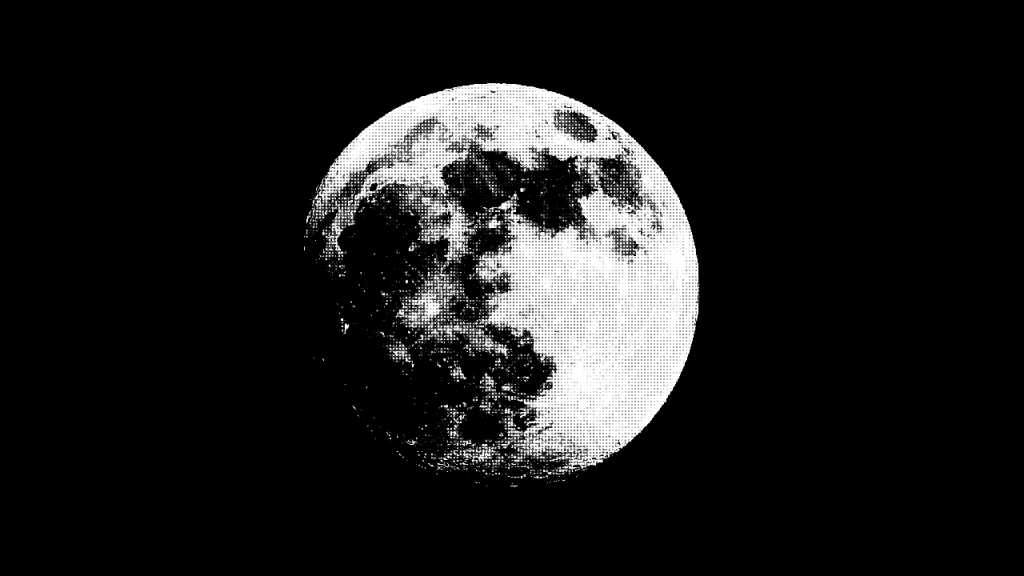
Learn how to create a halftone shader using the GLSL programming language. Create a halftone pattern using multiplication, aspect ratio correction, conversion to greyscale, smoothing and the distance to the centre of a circle.
-
Creating shape patterns with shaders
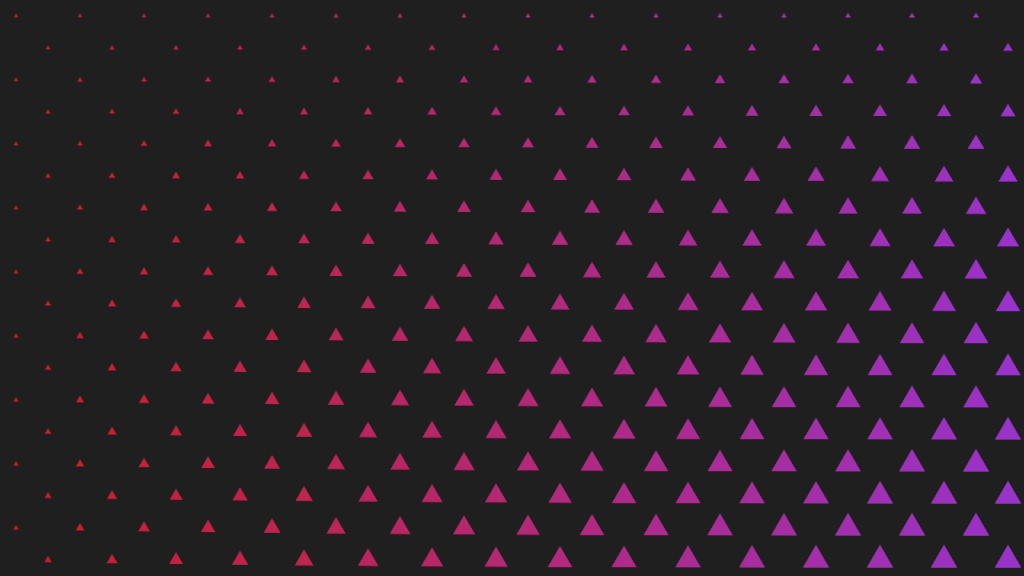
Learn how to create various shape patterns with shaders, using signed distance functions and the fractional part of a number.
-
Creating a metal texture in GIMP
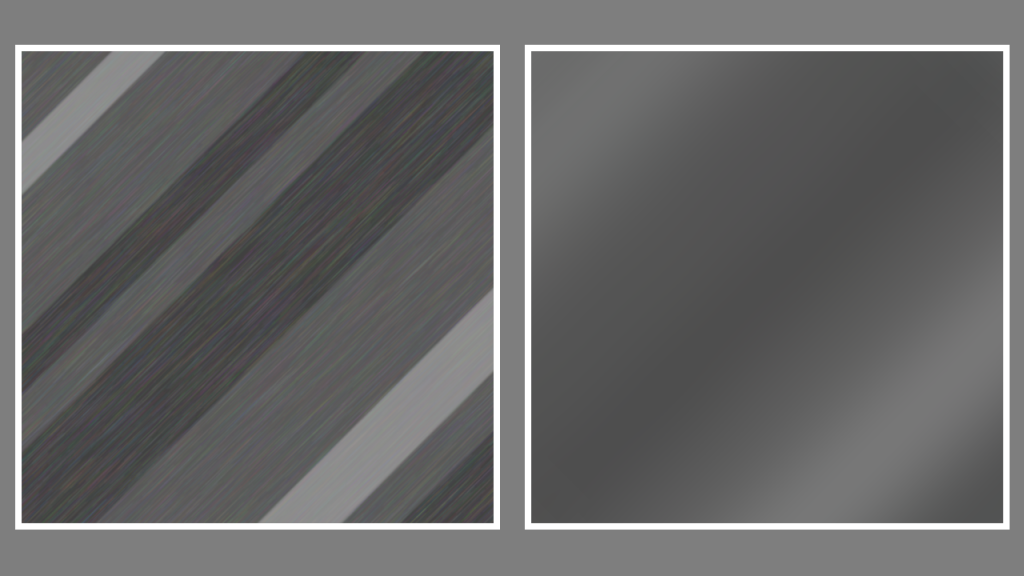
Learn how to create a metal texture in the GIMP image editor by drawing lines of varying sizes. Use noise, linear motion blur, gaussian blur and plasma to create a nice metal texture.
-
Creating a wood texture in GIMP
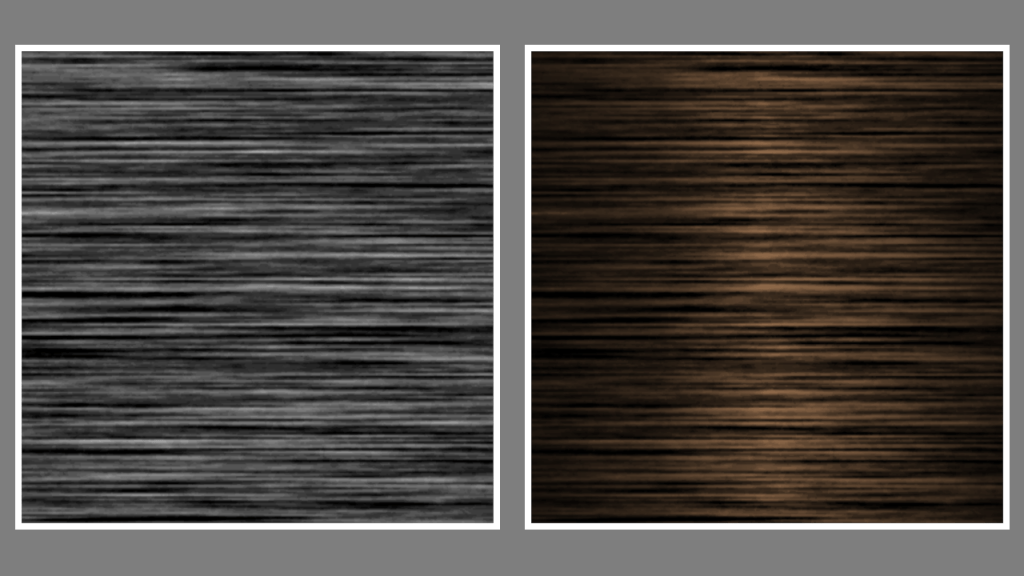
Learn how to create a wood texture in the GIMP image editor using noise, motion blur, levels and gradients. You can use the wood to texture 3D models for video games and other types of computer-generated imagery.
-
Creating a drop shadow effect in GIMP
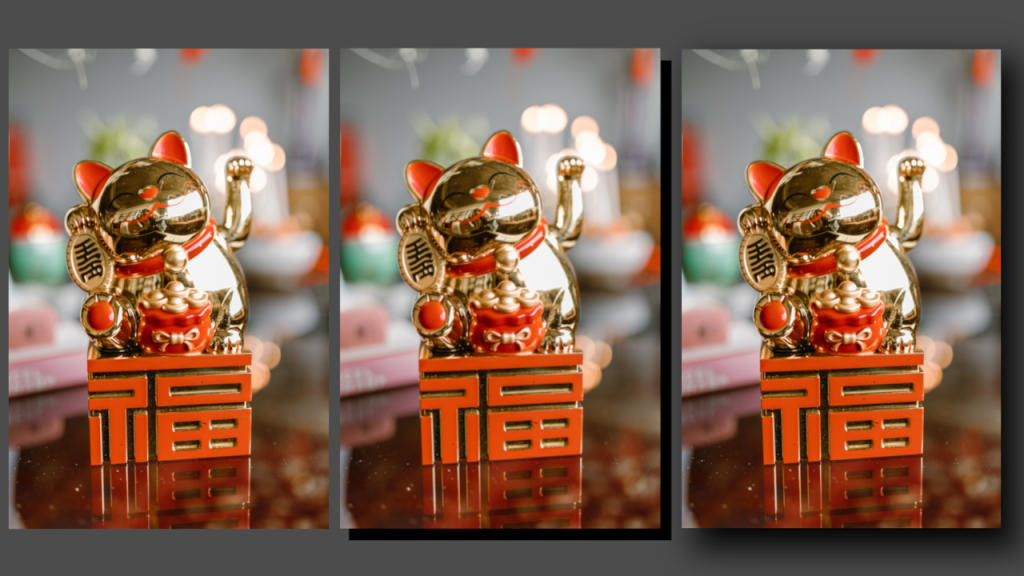
Learn how to apply a drop shadow effect to any image in the GIMP image editor by creating a shadow layer and applying gaussian blur. The process is similar for other image editors like Adobe Photoshop.
-
Happy year of the dragon!
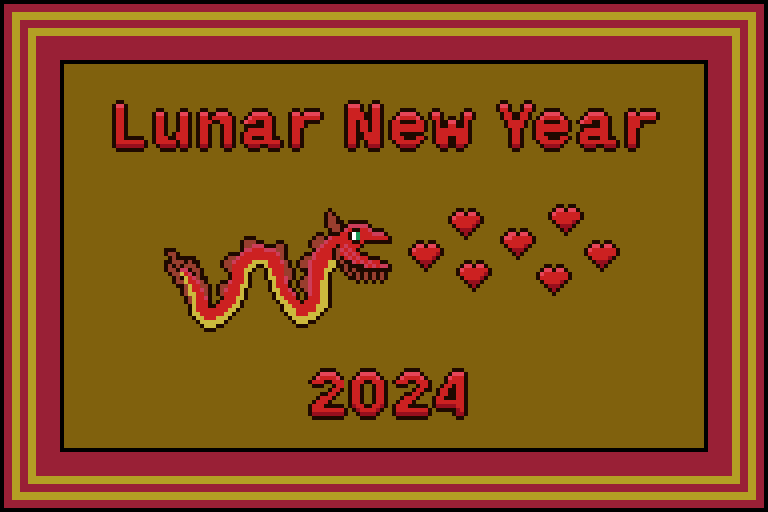
I decided to combine the year of the dragon with the hearts of valentine’s day. My idea was to draw a dragon which fires hearts out of it’s mouth. So I started with the dragon, then drew the hearts. I then added the text, and finally the frame. The sprite is made up of 13…
-
Heart regen animation

I created these heart regeneration animations using a mixture of coding and pixel art. The heart fills up and particles constantly spawn. When the heart is full it scales up in size, using the scale and barrel distortion. It also gets brighter, before returning to normal size.
-
Creating a television effect in a shader

Learn how to create a animated television effect in a GLSL shader by combining various effects such as barrel distortion, scanlines, random noise, vignette, gradients and duotones.
-
Processing paint program: Save an image
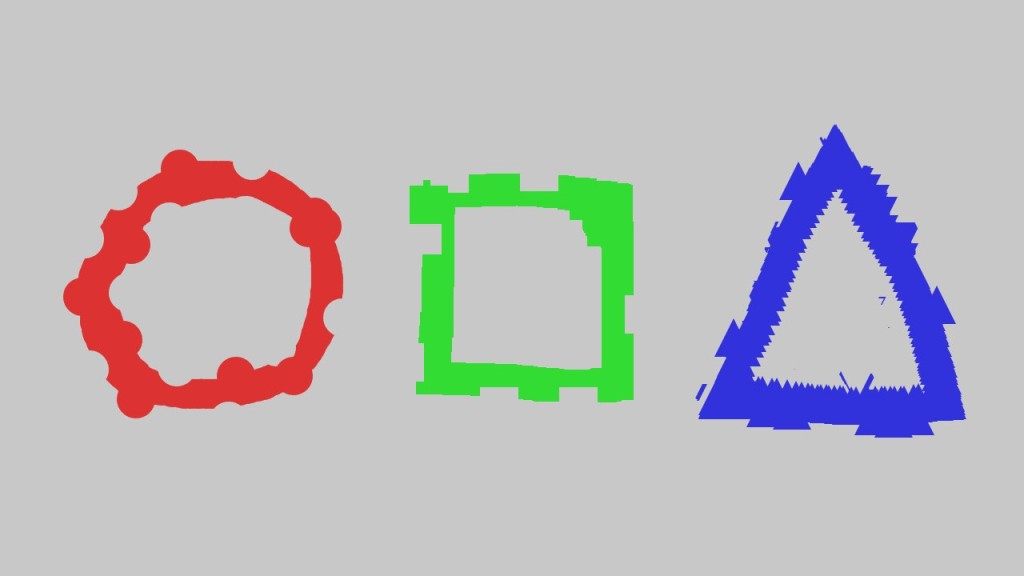
This tutorial leads on from the last tutorial about creating an eraser. We will add a save image function so we can save our masterpieces more easily! You will learn about characters and strings. Then how to give each saved image a unique name, so they don’t overwrite each other. We will also save each…
-
Processing paint program: Creating an eraser
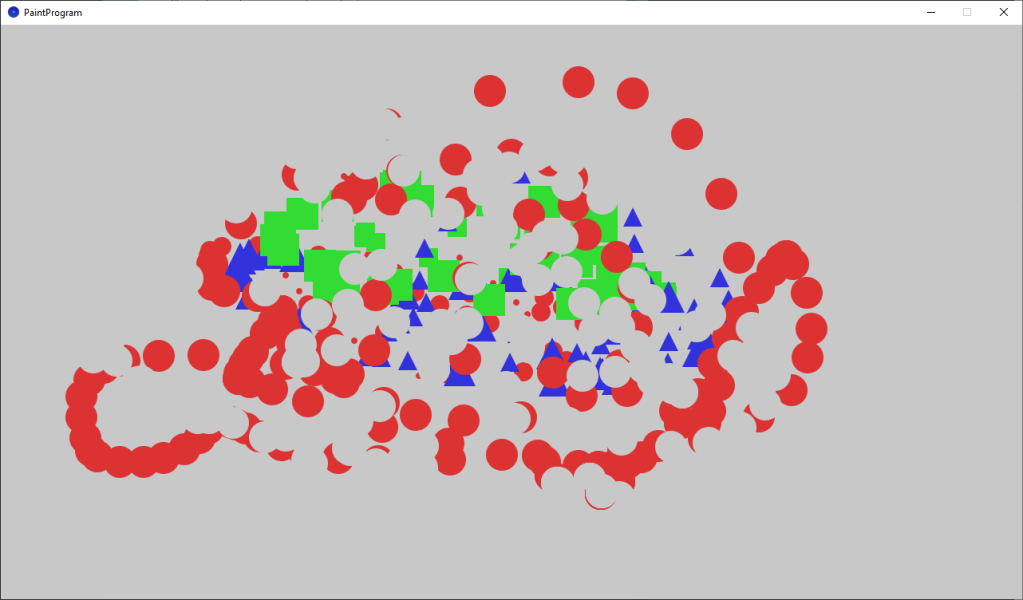
This tutorial teaches you how to add an eraser to the paint program, and follows on from the last tutorial about changing the brush size. We will also pick better colors, which aren’t so bright.
 Agate DRAGON Games