
Category: Art
-
Expanding circle columns made in Processing
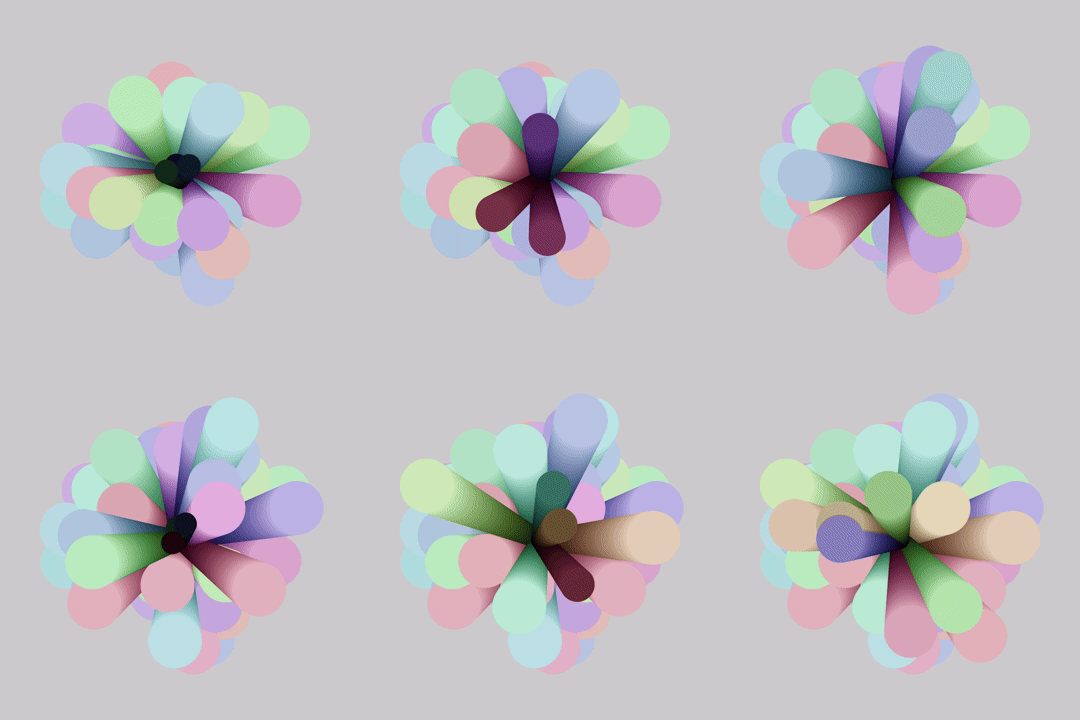
Made these expanding circle columns in Processing by rendering three circles without clearing the screen, and using hue shifting to keep it interesting. The colours go from dark and saturated, to bright and desaturated.
-
Aseprite pixel art tutorial: Noise texture background

Learn how to create a noise texture background in this step-by-step Aseprite pixel art tutorial. Create an image made up of many squares of varying sizes using two colours. Then make the image noisy using a convolution matrix. Use blend modes and gradients to add the finishing touches.
-
Aseprite tutorial: Creating a bouncing ball animation with squash and stretch

Learn how to create a bouncing ball animation in Aseprite with squash and stretch in this step-by-step pixel art tutorial.
-
Fun and Crazy Circle Animation in Processing

I created this fun and crazy circle animation in Processing using the Java programming language. The effect is made using time, random functions and Perlin noise.
-
Coding an Olympic Ring Animation in Processing
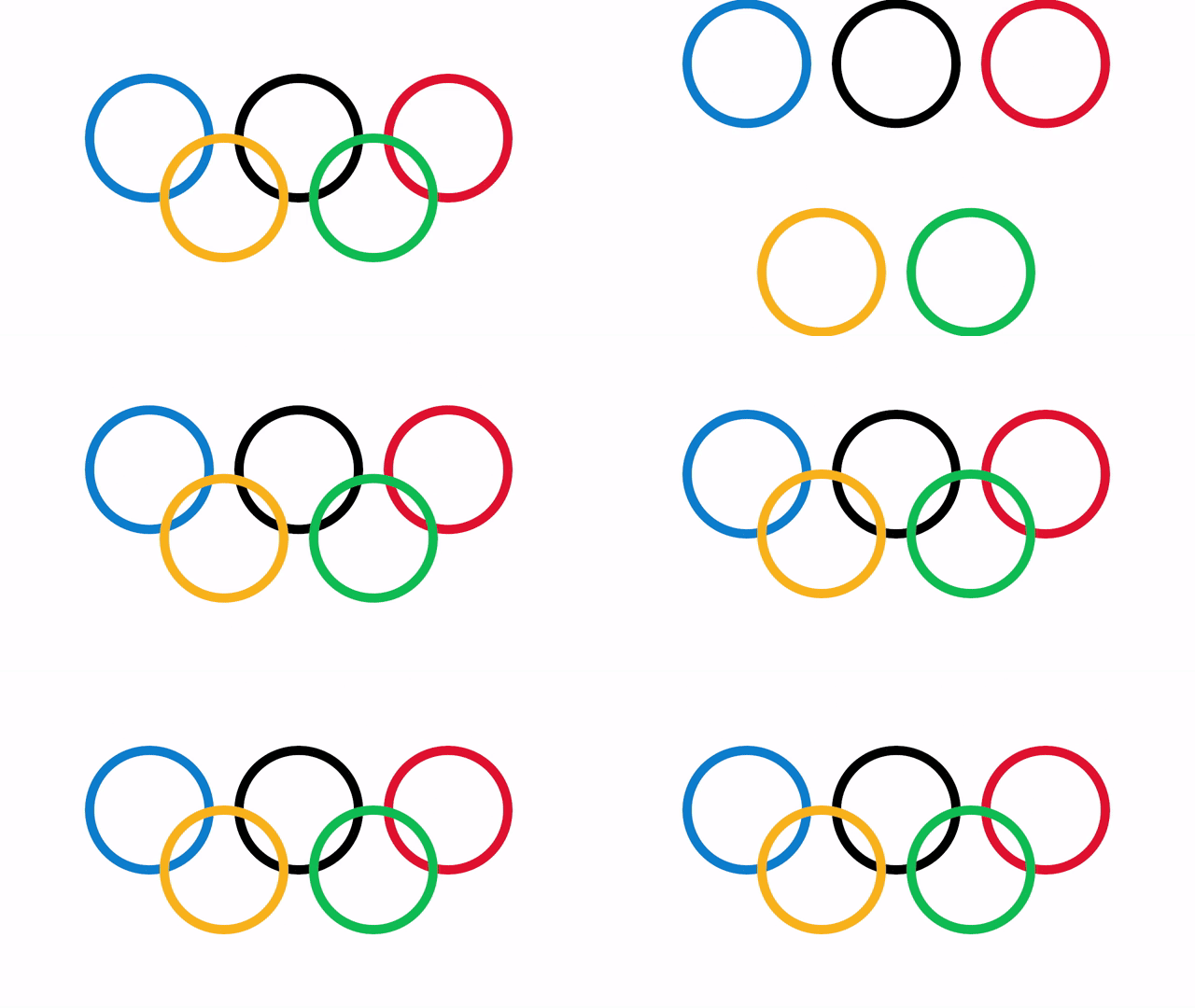
I created this Olympic ring animation to celebrate the Olympic games. The animation was coded in Processing using the Java programming language.
-
Creating a Blurred Circle Particle in GIMP: Step-by-Step Tutorial
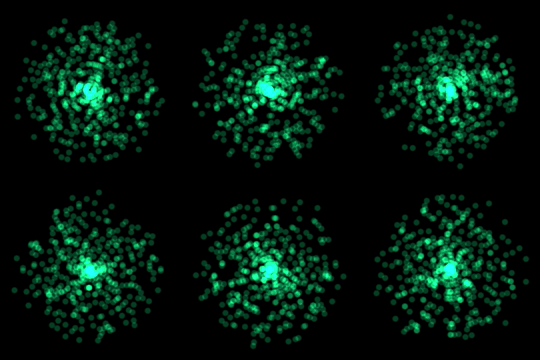
Learn how to create a circle particle in the GIMP image editor using gaussian blur. This type of image works great when used in a particle system as a visual effect for video games or films.
-
Aseprite Pixel Art Tutorial: How to Create a Ruined Wall

Learn how to easily create a ruined wall in this pixel art tutorial using Aseprite.
-
Creating a seamless brick texture in Aseprite

Learn how to easily create a seamless brick tile texture in Aseprite by using tiled in both axes.
-
Four simple ways to create arches in Aseprite

This tutorial will show you four simple and fast ways to create arches in Aseprite using different tools. Read on to find your favourite method.
-
Adding a blurred outline in Aseprite

Learn how to add a blurred outline to a sprite quickly in Aseprite. The blurred outline blends nicely with the background and helps the image stand out.
 Agate DRAGON Games