
Category: Digital Art
-
Creating Textures for a Dissolve Shader

Learn how to create a texture for a dissolve shader using the GIMP image editor. This tutorial will show you two methods.
-
Creating Shadows using Gradients and Blend Modes in Aseprite
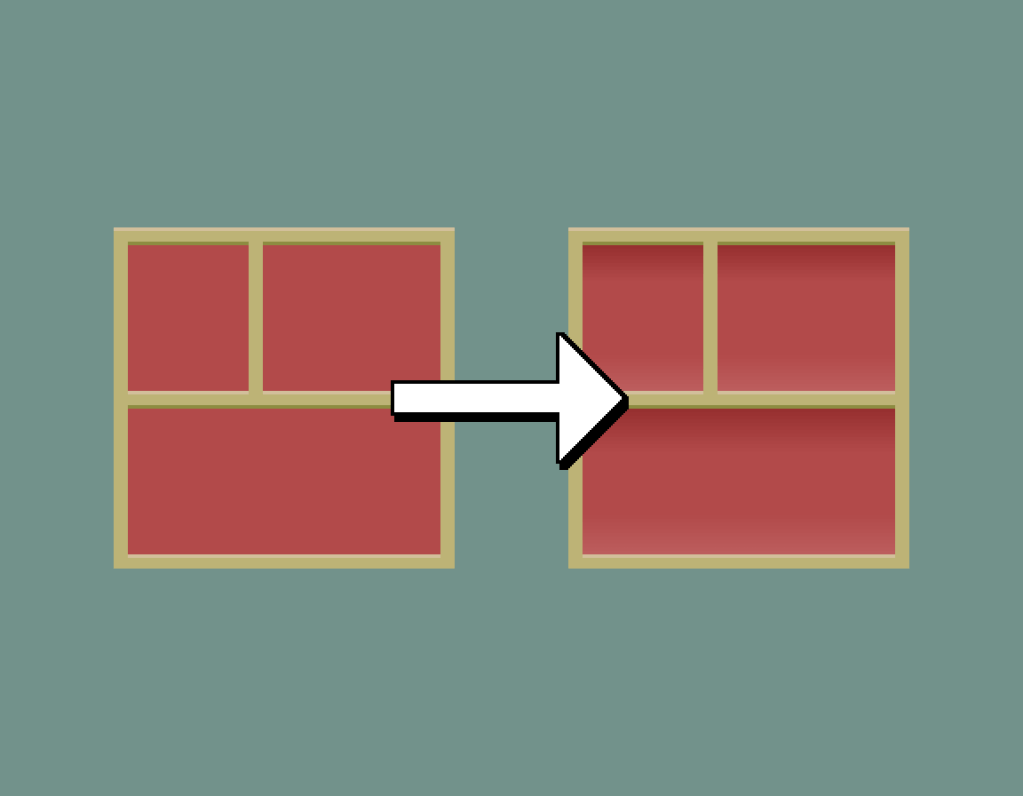
This tutorial will show you how to add shadows and highlights to a pixel art image in the Aseprite image editor using gradients and blend modes.
-
Creating Shadows using Opacity in Aseprite

This tutorial will show you how to add shadows and highlights to a pixel art image using the opacity slider.
-
Aseprite Pixel Art Tutorial: Dithering

This pixel art tutorial will teach you four ways to create and apply dithering patterns to images in the Aseprite image editor.
-
A Guide to Creating Colour Schemes for Digital Art

This tutorial will teach you how to use the RGB colour wheel and the HSV colour format to create a variety of colour schemes for digital art. You will learn how to adjust brightness, saturation and shift the hue of colours to create interesting colour palettes.
-
Creating an RGB Split Effect in Aseprite

Learn how to create an RGB split effect using Aseprite in this step-by-step pixel art tutorial. RGB split is also known as chromatic aberration, and is commonly found in glitch visual effects.
-
Pixel Art Birds 2024

Here is a collection of pixel art birds which I have drawn in 2024 using the Aseprite pixel art drawing software.
-
Happy Halloween 2024

Happy Halloween! 🎃 I’ll use this post to share some of my spooky pixel art drawings and animations, with a brief description.
-
Creating a noisy polaroid frame in GIMP

Learn how to create a noisy polaroid frame in this GIMP image editor tutorial using spread noise and median blur.
-
Creating a planet in GIMP

Learn how to create a cool looking planet using the GIMP image editor. You will learn how to use noise, blur, gradients, lighting and blend modes to create beautiful art.
 Agate DRAGON Games