
Learn how to use polar coordinates to make an object orbit a point in space.
Introduction
In this tutorial you will learn how to code a planet orbiting a sun using the Processing development environment and the Java programming language.
For those new to Processing, check out my tutorial here. You will learn how to install Processing, and how to get started by creating an animated mosaic pattern.
Sun Variables
First open Processing and create the following variables:
PVector sunPosition = new PVector();
float sunSize = 128;
These variables represent the position of the sun and the size of the sun.
Setup Function
Next create the ‘setup’ function:
void setup()
{
  size(720, 720);
  sunPosition.set(width / 2, height / 2);
}
We define the size of the sketch to be a square: 720×720.
Then set the position of the sun to the centre of the screen.
Draw the Sun
Next we will clear the screen to a light grey colour.
void draw()
{
  background(200);

  // Sun
  stroke(0);
  fill(255, 255, 0);
  ellipse(sunPosition.x, sunPosition.y, sunSize, sunSize);
}
Then we will draw the sun. We will use a yellow fill and a black stroked outline. We use the ellipse function to draw a circle using the variables we created earlier for position and size.
So if you run the sketch, you should be greeted with a nice yellow circle in the middle of the screen.
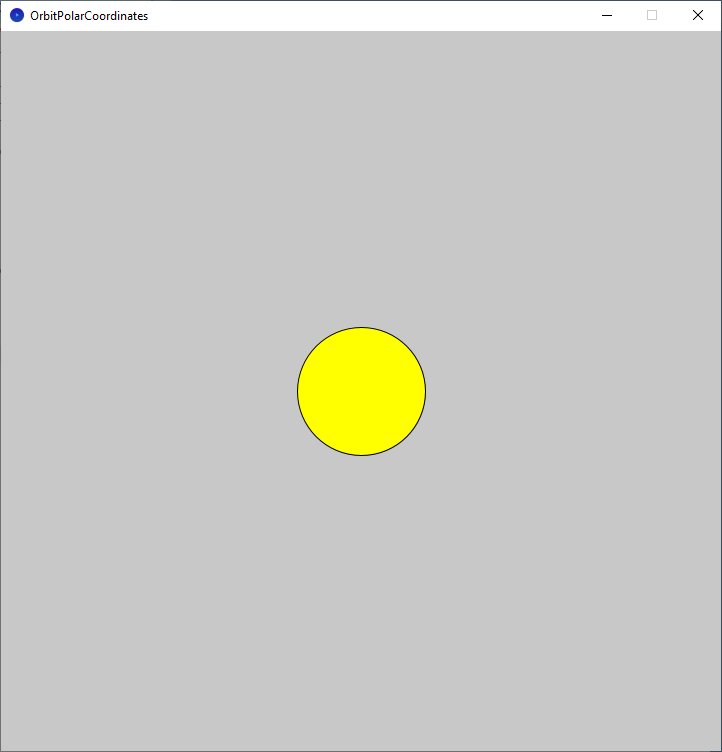
Not very exciting yet, but next we will add the planet.
Planet Variables
At the top of the sketch, above the ‘setup’ function, add some new variables.
float planetSize = 48;
float distanceFromSun = 192;
float angle = 0;
These variables are for the planet size, the distance to the sun and the angle from the sun.
Draw the Planet
Now we just need to draw our planet, and make it orbit the sun. Put this code inside the draw function, below the sun drawing code.
  // Planet
  stroke(0);
  fill(0, 255, 0);
  angle += radians(1.0);
  final float x = sunPosition.x + cos(angle) * distanceFromSun;
  final float y = sunPosition.y + sin(angle) * distanceFromSun;
  ellipse(x, y, planetSize, planetSize);
So firstly we will set the fill to green and the stroke to black.
  stroke(0);
  fill(0, 255, 0);
Next we will increase the angle variable. Notice how the value of ‘1.0’ which is in degrees, gets converted to radians. This is because the cosine and sine functions take values in radians.
angle += radians(1.0);Now we can calculate our planet position using the sun position and angle variables. The ‘cos’ and ‘sin’ functions are used to convert the angle into a unit circle value.
The unit circle value will be in the range of -1 to 1. This is useful since we can scale it with our ‘distanceFromSun’ variable to control how far away from the sun the planet is drawn.
  final float x = sunPosition.x + cos(angle) * distanceFromSun;
  final float y = sunPosition.y + sin(angle) * distanceFromSun;
Finally we just need to draw our planet using the ellipse function.
ellipse(x, y, planetSize, planetSize);
Elliptical Orbit
We can also create an elliptical orbit, which will look more like a comet’s orbit path simply by changing one line of code. Change this:
final float x = sunPosition.x + cos(angle) * distanceFromSun;To this:
final float x = sunPosition.x + cos(angle) * distanceFromSun * 1.5;Notice how all we need to do is use a different distance from the sun value for the x and y axis to get an elliptical orbit.

Conclusion
Thanks for reading this tutorial, I hope you enjoyed it and learned how easy it is to use polar coordinates to make an object orbit a point in space.
For more Processing coding tutorials, check out my Processing page here.
 Agate DRAGON Games