
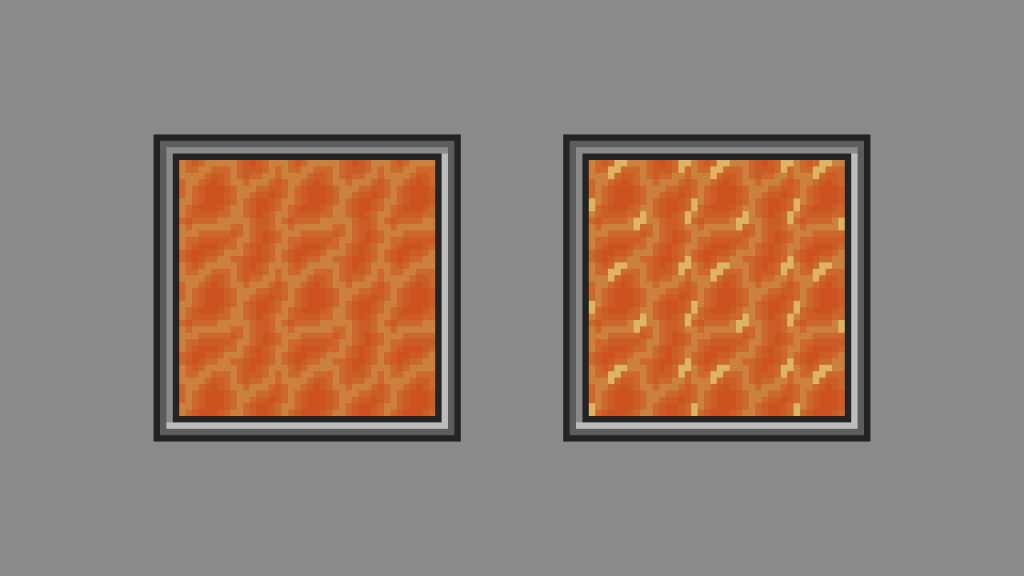
Learn how to create a seamless lava tile quickly in Aseprite. Use it to heat up your digital art scene or video game.
Aseprite is an image editor designed primarily for pixel art drawing and animation.
Introduction
Lava is molten or partially molten rock that has been expelled from the interior of a terrestrial planet or a moon onto its surface.
Lava – Wikipedia
Step 1
Open Aseprite and create a new sprite. I used 16×16 for the size, but you can use any size you wish.
Step 2
Fill the current layer with an orange colour.

Step 3
Create a new layer and pick a new colour between orange and yellow.
Step 4
Turn on tiled in both axes, by going to:
View -> Tiled Mode -> Tiled in Both Axes
This will allow you to more easily create a seamless tile.
Draw a snake like line across the canvas using the pencil tool. Make sure the start and end join together. Then create branches between the snake shape, to create a tile filled with shapes similar to ovals.

Step 5
Next we will add an outline. Go to:
Edit -> FX -> Outline
Select your shape colour for the outline colour, if it is not already selected. Then drop the opacity of the current outline colour to around half, and click ok.

Repeat the process, but this time select the last colour you used as an outline. Drop the opacity by half, then press ok.
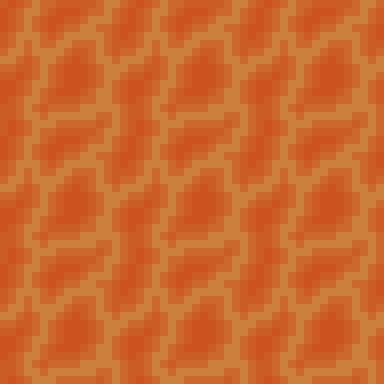
Repeat as many times as you want.
Step 6
Optionally add some highlights to the original snake pattern colour.
Select a brighter colour and draw some smaller shapes in a few places.

Conclusion
Congratulations, you have created a seamless lava tile!
Thanks for reading this tutorial, let me know in the comments section if you enjoyed it.
See more pixel art tutorials here.
 Agate DRAGON Games