
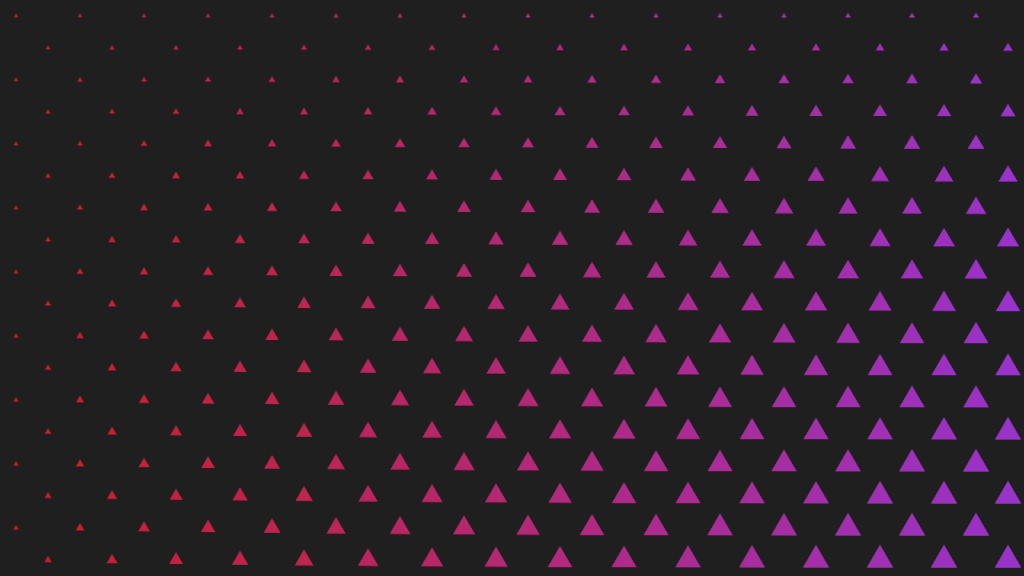
Learn how to create various shape patterns with shaders, using signed distance functions and the fractional part of a number. The tutorial is written in the GLSL programming language.
SDF
Signed distance functions can be used to represent shapes. You can see various signed distance functions here. They will be used to create the patterns.
Triangle
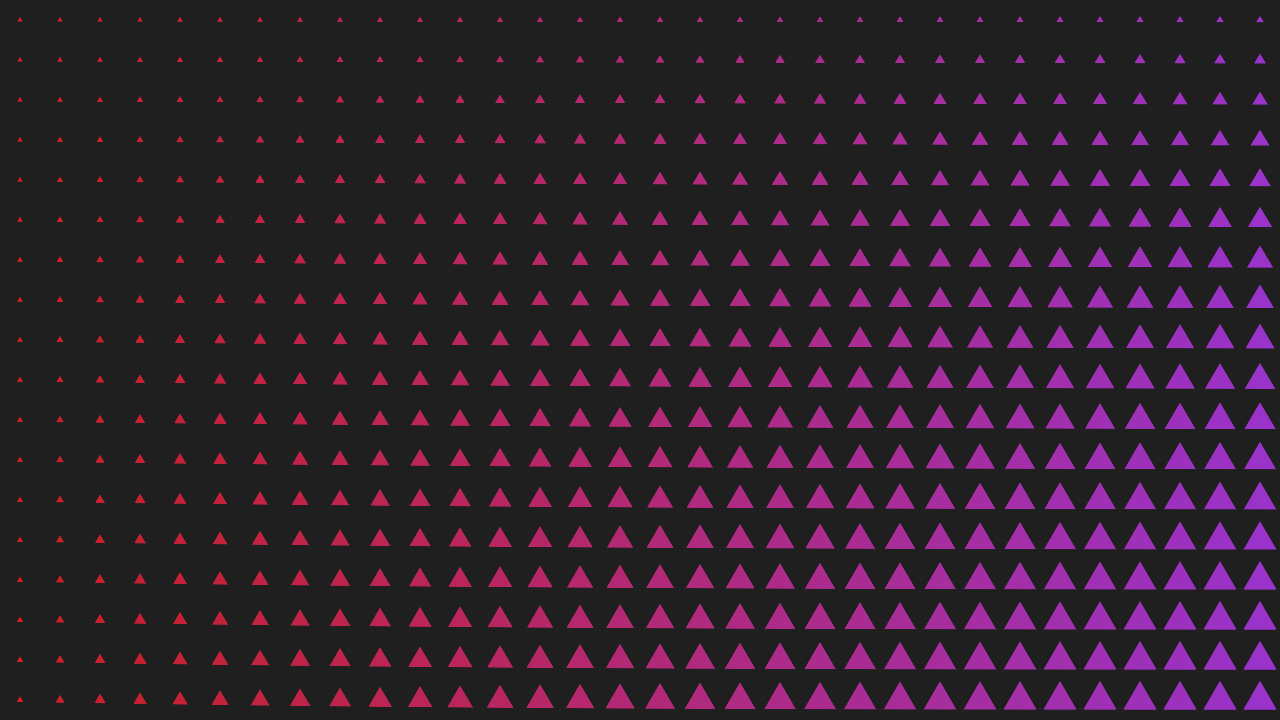
In the previous tutorials we created circle patterns. The idea is the same here, except we use a different function. In this case a triangle function is used instead of a circle function.
float c = Triangle(pos, radius);

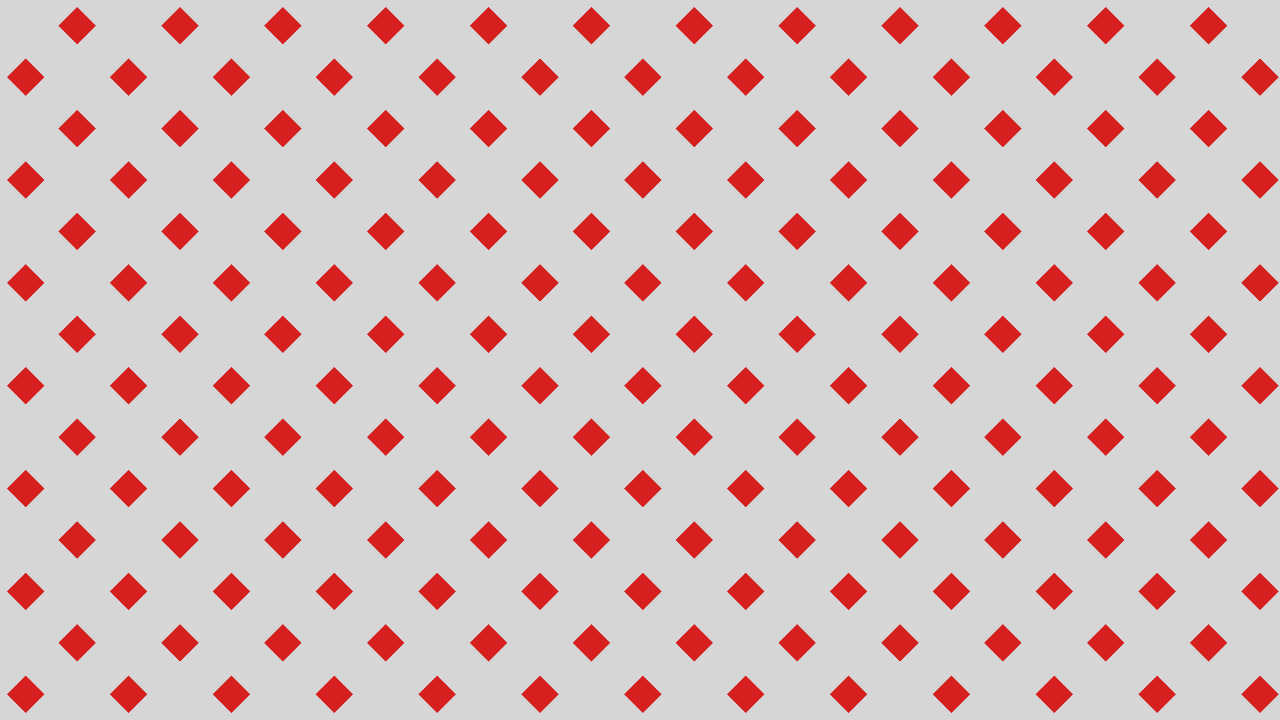
Diamond
This diamond pattern was created using the SDF of a rhombus.

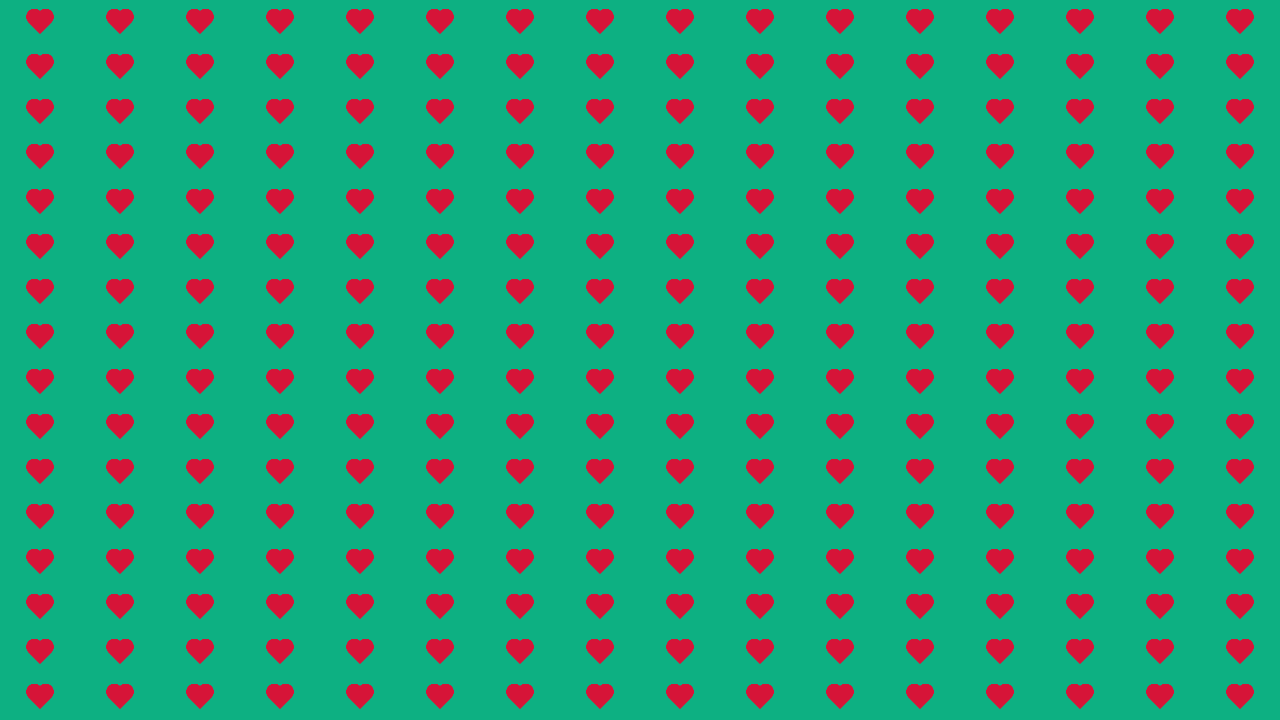
Heart
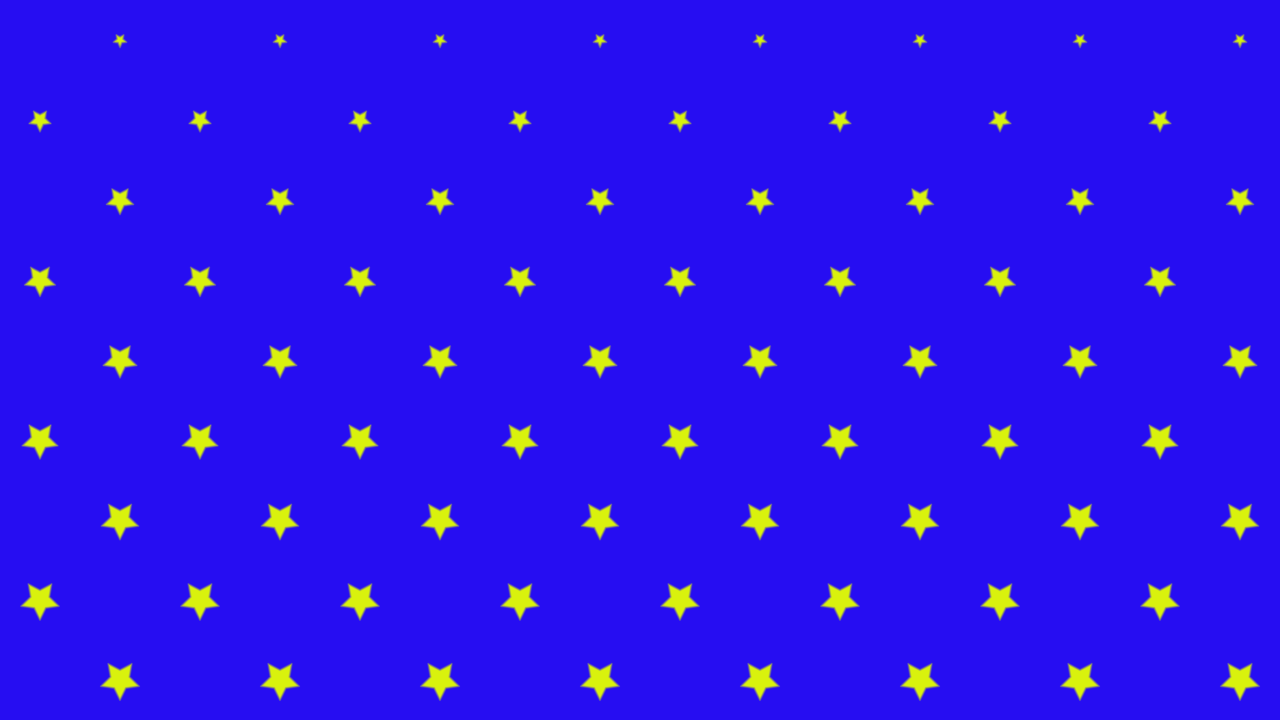
Star

Bloopers
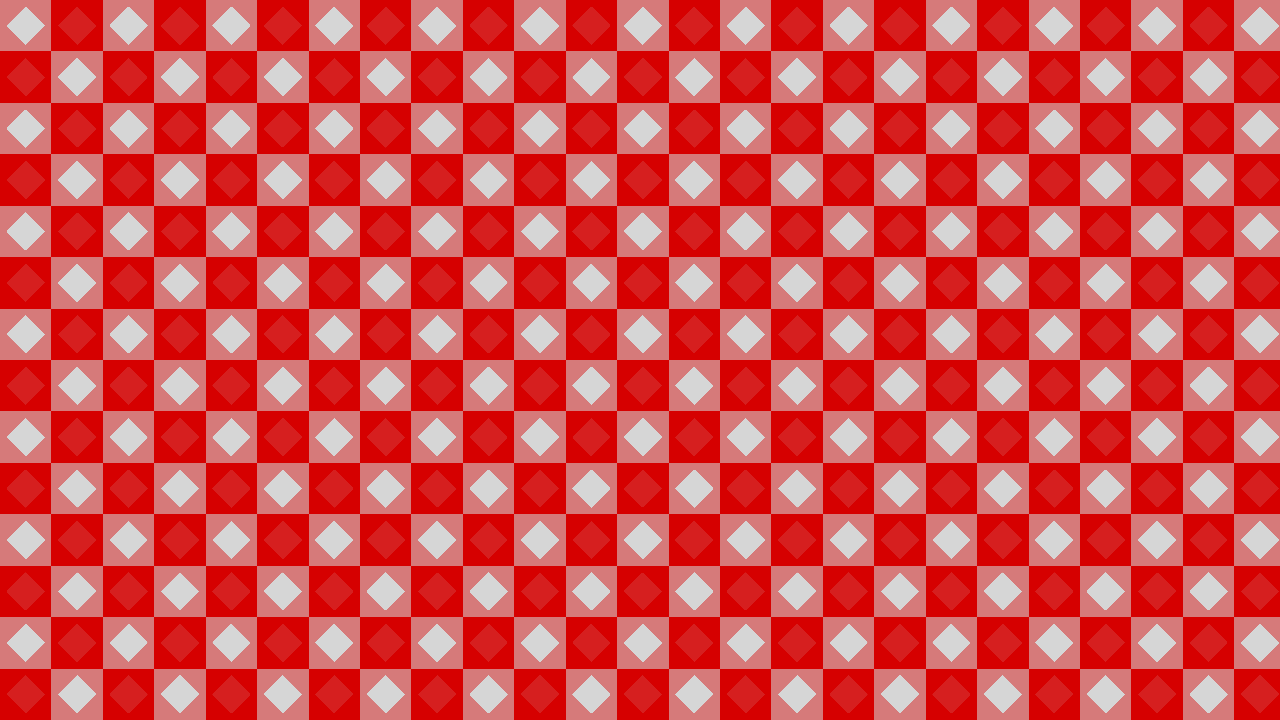
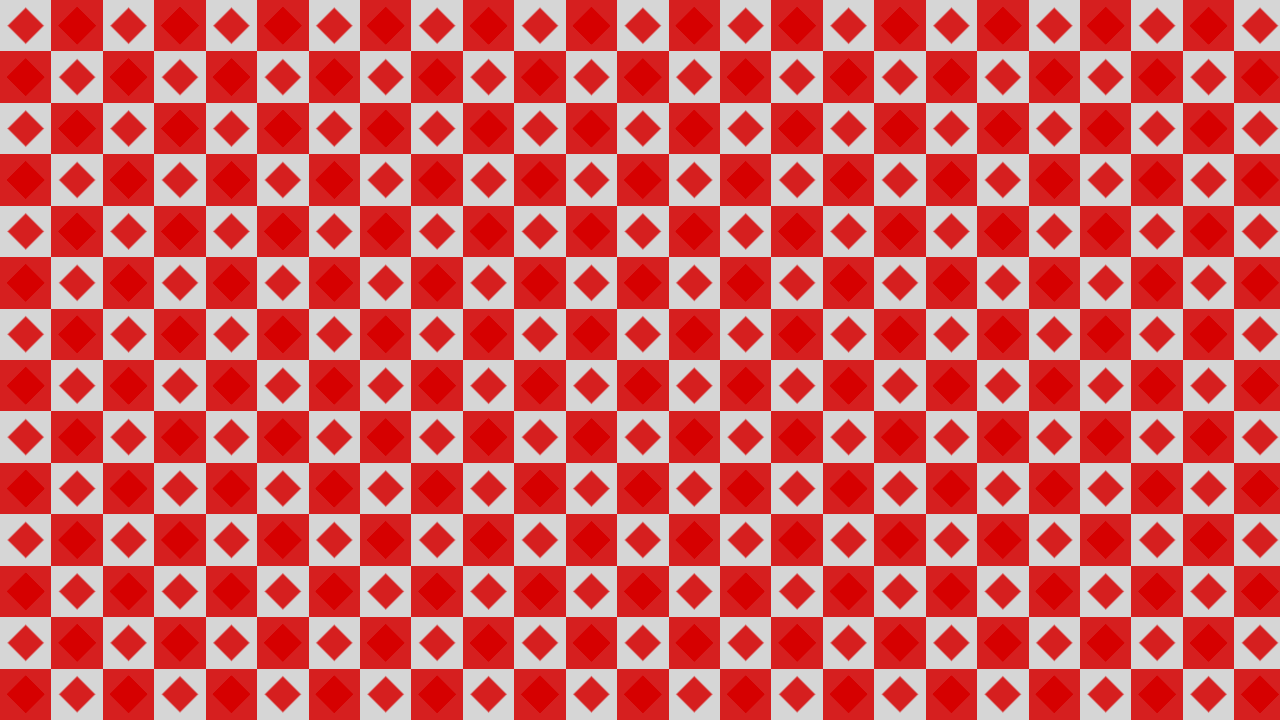
You can get interesting results, depending on whether you choose to add, or multiply, or something else. I recommend experimenting 🙂


Conclusion
Thank you for reading this tutorial. Let me know in the comments section if you enjoyed it, or have any questions!
 Agate DRAGON Games