
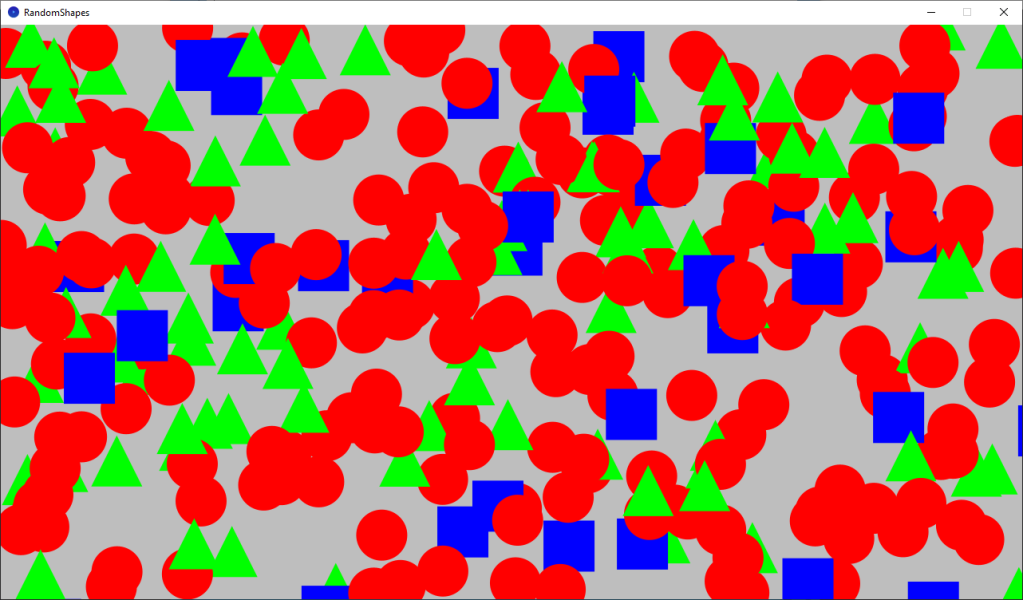
Learn how to use random numbers and probability to draw random shapes in Processing using the Java programming language.
Setup
Set the window size and clear the screen to a bright grey colour.
void setup()
{
  size(1280, 720);

  background(190);
}
Draw
We first get a random number in the 0 to 99 range. The number supplied to the random number function is always 1 higher than the maximum random number the function will return.
float randomValue = random(100);
If the random value is less than 60, we will draw a circle.
if(randomValue < 60)
Else if the random value is less than 90, we will draw a triangle.
else if(randomValue < 90)
Else we will draw a rectangle.
else
This means there is a 60% chance of drawing a circle. A 30% chance of drawing a triangle. And a 10% chance of drawing a rectangle.
void draw()
{
  // Draw random shape based on probability
  float randomValue = random(100);
  // Circle
  if(randomValue < 60)
  {
    noStroke();
    fill(255, 0, 0);
    float x = random(width);
    float y = random(height);
    circle(x, y, 64);
  }
  // Triangle
  else if(randomValue < 90)
  {
    noStroke();
    fill(0, 255, 0);
    float x = random(width);
    float y = random(height);
    triangle(x, y - 32, x - 32, y + 32, x + 32, y + 32);
  }
  // Rectangle
  else
  {
    noStroke();
    fill(0, 0, 255);
    float x = random(width);
    float y = random(height);
    rect(x, y, 64, 64);
  }
}
Clear screen
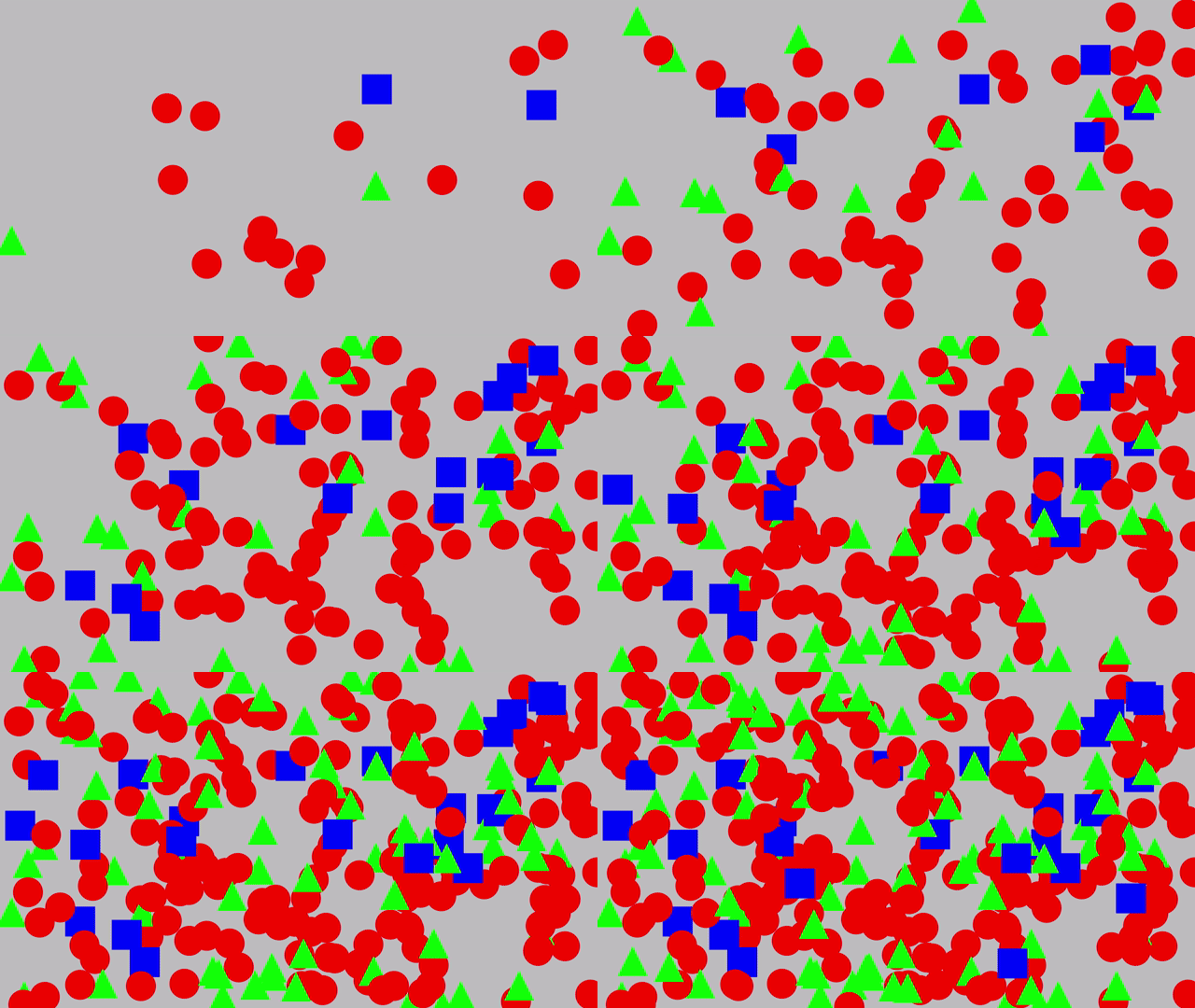
Clearing the screen on mouse press lets you see the probability in action. Notice how the shapes are drawn in different positions every time the screen is cleared.
void mousePressed()
{
  // Clear screen on mouse press
  background(190);
}
Conclusion
This tutorial has shown you how to use random numbers to draw random shapes using probability in Processing.
Thank you for reading this tutorial. Let me know in the comments section if you enjoyed it, or have any questions!
 Agate DRAGON Games