
Learn how to create a simple animated noise effect in Shadertoy, and mix it with a texture to create an old, damaged footage look.
Noise function
We will use this noise function from the book of shaders.
float Random(in vec2 st)
{
    return fract(sin(dot(st.xy, vec2(12.9898, 78.233))) * 43758.5453123);
}
UV coordinates
Calculate the UV coordinates inside mainImage.
// Normalised pixel coordinates (from 0 to 1)
vec2 uv = fragCoord / iResolution.xy;
Aspect ratio
Create a copy of the UV coordinates. Then calculate the aspect ratio. Scale the copied UV coordinates by the aspect ratio. Scaling by the aspect ratio will make the noise square shaped, if the resolution is tall or wide.
vec2 st = uv;
vec2 aspect = iResolution.xy / min(iResolution.x, iResolution.y);
st *= aspect;
Generate noise
Generate the noise.
float r = Random(st);
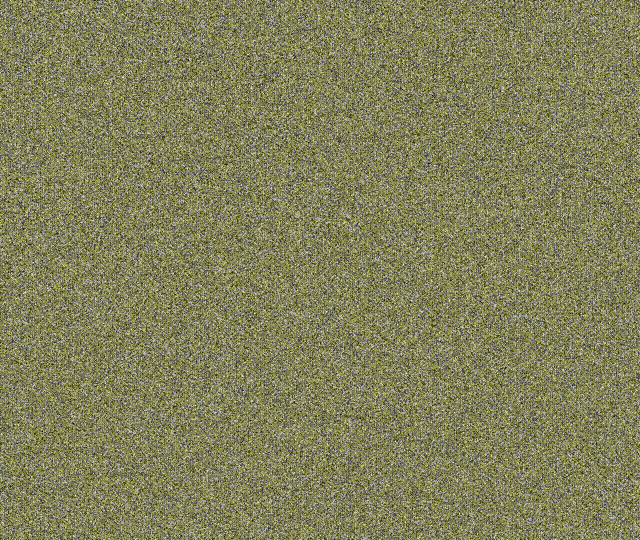
You will see some mostly still noise.
fragColor = vec4(vec3(r), 1.0);

Animate noise
Make the noise move with time. Notice I have scaled time by a very small number to make the noise move more slowly.
float r = Random(st + iTime * 0.000001);
The noise now animates.
Texture
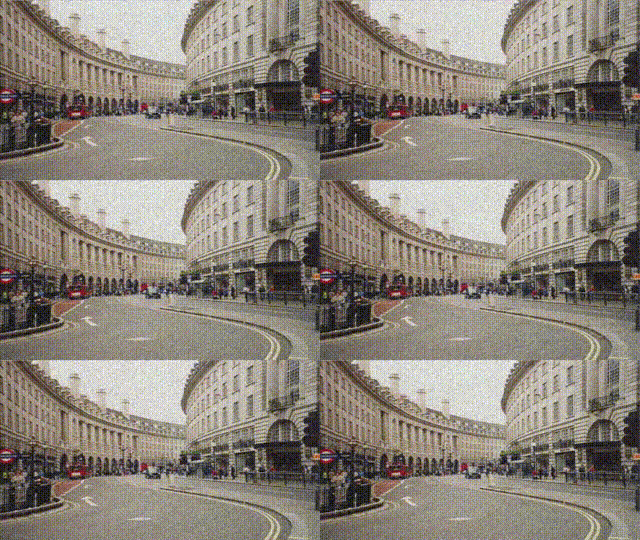
Combine the noise with a texture using mix.
fragColor = texture(iChannel0, uv);
fragColor.rgb = mix(fragColor.rgb, vec3(r), 0.24);
Conclusion
This tutorial has taught you how to create a simple animated noise algorithm in Shadertoy. We mixed it with a texture to create a old damaged footage look.
You can view and play with the shader values on Shadertoy here.
Thank you for reading this tutorial. Let me know in the comments section if you enjoyed it, or have any questions!
 Agate DRAGON Games