
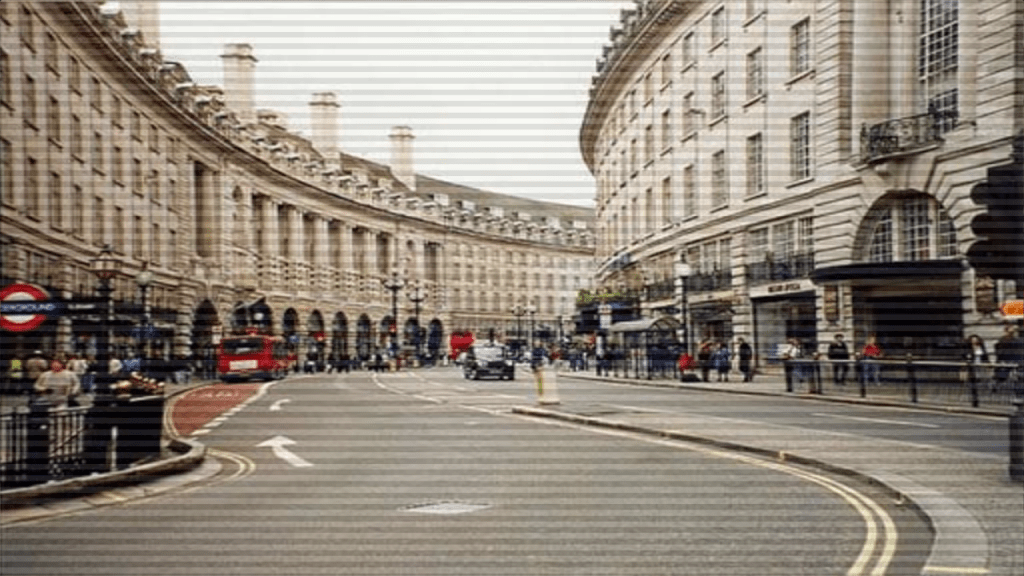
Learn how to combine the scanlines we created in the last tutorial, with a texture in Shadertoy using GLSL. We will use mix, multiply and gradients to create some interesting scanlines.
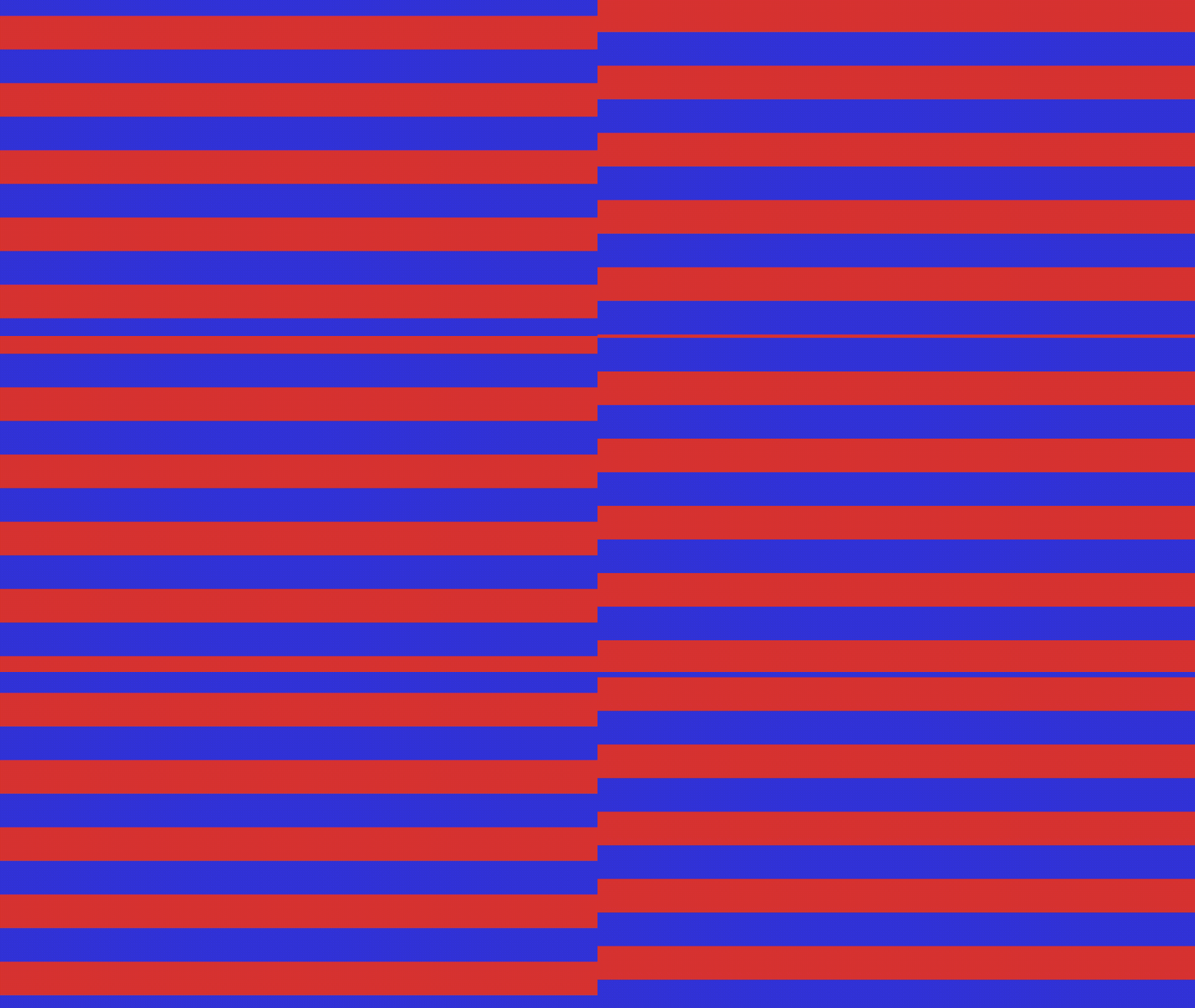
Mix colours
Mix scanlines with two colours.
float repeat = 10.0;
float modValue = 2.0;
float scanlines = Scanlines(uv.y + iTime * 0.1, repeat, modValue);

vec3 red = vec3(0.85, 0.2, 0.2);
vec3 blue = vec3(0.2, 0.2, 0.85);
fragColor.rgb = mix(red, blue, scanlines);
Multiply
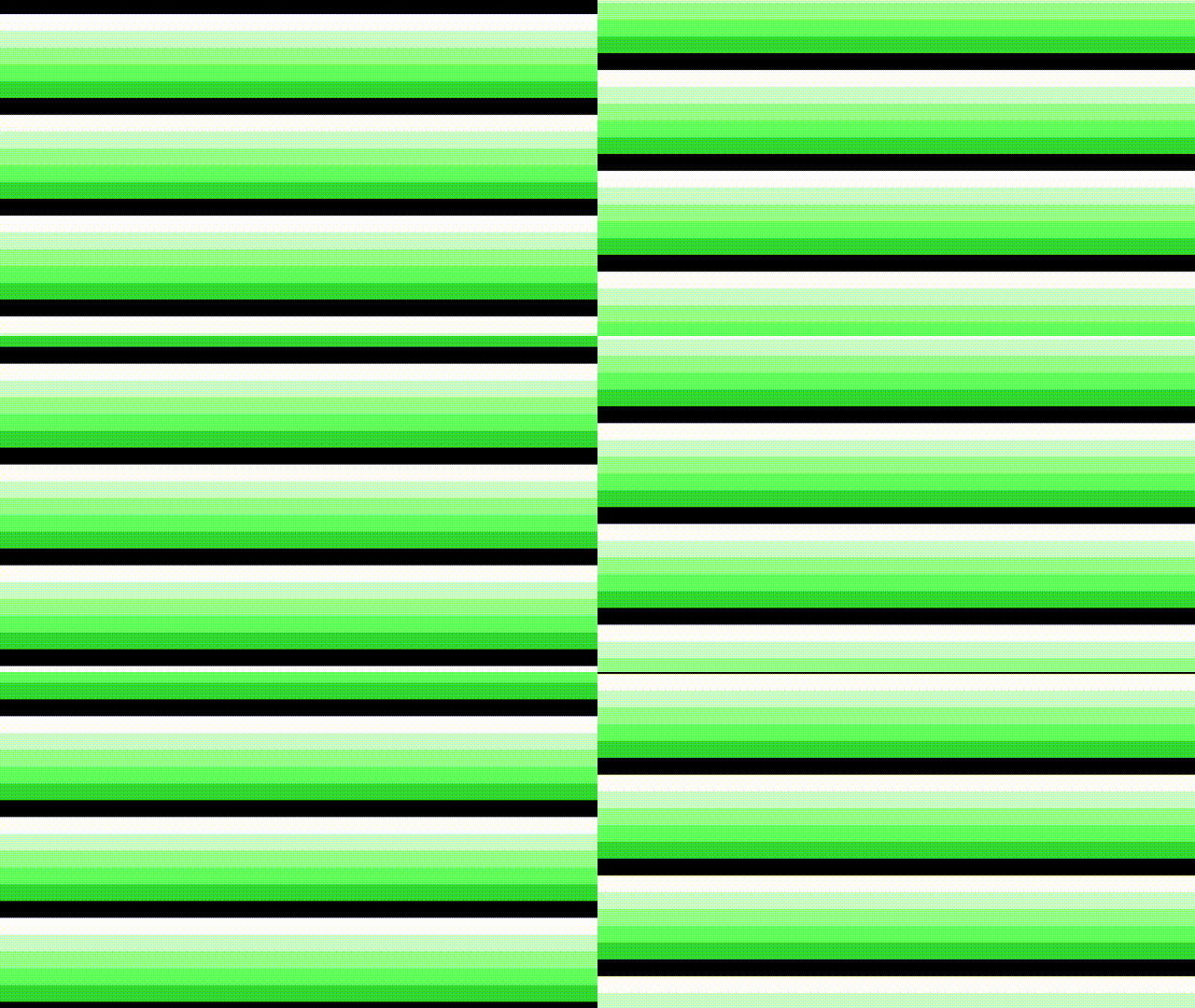
Multiply scanlines with another colour.
float repeat = 20.0;
float modValue = 6.0;
float scanlines = Scanlines(uv.y + iTime * 0.1, repeat, modValue);

vec3 tint = vec3(0.2, 0.85, 0.2);
fragColor = vec4(vec3(scanlines) * tint, 1.0);
Texture
Mixing the scanlines with a texture.
fragColor = texture(iChannel0, uv);
fragColor.rgb = mix(fragColor.rgb, vec3(scanlines), 0.1);

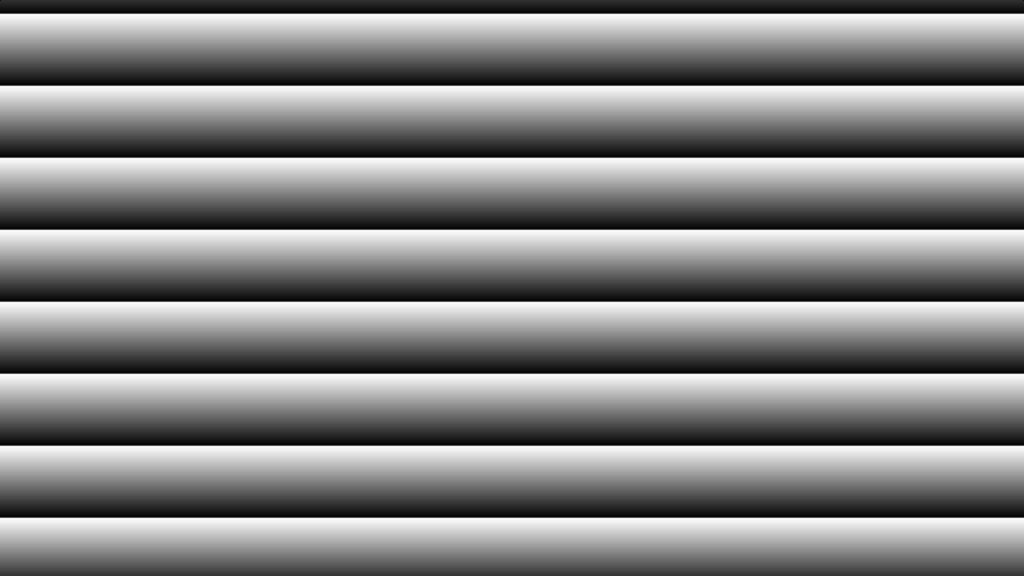
Gradient
Make each scanline a black and white gradient. The fract function returns only the decimal part of a number. Which means the value returned will loop if the time is positive and keeps increasing.
float repeat = 8.0;
float scanlines = fract(uv.y * repeat + iTime);
fragColor = vec4(vec3(scanlines), 1.0);
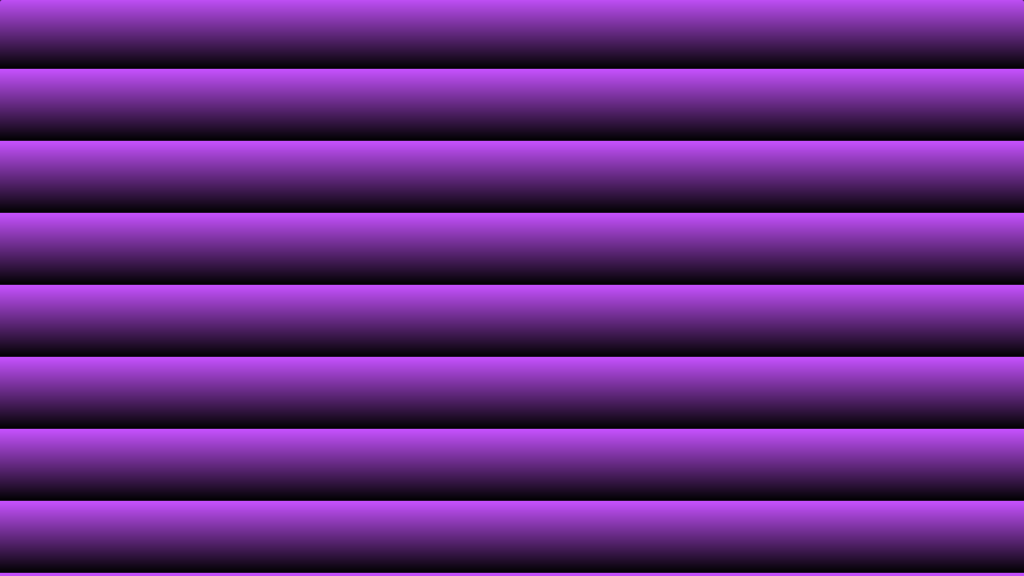
Coloured gradient
We can use multiply to change the colour of the gradient.
float repeat = 8.0;
float scanlines = fract(uv.y * repeat + iTime);

vec3 tint = vec3(0.78, 0.32, 1.0);
fragColor = vec4(vec3(scanlines * tint), 1.0);
Shadertoy
You can view and play with the Shadertoy program values here.
Change the value of OPTION to 0, 1, 2, 3, 4, 5 to see the different scanline types.
#define OPTION 5
Conclusion
This tutorial has shown you how create different scanline types using mix, multiply and gradients. We also combined the scanlines with a texture.
Thank you for reading this tutorial. Let me know in the comments section if you enjoyed it, or have any questions!
 Agate DRAGON Games