
Tag: tutorial
-
Creating a spotlight effect in Shadertoy

This tutorial will show you how to create a animated spotlight effect in Shadertoy. You will learn how to animate the circle using time and a sine wave. So the circle moves back-and-forth across the screen.
-
Creating a sepia vignette effect in GIMP
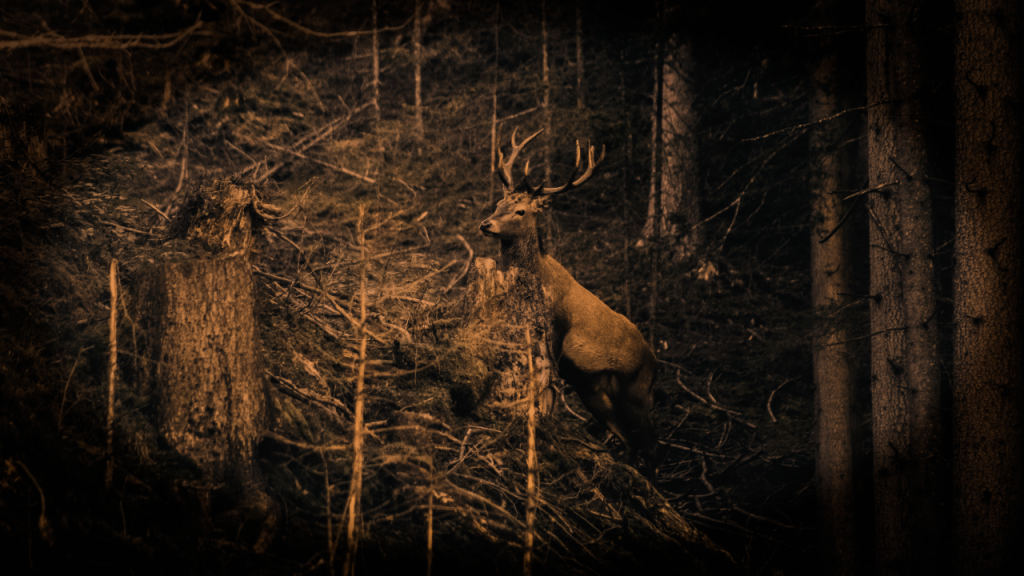
Learn how to create a sepia vignette effect in the GIMP image editor. The process should be similar for other image editors like Adobe Photoshop. You will adjust the contrast, convert to greyscale, colorize, and use an ellipse with gaussian blur to create a vignette.
-
A gentle introduction to Shadertoy

Learn how to create and share shaders online using the easy to use Shadertoy from scratch. No math or programming knowledge is required to complete this tutorial. This tutorial will teach you all you need to know to get started, so I encourage you to give it a go :)
-
How to invert an image in a shader

This tutorial demonstrates how to invert any or all of the image RGB channels using a GLSL shader. By following these simple steps, you can easily manipulate and invert specific colour channels in your images.
-
Simple sharpen shader using a kernel
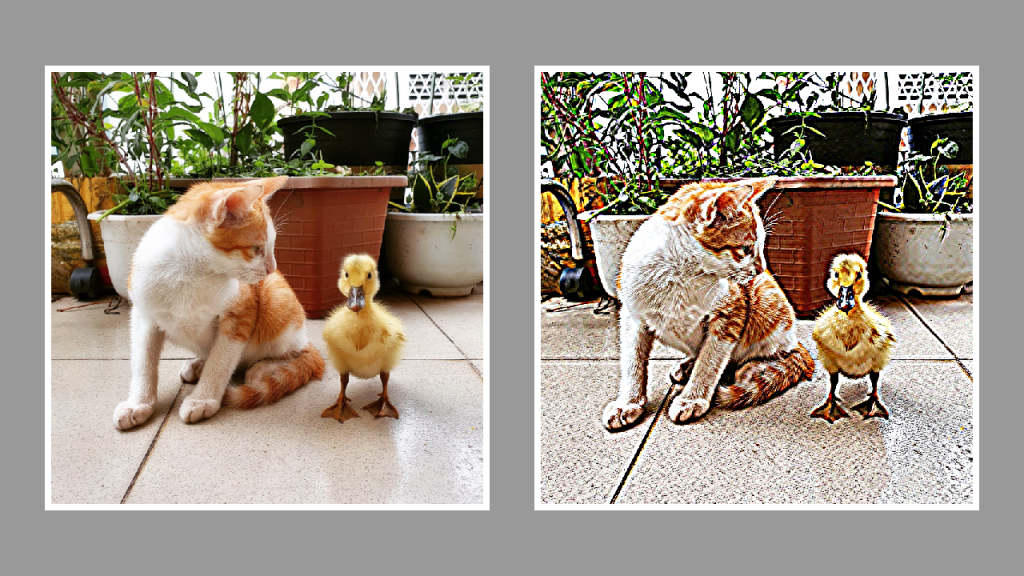
This tutorial will show you how to create a sharpen effect using a kernel in a GLSL shader. By modifying the gaussian blur shader from the last tutorial and replacing the code with a sharpen kernel, you will be able to create a sharpen effect. Happy coding!
-
Simple gaussian blur shader using a kernel
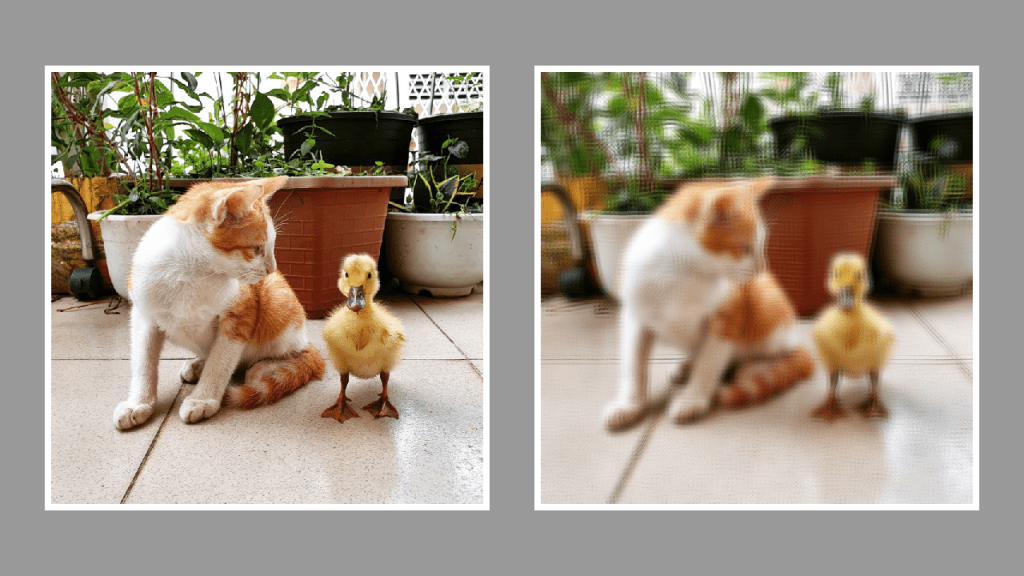
This tutorial demonstrates creating a gaussian blur shader using a kernel and the GLSL shader language. The process involves creating a kernel, defining a sample distance, applying blur, and setting the pixel alpha. Images with different sample distances are displayed for comparison. Thank you for reading this helpful guide!
-
Creating a duotone gradient in a GLSL shader
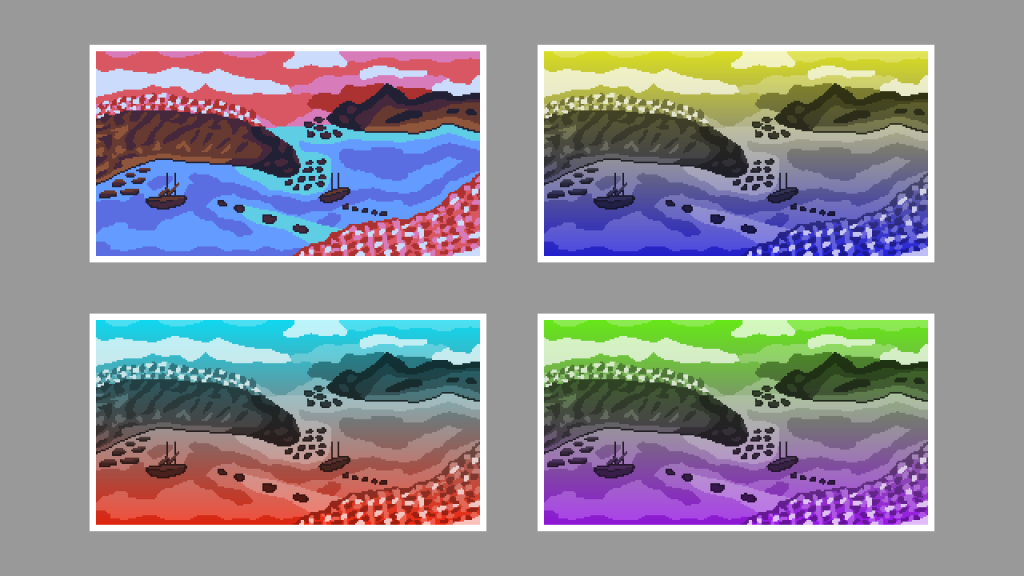
This tutorial guides you through creating a duotone gradient in a GLSL shader. Steps include converting to greyscale, creating a gradient, overlaying colours, and setting the output alpha. Experiment with colours and gradients to customise your sprite.
-
Creating a duotone gradient in GIMP
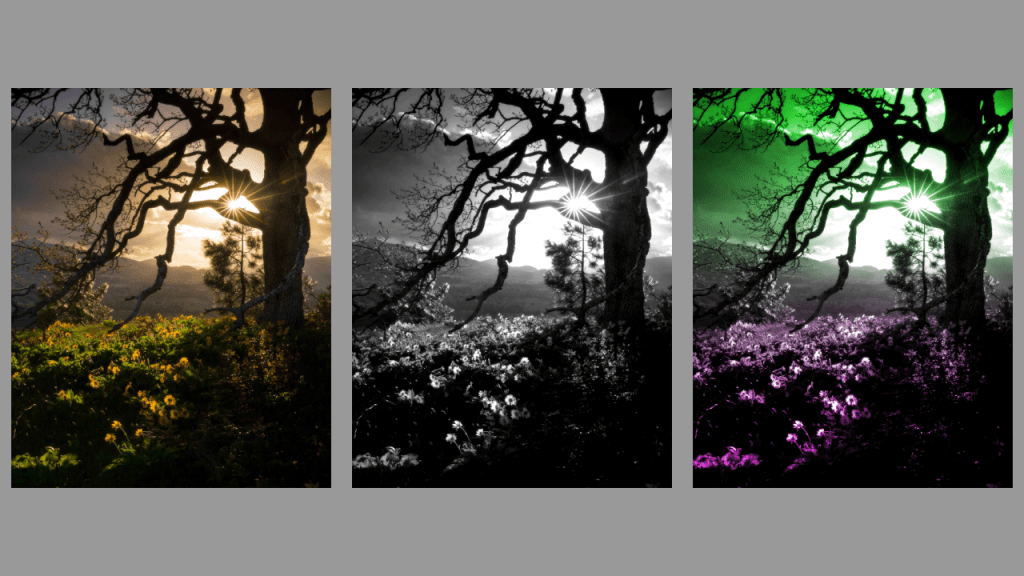
This tutorial demonstrates how to create a duotone gradient in GIMP, applicable to other image editors like Adobe Photoshop. Find an image, convert to greyscale, adjust contrast, create a gradient, and apply overlay blend mode to finish. Experiment with different gradients for unique effects. Happy editing!
-
Simple RGB Split Shader
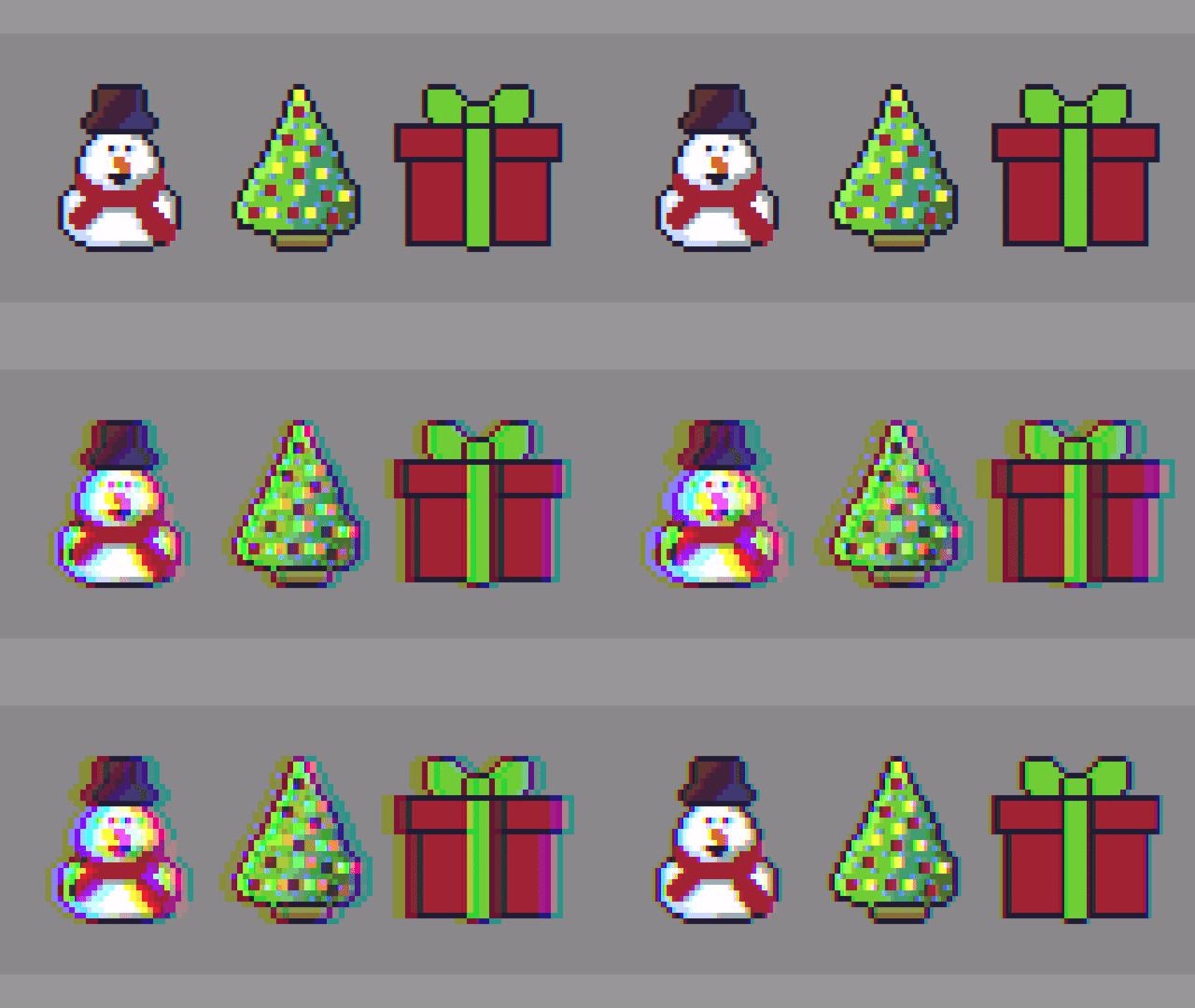
Hello, this tutorial will show you how to create a simple RGB Split shader effect. The effect is commonly used in image editing programs like Adobe Photoshop, video content and video games. It is also known as chromatic aberration.
-
Glitch shader effect using blocks (Part 2)
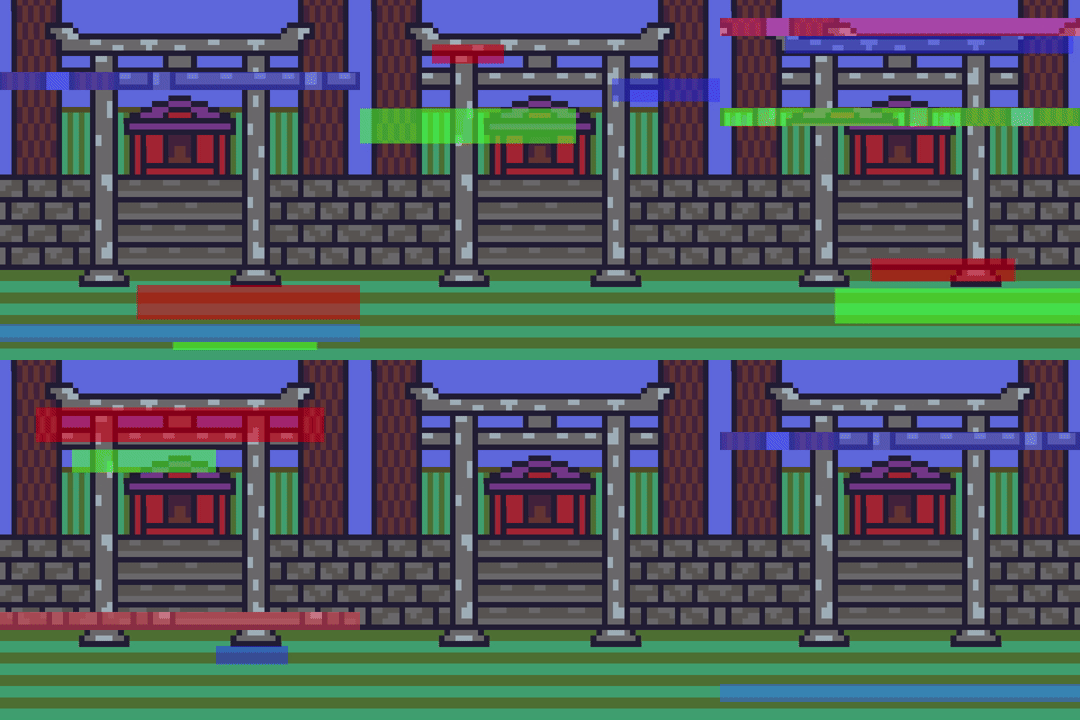
This tutorial leads on from the last tutorial about creating a glitch effect using displacement lines. The current tutorial will add blocks of different sizes and colours, at different time segments to enhance the glitch effect.
 Agate DRAGON Games