
Tag: Shader
-
Creating a scanline effect in Shadertoy
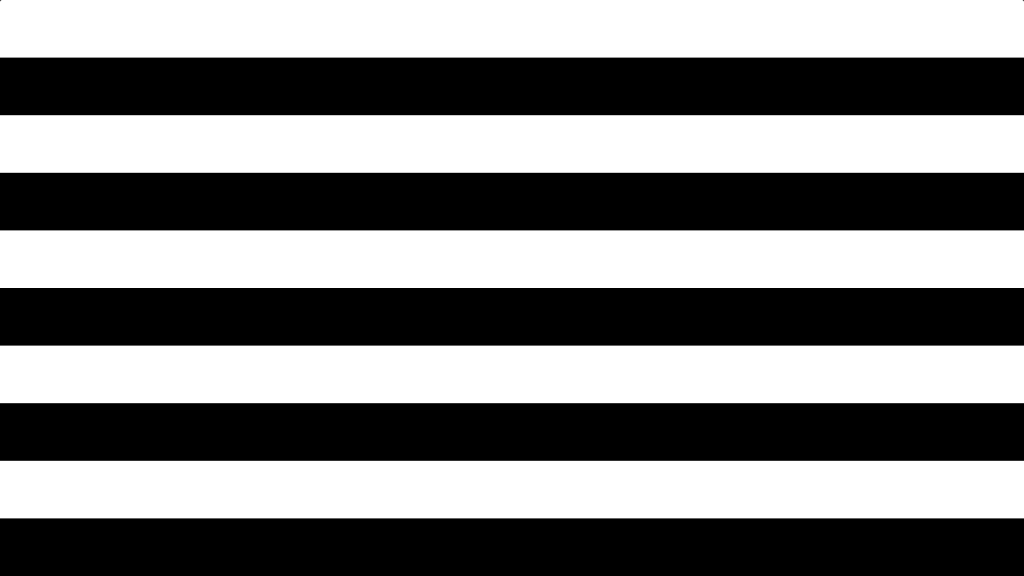
Learn how to create a scanline shader in Shadertoy using floor and modulus. Use it to give your images a old CRT television or computer monitor look, or create cool backgrounds.
-
Creating a spotlight effect in Shadertoy

This tutorial will show you how to create a animated spotlight effect in Shadertoy. You will learn how to animate the circle using time and a sine wave. So the circle moves back-and-forth across the screen.
-
Creating a simple vignette in Shadertoy

Creating a vignette shader effect in Shadertoy is easy and fun. You can learn to manipulate UV coordinates, create a circle function, and add ambient light to enhance the effect. Experiment with ambient light, circle position, radius, and smoothness to perfect your vignette. Start creating on Shadertoy and unleash your creativity!
-
A gentle introduction to Shadertoy

Learn how to create and share shaders online using the easy to use Shadertoy from scratch. No math or programming knowledge is required to complete this tutorial. This tutorial will teach you all you need to know to get started, so I encourage you to give it a go :)
-
How to invert an image in a shader

This tutorial demonstrates how to invert any or all of the image RGB channels using a GLSL shader. By following these simple steps, you can easily manipulate and invert specific colour channels in your images.
-
How to create a shining coin using a shader
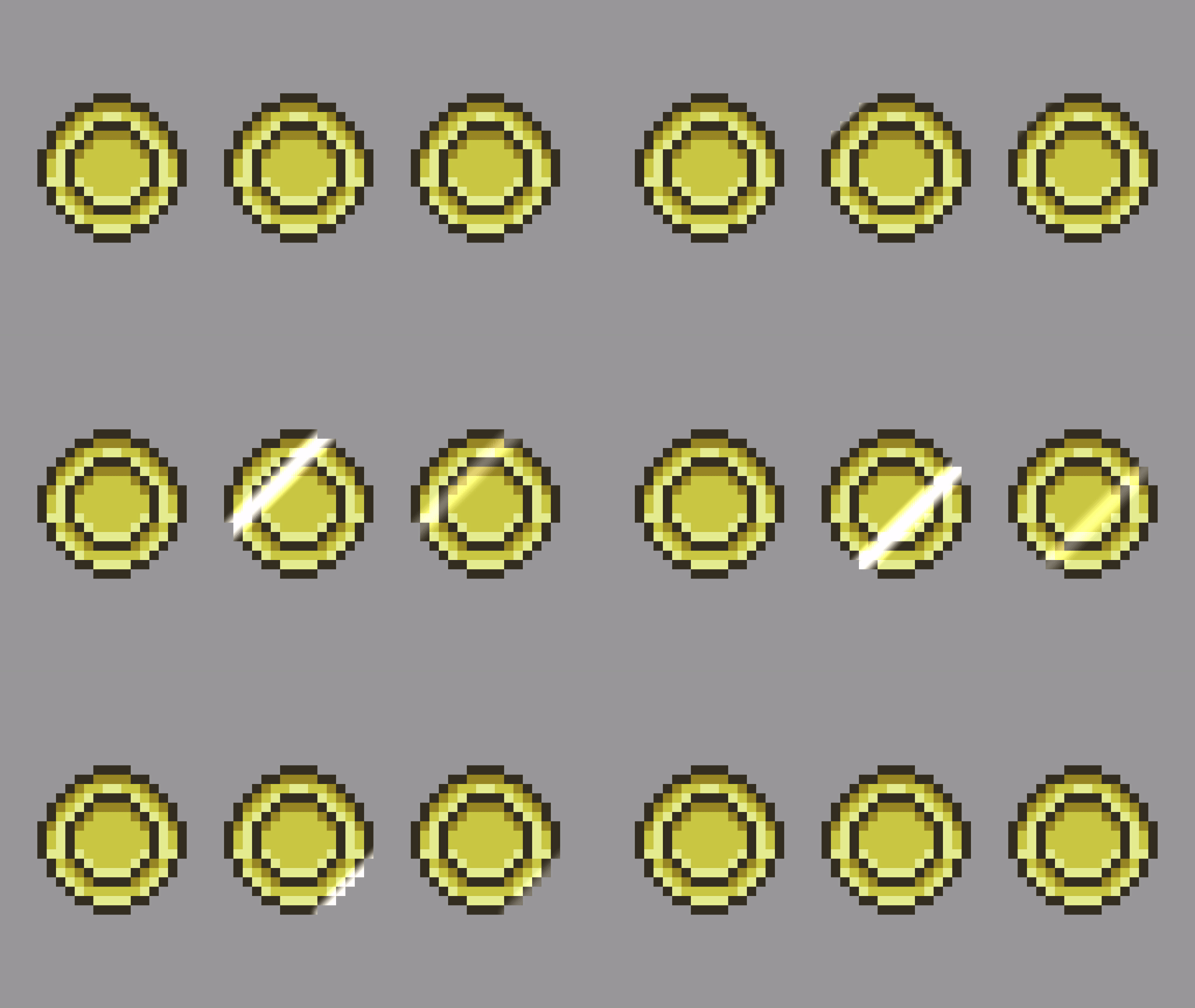
Learn how to create a stunning shining coin effect using a line segment SDF in a GLSL shader. Step by step instructions help you achieve a professional finish. Play with brightness and smoothing for your unique touch. Check out the examples for inspiration. Get creative and enjoy the process!
-
Simple edge detection shader using a kernel

This tutorial guides you in creating an edge detection shader using the GLSL shading language and a kernel. After duplicating the shader code from the previous gaussian blur tutorial, you adjust the kernel values to achieve the desired effect. The tutorial concludes with sample images. Happy coding!
-
Simple sharpen shader using a kernel
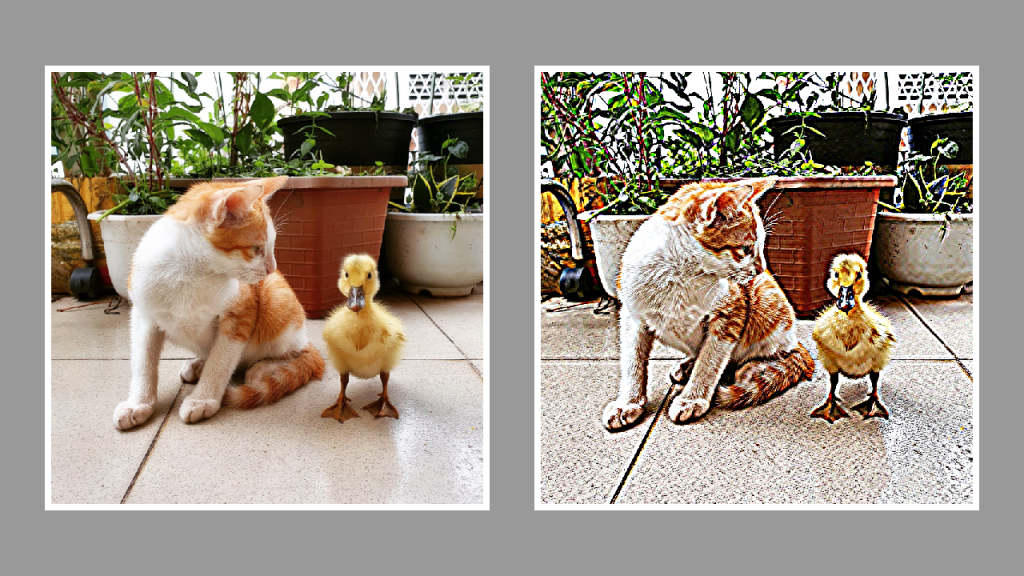
This tutorial will show you how to create a sharpen effect using a kernel in a GLSL shader. By modifying the gaussian blur shader from the last tutorial and replacing the code with a sharpen kernel, you will be able to create a sharpen effect. Happy coding!
-
Simple gaussian blur shader using a kernel
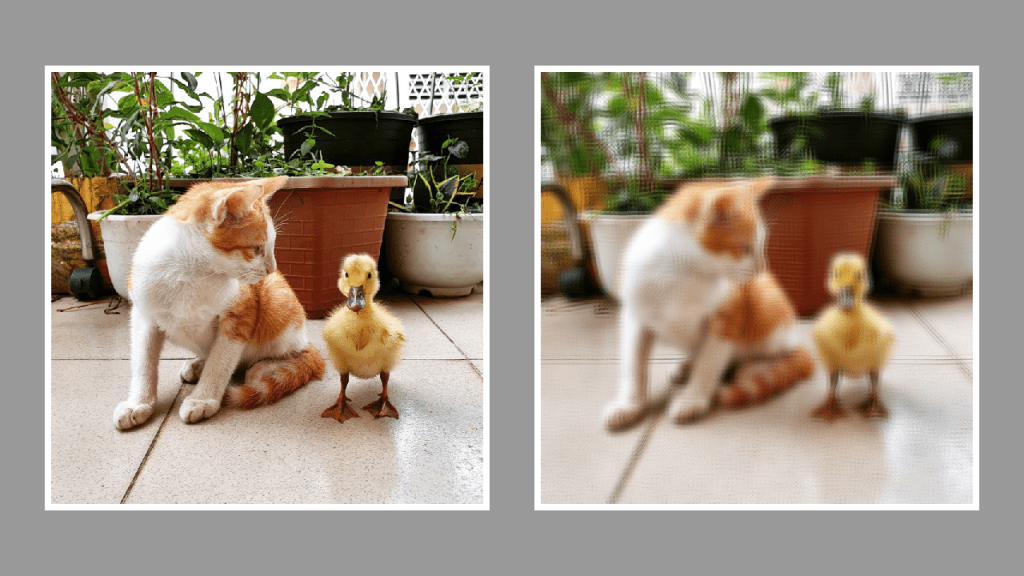
This tutorial demonstrates creating a gaussian blur shader using a kernel and the GLSL shader language. The process involves creating a kernel, defining a sample distance, applying blur, and setting the pixel alpha. Images with different sample distances are displayed for comparison. Thank you for reading this helpful guide!
-
Creating a binary image shader
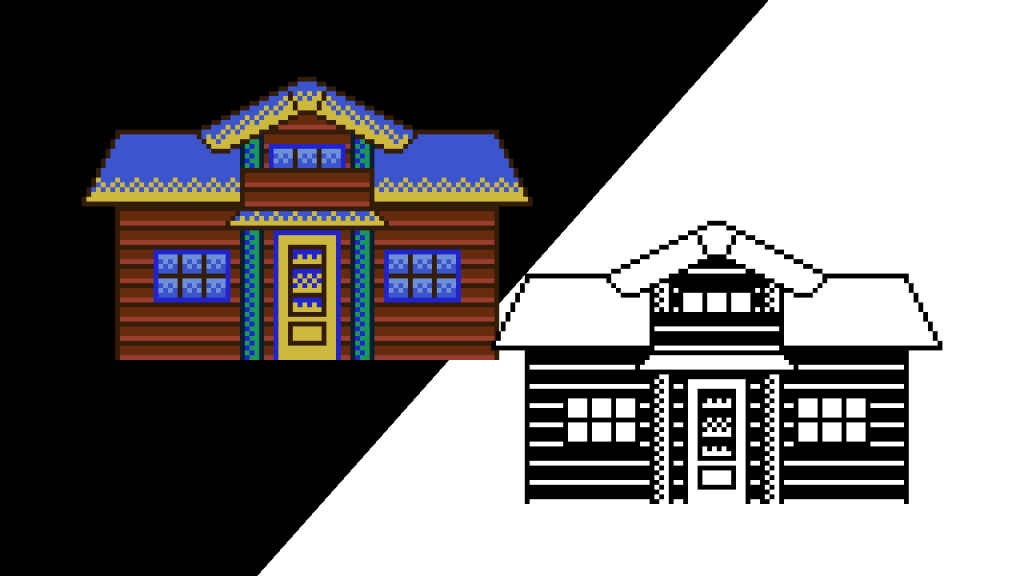
In this tutorial, learn how to convert a sprite to a binary image using a GLSL shader. Utilising only two colours, typically black and white, you can follow simple steps to achieve this effect. Experiment with different colours and bias values to personalise your results. Get creative and enjoy the process!
 Agate DRAGON Games