
Tag: Photo
-
Creating a drop shadow effect in GIMP
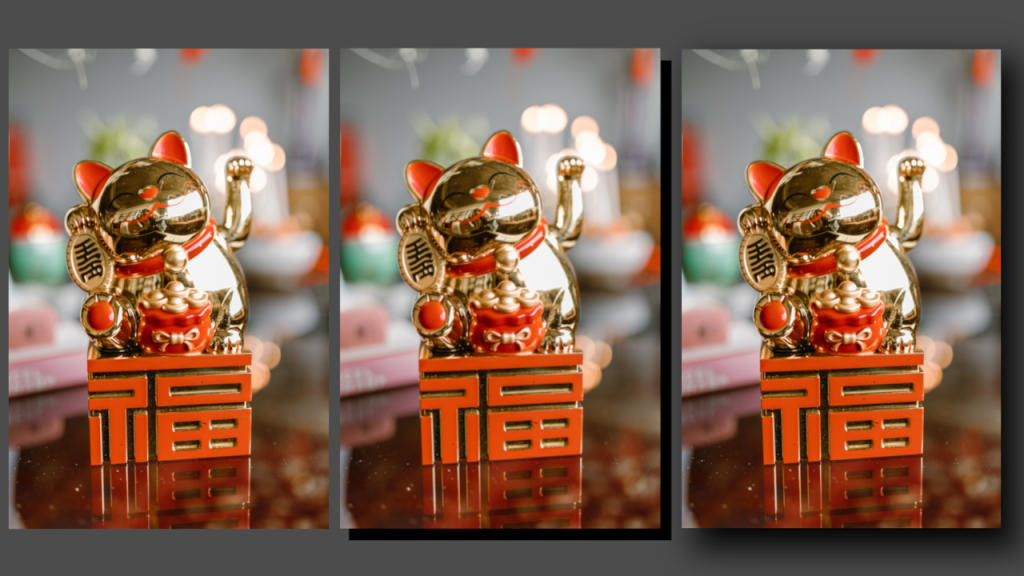
Learn how to apply a drop shadow effect to any image in the GIMP image editor by creating a shadow layer and applying gaussian blur. The process is similar for other image editors like Adobe Photoshop.
-
Creating a duotone circle effect in GIMP
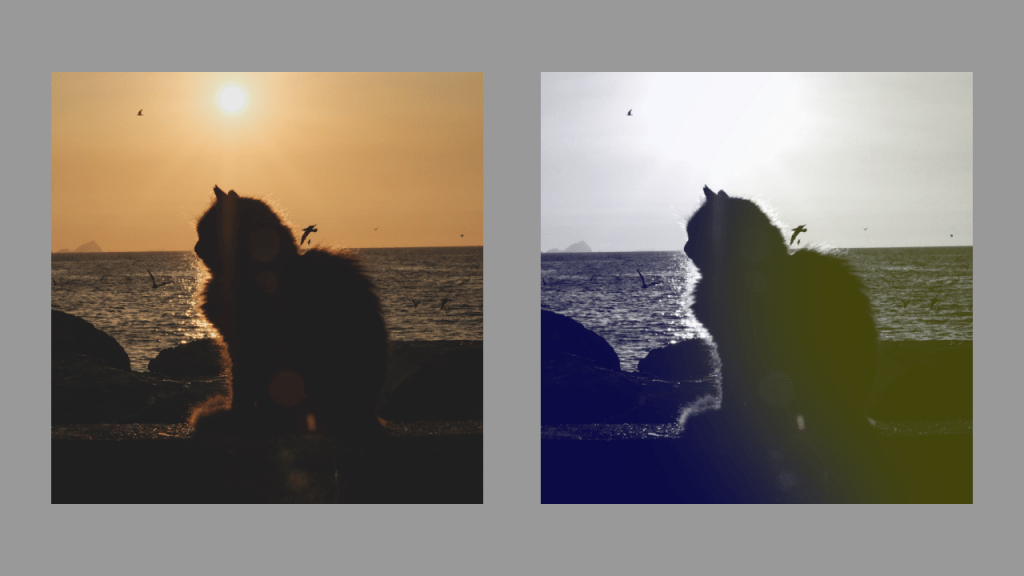
Learn how to create a stunning duotone circle effect using GIMP. Choose a suitable image, convert it to greyscale, select colours, create a circle, apply Gaussian blur, and adjust the layer opacity. Experiment with different colours and contrasts for a unique result. Enjoy enhancing your images with this creative technique!
 Agate DRAGON Games