
Tag: Image editing
-
Creating a spotlight effect in Shadertoy

This tutorial will show you how to create a animated spotlight effect in Shadertoy. You will learn how to animate the circle using time and a sine wave. So the circle moves back-and-forth across the screen.
-
How to invert an image in a shader

This tutorial demonstrates how to invert any or all of the image RGB channels using a GLSL shader. By following these simple steps, you can easily manipulate and invert specific colour channels in your images.
-
Simple edge detection shader using a kernel

This tutorial guides you in creating an edge detection shader using the GLSL shading language and a kernel. After duplicating the shader code from the previous gaussian blur tutorial, you adjust the kernel values to achieve the desired effect. The tutorial concludes with sample images. Happy coding!
-
Simple sharpen shader using a kernel
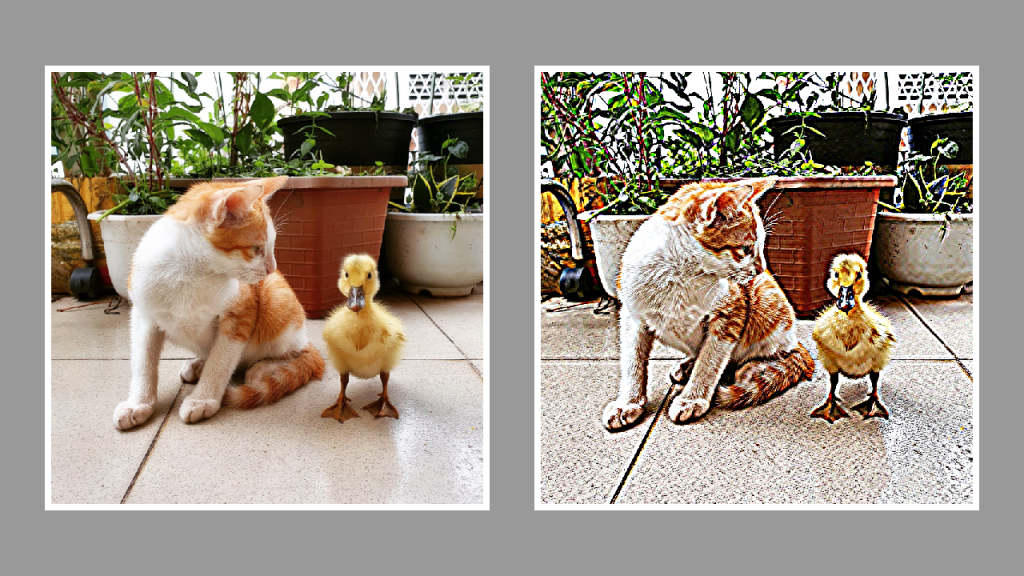
This tutorial will show you how to create a sharpen effect using a kernel in a GLSL shader. By modifying the gaussian blur shader from the last tutorial and replacing the code with a sharpen kernel, you will be able to create a sharpen effect. Happy coding!
-
Simple RGB Split Shader
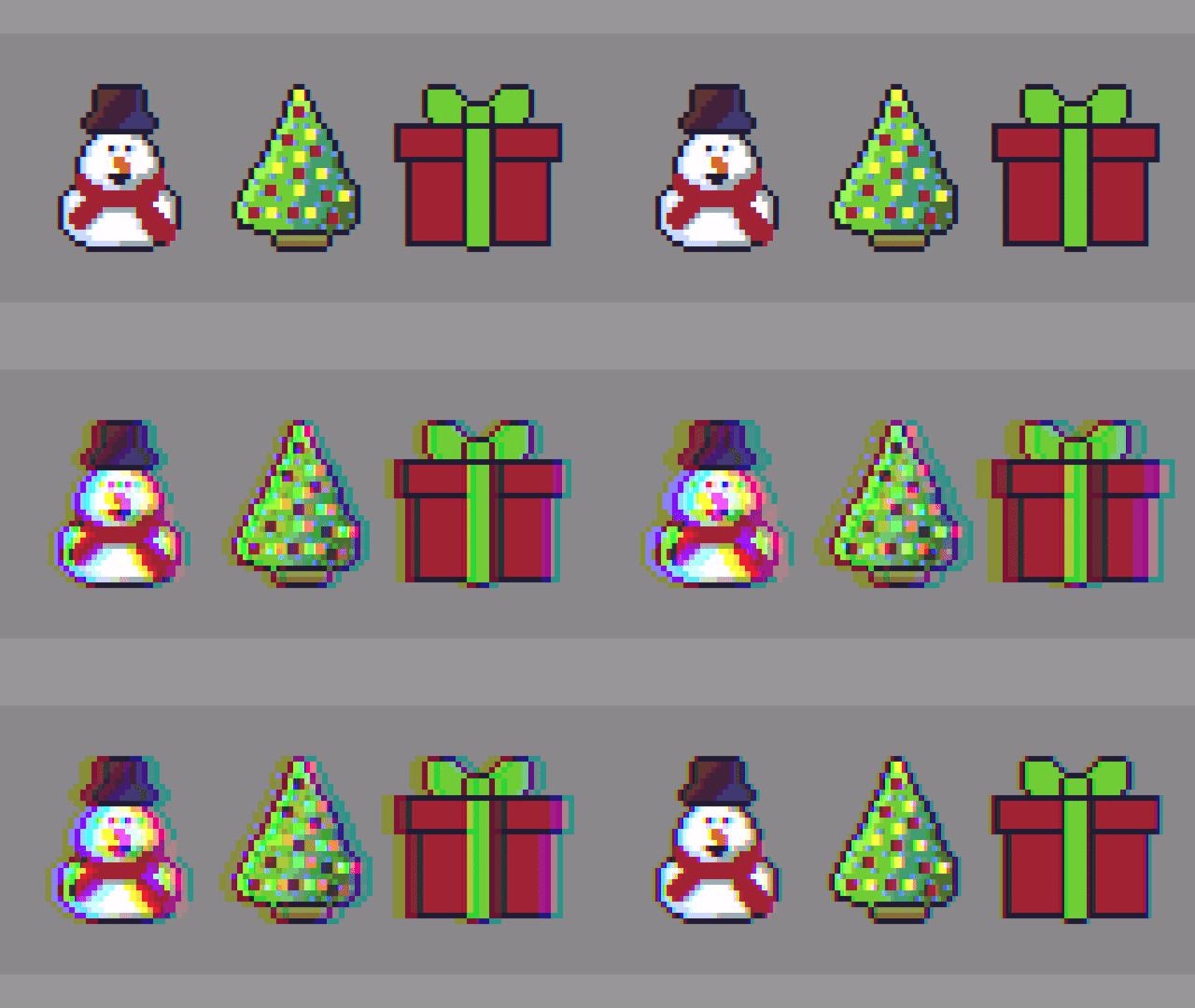
Hello, this tutorial will show you how to create a simple RGB Split shader effect. The effect is commonly used in image editing programs like Adobe Photoshop, video content and video games. It is also known as chromatic aberration.
 Agate DRAGON Games