
Tag: Design
-
Processing paint program: Creating an eraser
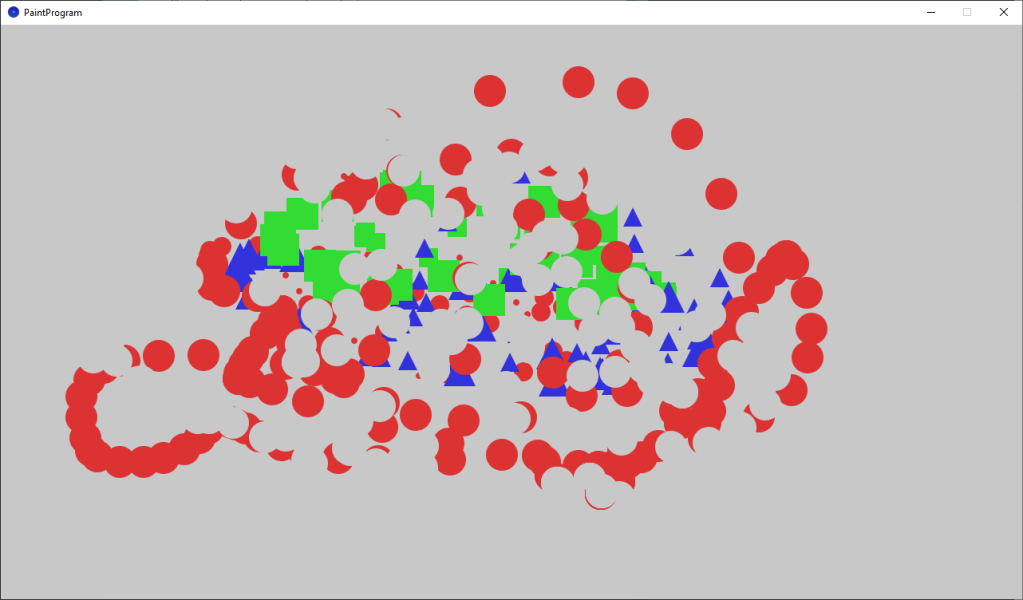
This tutorial teaches you how to add an eraser to the paint program, and follows on from the last tutorial about changing the brush size. We will also pick better colors, which aren’t so bright.
-
Processing paint program: Changing the brush size
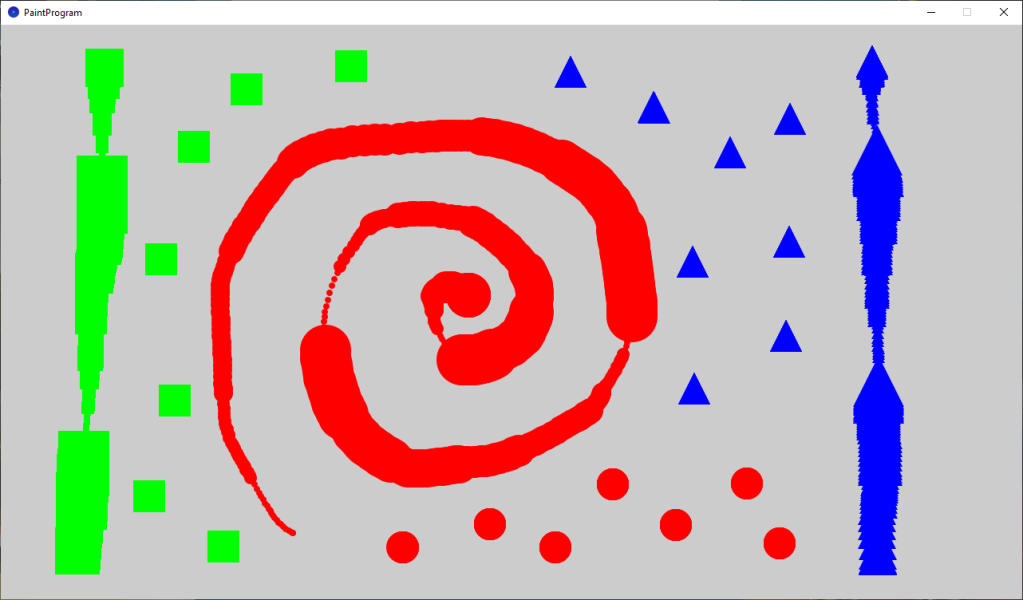
This tutorial leads on from the last tutorial, where we created a basic paint program. We are now going to improve our paint program by adding some new features. The user will be able to change the brush size and clear the screen.
-
Creating a painting program in Processing
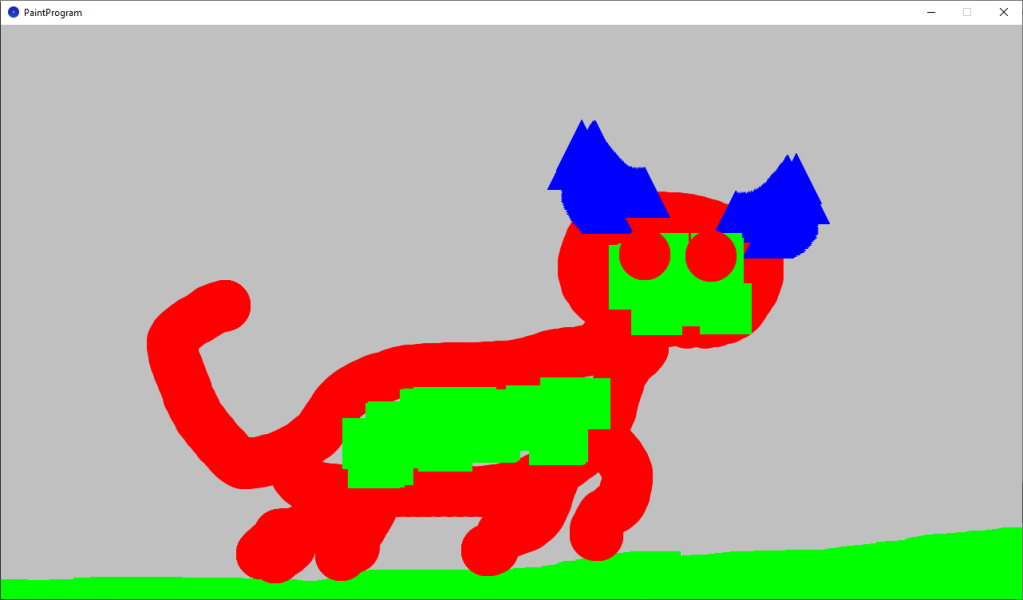
This tutorial will show you how to create a painting program in Processing. You will learn how to draw shapes using mouse input. You will use keyboard input to change the colour and the type of shape to draw. You will learn about if statements, how to create your own functions and how to create…
-
Creating a animated mosaic pattern in Processing
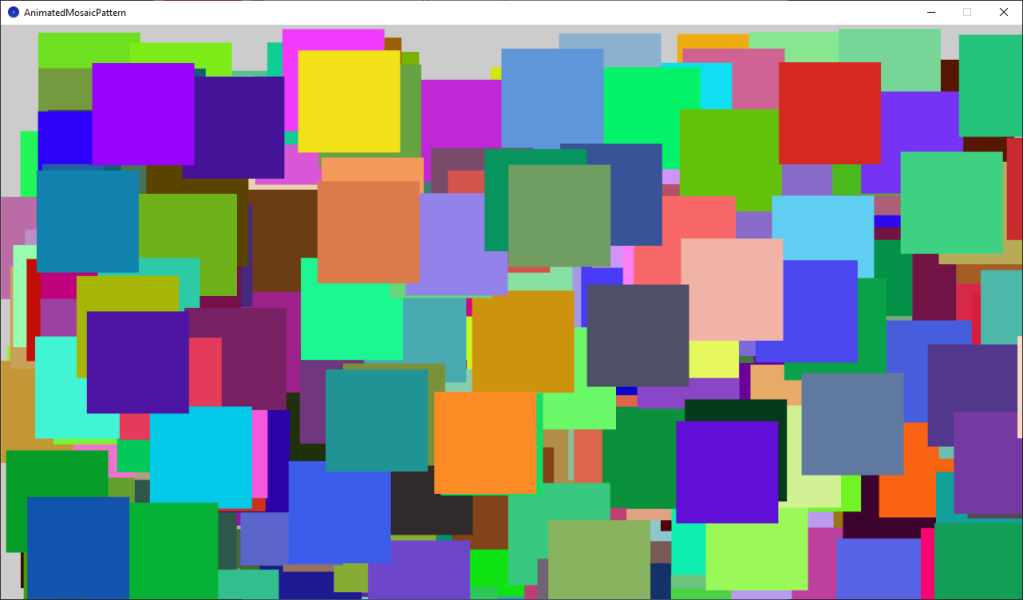
This tutorial will show you how quick and easy it is to use Processing and Java to create art using code. You will learn how to create a beautiful animated mosaic pattern. No prior knowledge of coding is required. All you need is a willingness to learn.
-
Creating a spotlight effect in Shadertoy

This tutorial will show you how to create a animated spotlight effect in Shadertoy. You will learn how to animate the circle using time and a sine wave. So the circle moves back-and-forth across the screen.
-
Creating a sepia vignette effect in GIMP
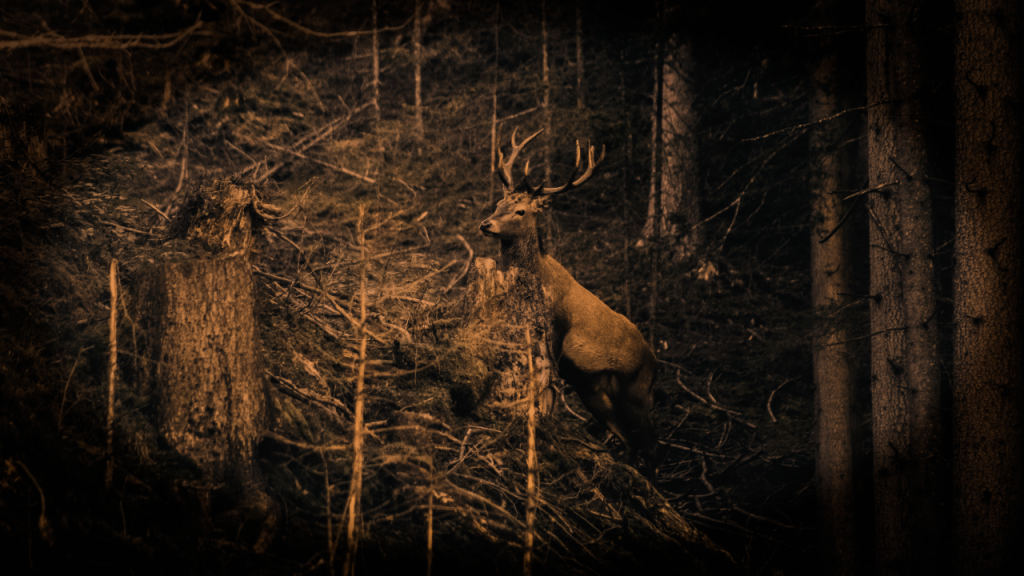
Learn how to create a sepia vignette effect in the GIMP image editor. The process should be similar for other image editors like Adobe Photoshop. You will adjust the contrast, convert to greyscale, colorize, and use an ellipse with gaussian blur to create a vignette.
-
A gentle introduction to Shadertoy

Learn how to create and share shaders online using the easy to use Shadertoy from scratch. No math or programming knowledge is required to complete this tutorial. This tutorial will teach you all you need to know to get started, so I encourage you to give it a go :)
-
How to invert an image in a shader

This tutorial demonstrates how to invert any or all of the image RGB channels using a GLSL shader. By following these simple steps, you can easily manipulate and invert specific colour channels in your images.
-
How to create a shining coin using a shader
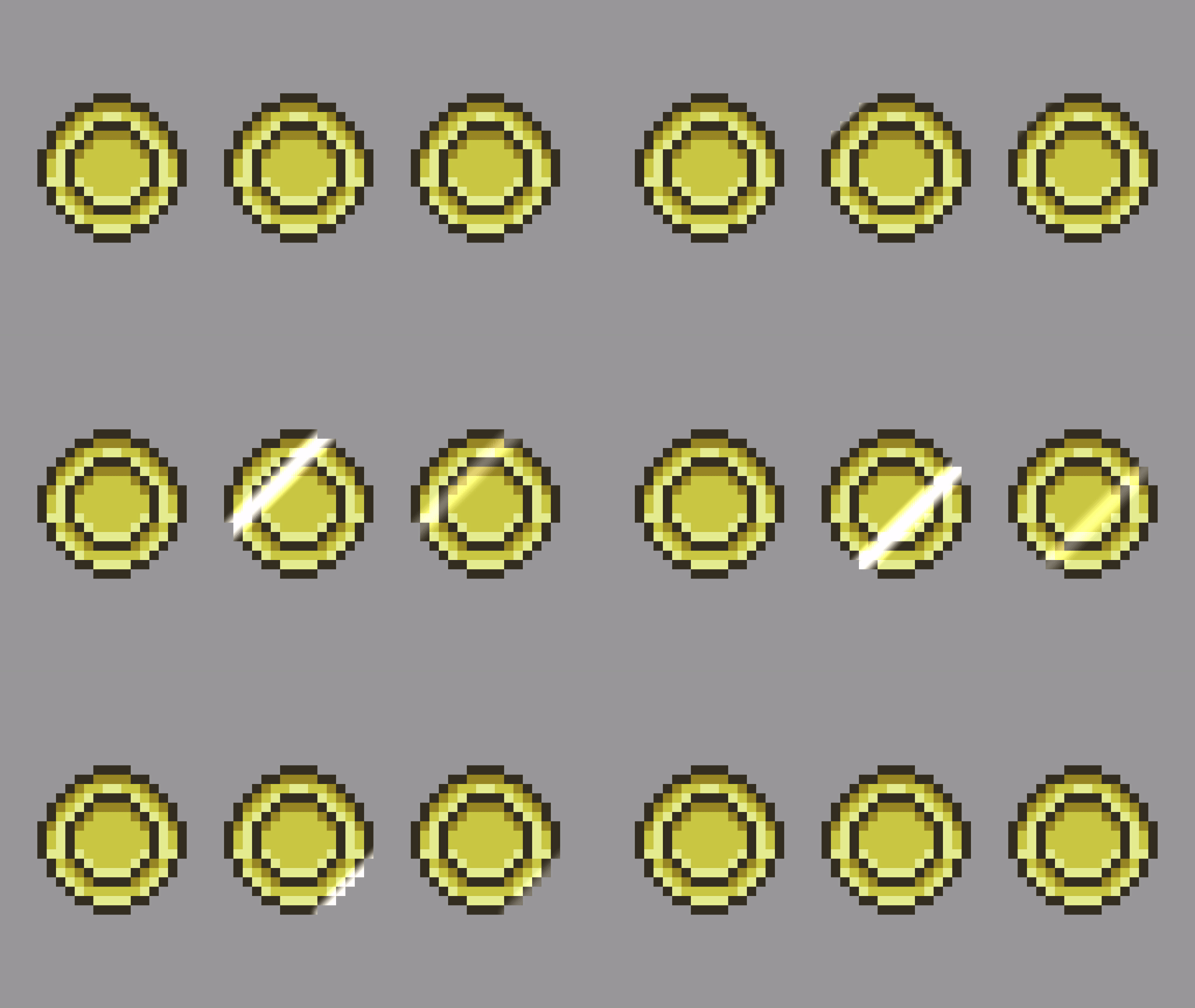
Learn how to create a stunning shining coin effect using a line segment SDF in a GLSL shader. Step by step instructions help you achieve a professional finish. Play with brightness and smoothing for your unique touch. Check out the examples for inspiration. Get creative and enjoy the process!
-
Creating a binary image shader
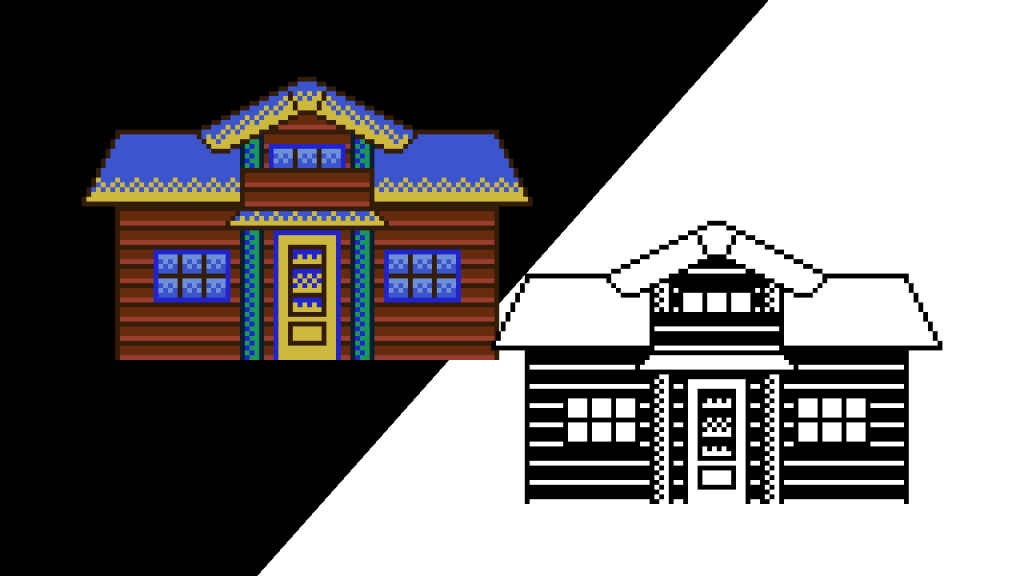
In this tutorial, learn how to convert a sprite to a binary image using a GLSL shader. Utilising only two colours, typically black and white, you can follow simple steps to achieve this effect. Experiment with different colours and bias values to personalise your results. Get creative and enjoy the process!
 Agate DRAGON Games