
Tag: coding
-
Processing paint program: Creating an eraser
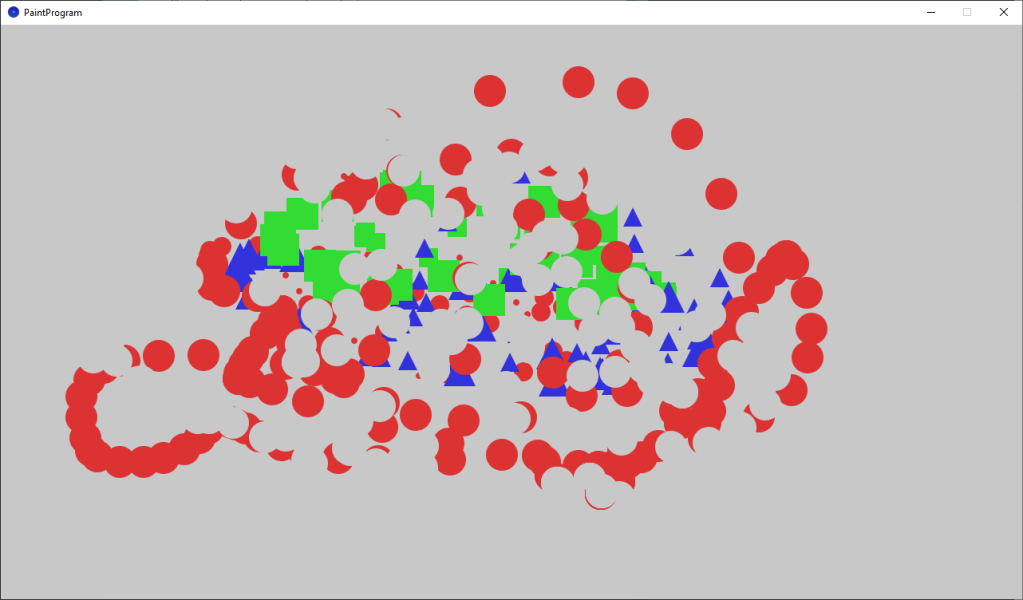
This tutorial teaches you how to add an eraser to the paint program, and follows on from the last tutorial about changing the brush size. We will also pick better colors, which aren’t so bright.
-
Processing paint program: Changing the brush size
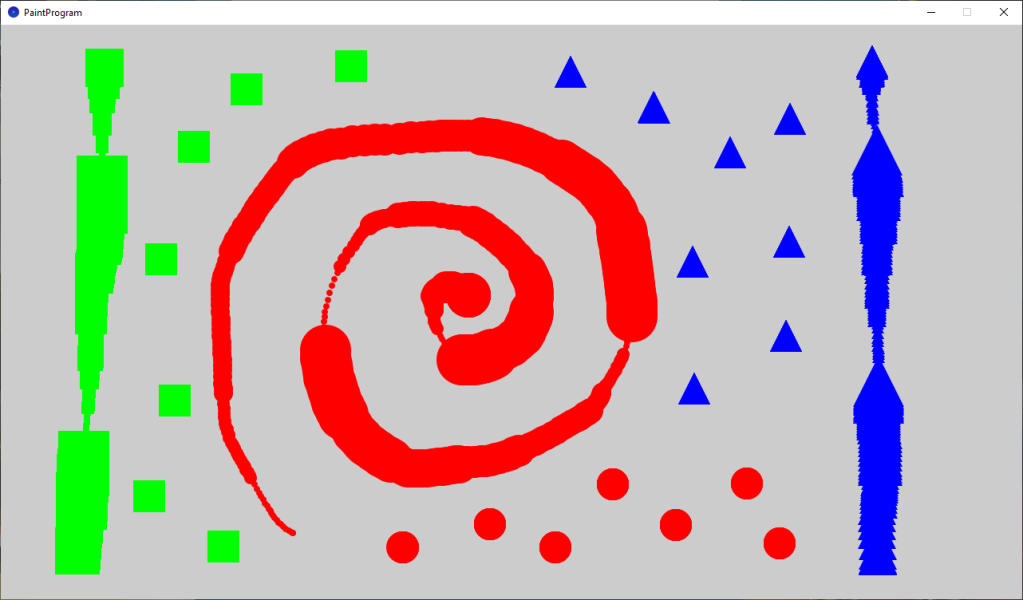
This tutorial leads on from the last tutorial, where we created a basic paint program. We are now going to improve our paint program by adding some new features. The user will be able to change the brush size and clear the screen.
-
Creating a painting program in Processing
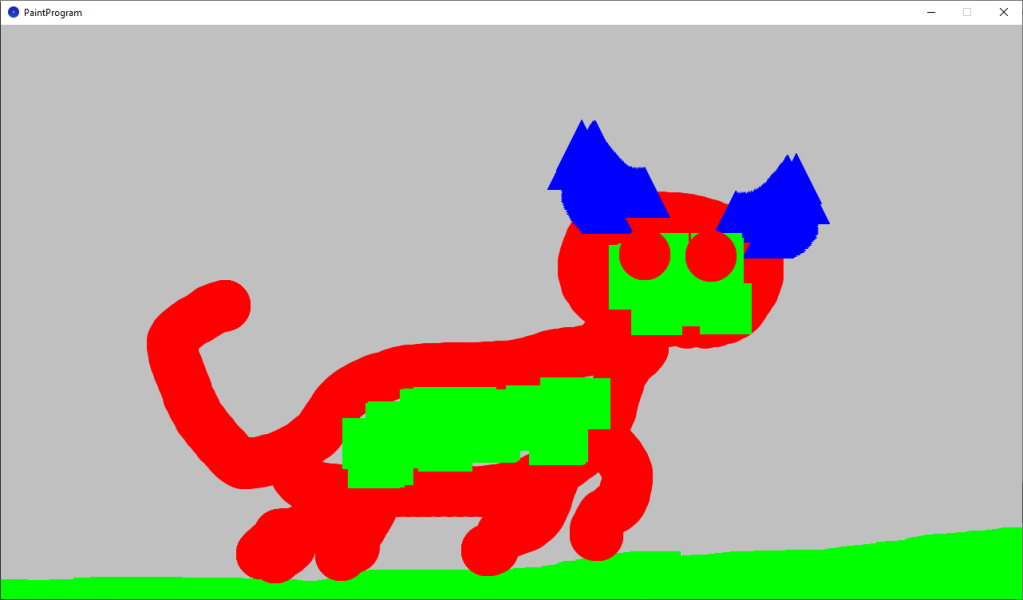
This tutorial will show you how to create a painting program in Processing. You will learn how to draw shapes using mouse input. You will use keyboard input to change the colour and the type of shape to draw. You will learn about if statements, how to create your own functions and how to create…
-
Creating a animated mosaic pattern in Processing
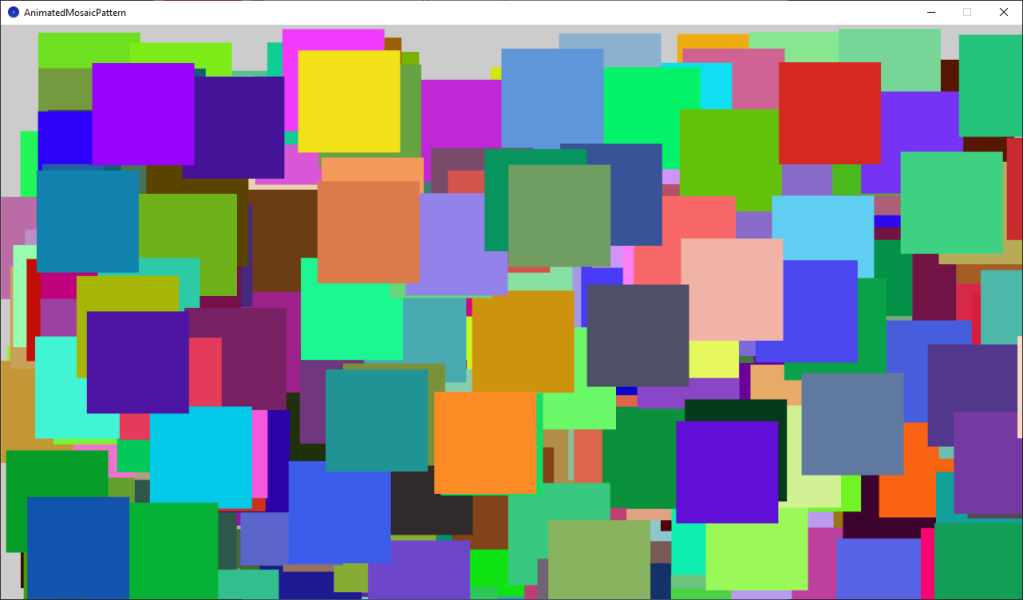
This tutorial will show you how quick and easy it is to use Processing and Java to create art using code. You will learn how to create a beautiful animated mosaic pattern. No prior knowledge of coding is required. All you need is a willingness to learn.
-
Creating a spotlight effect in Shadertoy

This tutorial will show you how to create a animated spotlight effect in Shadertoy. You will learn how to animate the circle using time and a sine wave. So the circle moves back-and-forth across the screen.
-
Creating a simple vignette in Shadertoy

Creating a vignette shader effect in Shadertoy is easy and fun. You can learn to manipulate UV coordinates, create a circle function, and add ambient light to enhance the effect. Experiment with ambient light, circle position, radius, and smoothness to perfect your vignette. Start creating on Shadertoy and unleash your creativity!
-
How to invert an image in a shader

This tutorial demonstrates how to invert any or all of the image RGB channels using a GLSL shader. By following these simple steps, you can easily manipulate and invert specific colour channels in your images.
-
Greyscale sprite shader
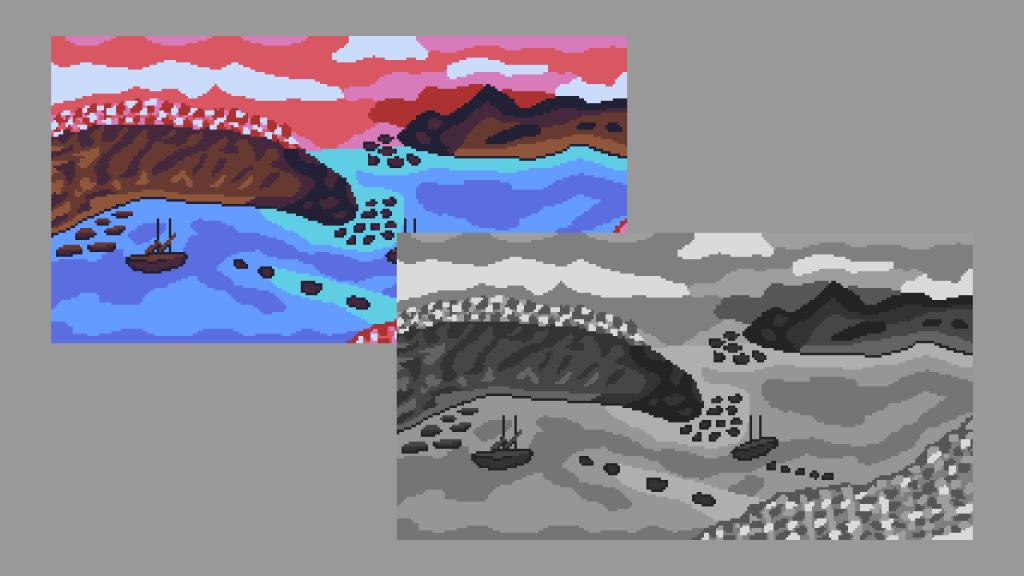
This tutorial shows you how to convert the RGB channels of a sprite to greyscale using weights in a shader. The tutorial is written in the GLSL programming language.
-
Simple RGB Split Shader
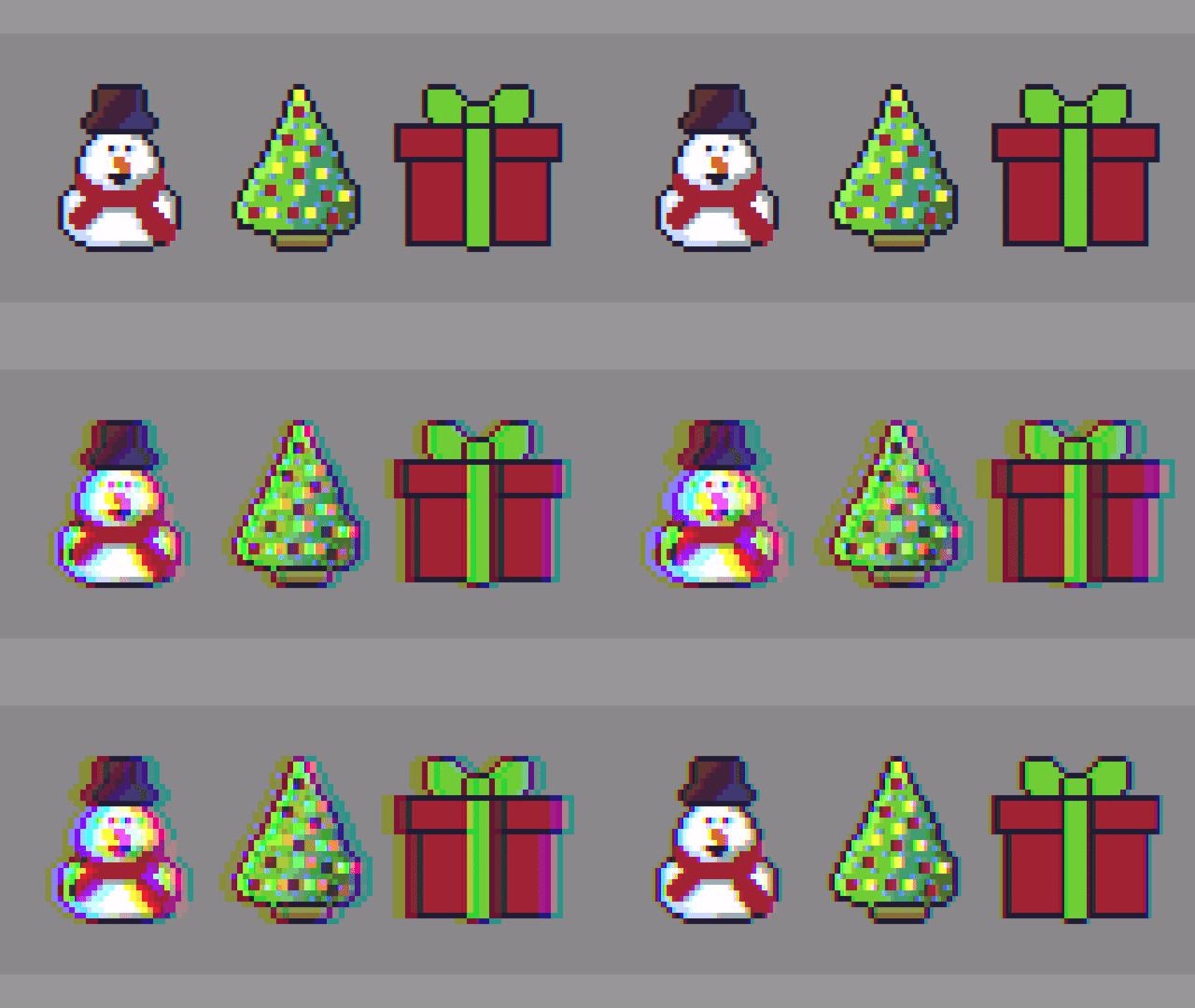
Hello, this tutorial will show you how to create a simple RGB Split shader effect. The effect is commonly used in image editing programs like Adobe Photoshop, video content and video games. It is also known as chromatic aberration.
-
Glitch shader effect using blocks (Part 2)
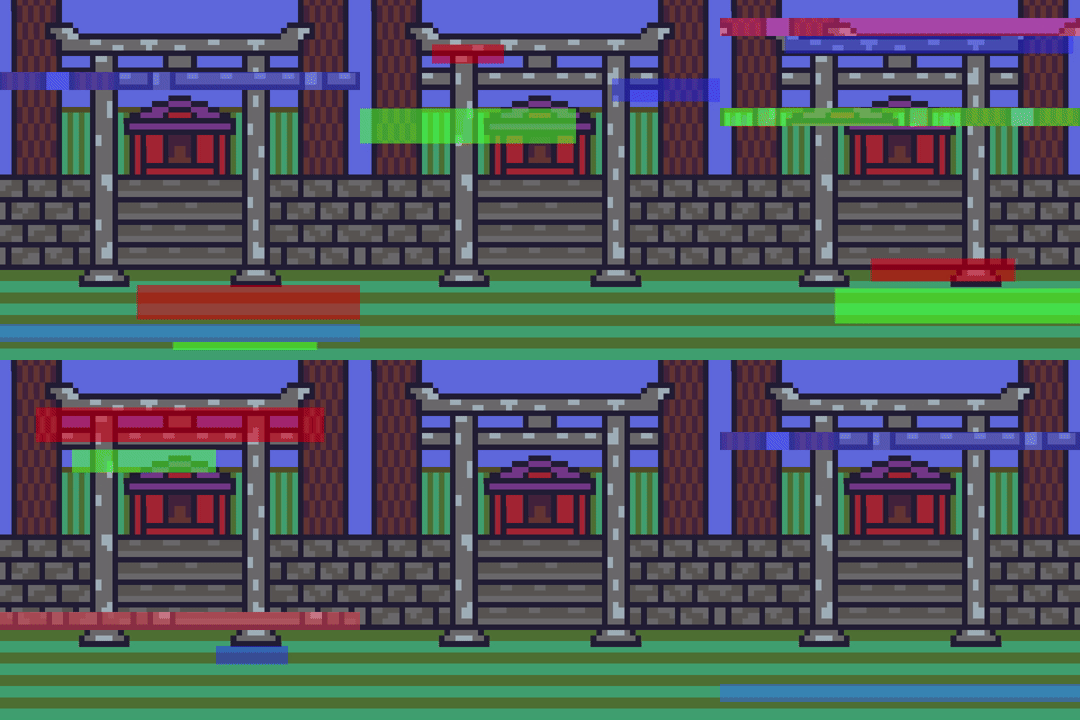
This tutorial leads on from the last tutorial about creating a glitch effect using displacement lines. The current tutorial will add blocks of different sizes and colours, at different time segments to enhance the glitch effect.
 Agate DRAGON Games