

Learn how to create a animated television effect in a GLSL shader by combining various effects such as barrel distortion, scanlines, random noise, vignette, gradients and duotones.
I will use this original castle background pixel art which I made in Aseprite for this tutorial:

Barrel distortion
Create a copy of the UV coordinates and apply barrel distortion to them. Set the texture wrapping to clamp to border. Play with the barrel distortion power until you are happy.
Learn about barrel distortion here.

Scanlines
Apply scanlines. Adjust the repeat and modulus value. Use time to animate the scanlines and scale time to control the speed. Mix it with the original texture to control the opacity.
Learn about scanlines here.

Noise
Generate noise and control the speed at which it animates using time. Mix it with the original texture to control the opacity.
Learn about noise here.

Vignette
Create a vignette using a circle. Adjust the circle size and smoothness. Play with the ambient light. Multiply the result against the current pixel colour.
Learn how to apply a vignette here.

Greyscale
Convert the current pixel colour to greyscale.
Learn about converting to greyscale here.
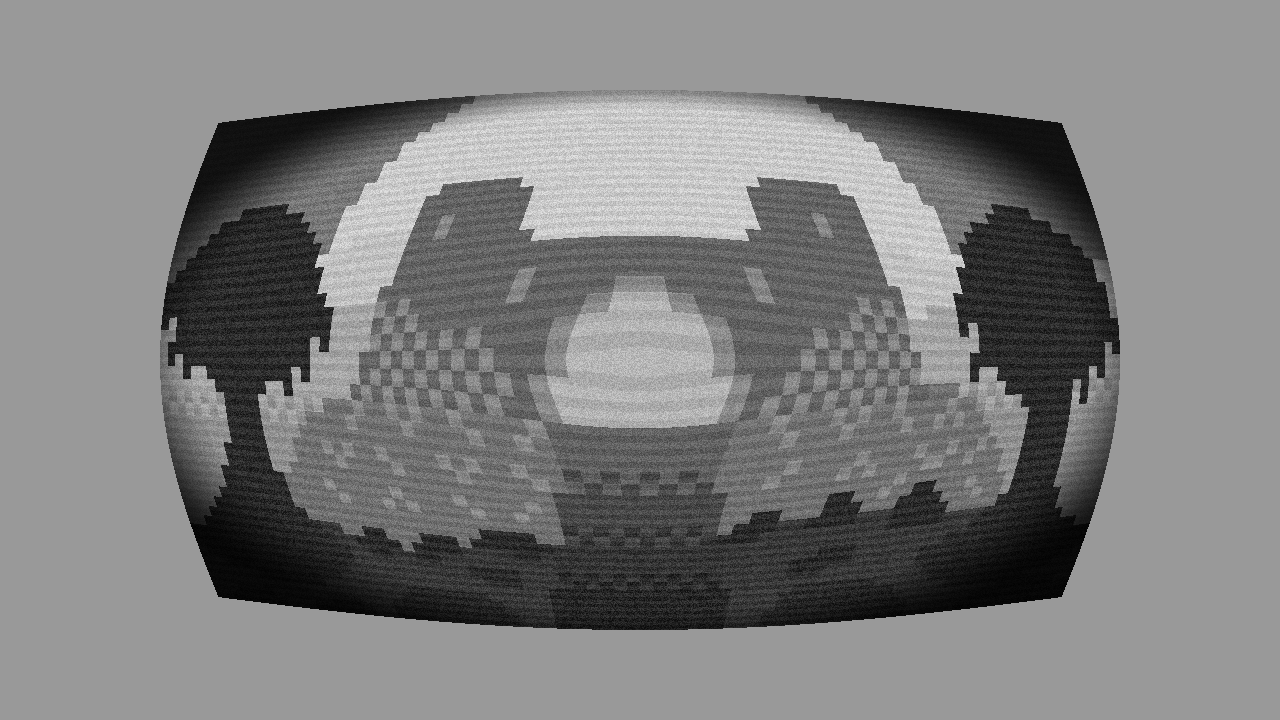
Gradient
Experiment with different gradients. I used a vertical gradient, tinted it purple and added some ambient light.
Learn about duotones and gradients here.


Duotone
Duotones can be fun to!


Conclusion
This tutorial has shown you how to combine various effects to create a animated, and highly customisable television effect using a GLSL shader.
Thank you for reading this tutorial. Let me know in the comments section if you enjoyed it, or have any questions!
 Agate DRAGON Games
2 responses to “Creating a television effect in a shader”
Hey an artist looking to sell my services and my artwork and wisdom guidance
Hey, thanks for stopping by. I’m not currently in need of an artist, but your work looks great!